
Every store owner knows the feeling: a to-do list that never ends. Ecommerce automation software can help manage the chaos by handling tasks like packing orders, answering customers, and sending emails.
Automation is a smarter way to manage it all. By handing off the busywork, you can focus on what drives your business, like big-picture projects and creative growth.
In this post, we’ll cover the best ecommerce automation software, what makes each unique, and how to choose the right fit for your store.
TL;DR: there's a template for that
What is ecommerce automation?
Ecommerce automation uses software to take care of those tasks that eat up hours but rarely need a human touch. Imagine a system that automatically auto-tags orders with custom engraving requests, notifies your wholesale team when high-volume items are sold, or pauses paid ads when inventory drops below a threshold. These aren’t just nice-to-haves. They’re practical workflows that help you stay on top of tasks without the stress.
The goal is simple: let automation handle the busywork so you can tackle tasks that move the business forward. Instead of running around fixing problems or tracking down lost information, you create an automated process that catches issues and solves them on its own.
Real-world automation covers all parts of an online store, including order management, marketing, inventory updates, and customer support. With software that supports multi-step workflows and powerful integrations, you don’t just have a few shortcuts; you have a complete platform to shape how your business runs. Automation isn’t just about speed. It’s about ensuring nothing slips through the cracks and your customers get a seamless experience every time they shop.
For a deeper look at how it works and where to start, read what ecommerce automation is.
Top 5 ecommerce automation software
Shopify Flow
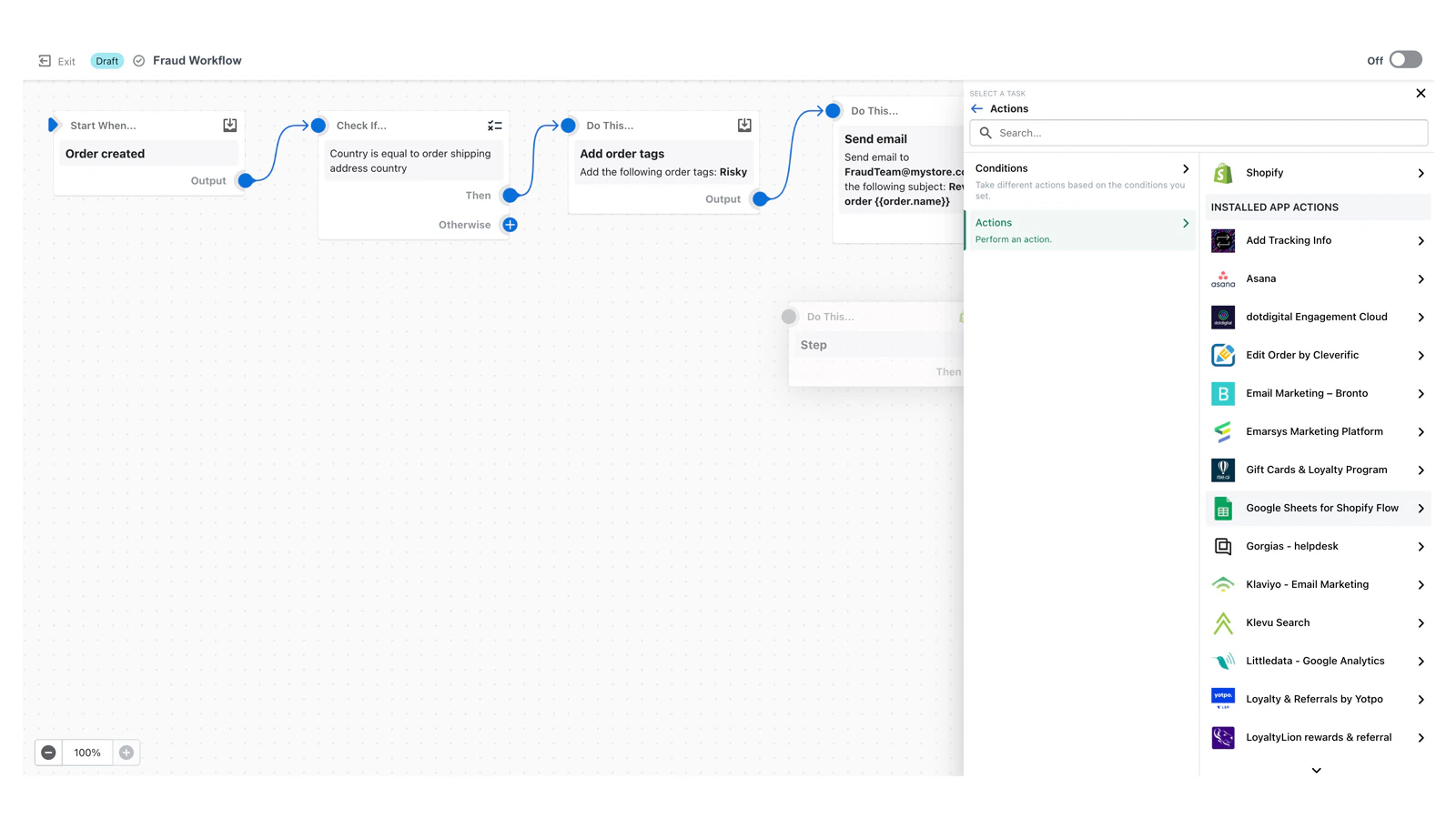
Shopify Flow is for Shopify users who need shop-native automation. The app makes it easy to set up processes to spot high-risk orders, alert team members of critical shop activity, or initiate custom workflows when product details change. Everything operates inside the familiar Shopify admin, so you can control store operations without leaving your dashboard.
Flow’s most significant advantage is its direct connection to Shopify’s core features. Automation steps can respond to product, inventory, or customer activity changes. However, note that Flow’s reach is primarily contained within Shopify’s own environment; integration with external platforms is limited, so stores that use a broader tech stack should look elsewhere.
Zapier
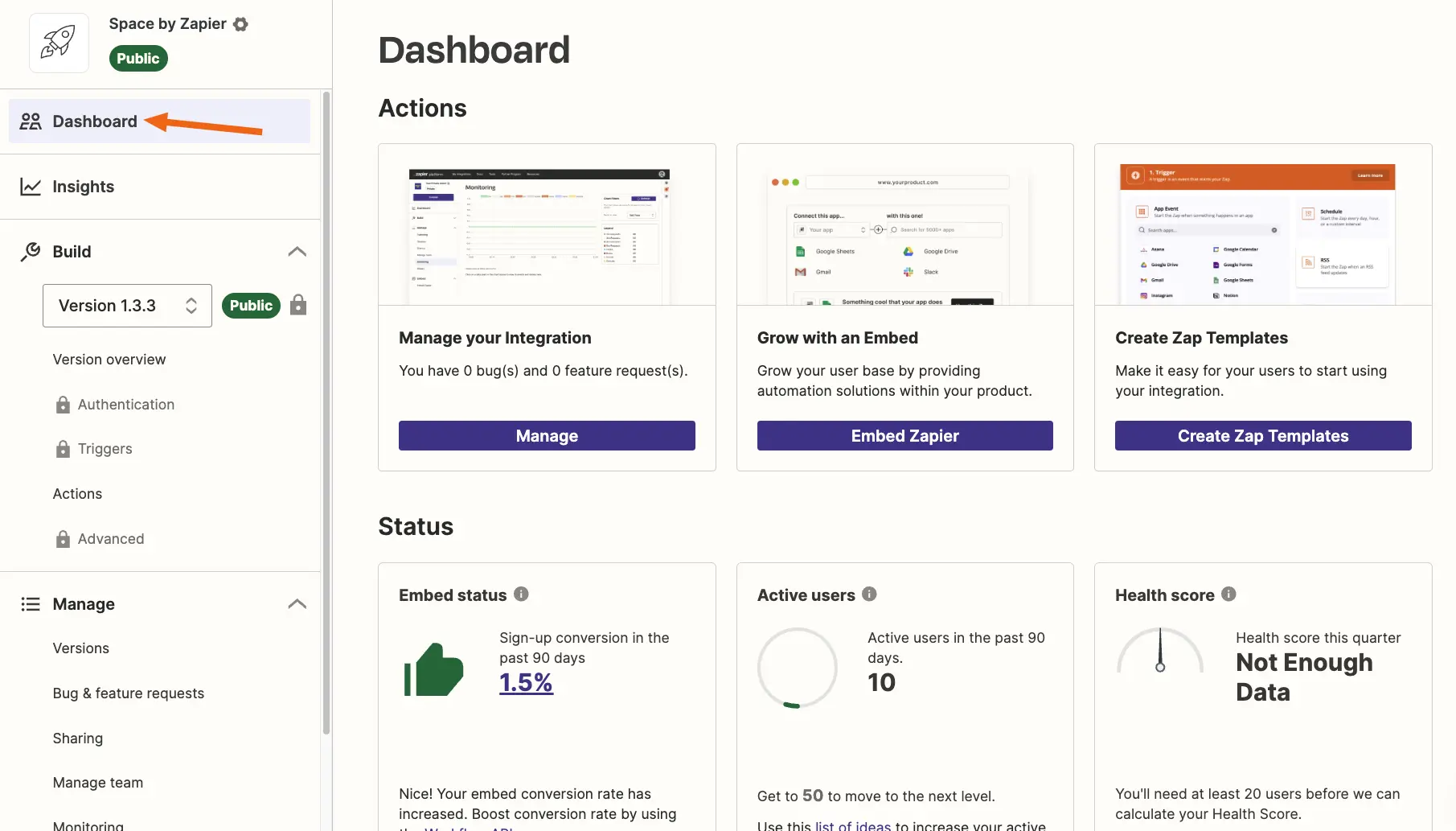
Zapier is a popular automation platform that can connect thousands of apps across ecommerce, marketing, operations, and more. Merchants can build simple workflows by linking triggers and actions between platforms like Shopify, Google Sheets, Slack, etc. This makes it easy to automate tasks like adding new customers to a mailing list or sending notifications when orders are placed.
Its greatest strength is its broad compatibility and ease of use, especially if you want to automate everyday tasks without writing code. However, because Zapier is a general-purpose automation platform, it lacks the ecommerce-specific logic and native store integration found in platforms like Shopify Flow or MESA.
For a deeper look at how the two stack up, see our MESA vs Zapier comparison.
MESA
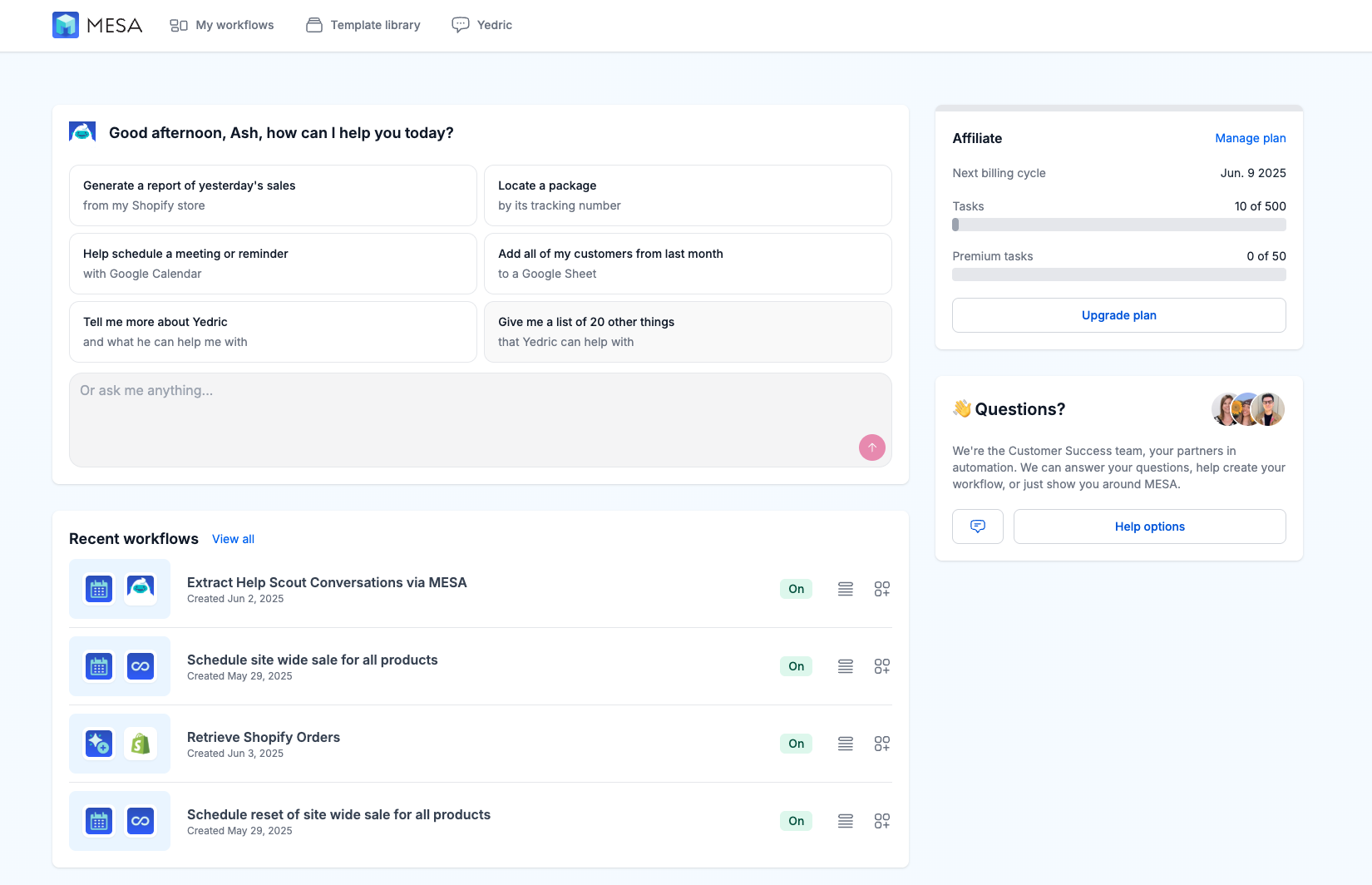
MESA allows you to build automations that connect across a wide range of ecommerce tools and services. It links actions across different apps, making tasks like updating Google Sheets, sending time-sensitive team notifications, or coordinating backend processes simple. With skilled AI agents via MCP (Model Context Protocol), MESA lets you manage workflows by describing what you need, making complex workflows accessible.
With its flexibility and deep Shopify integration, MESA is the ideal choice when you need more than just the basics. It handles highly customized business logic without code, making it perfect when you want a solution that adapts to your unique tasks.
Parabola
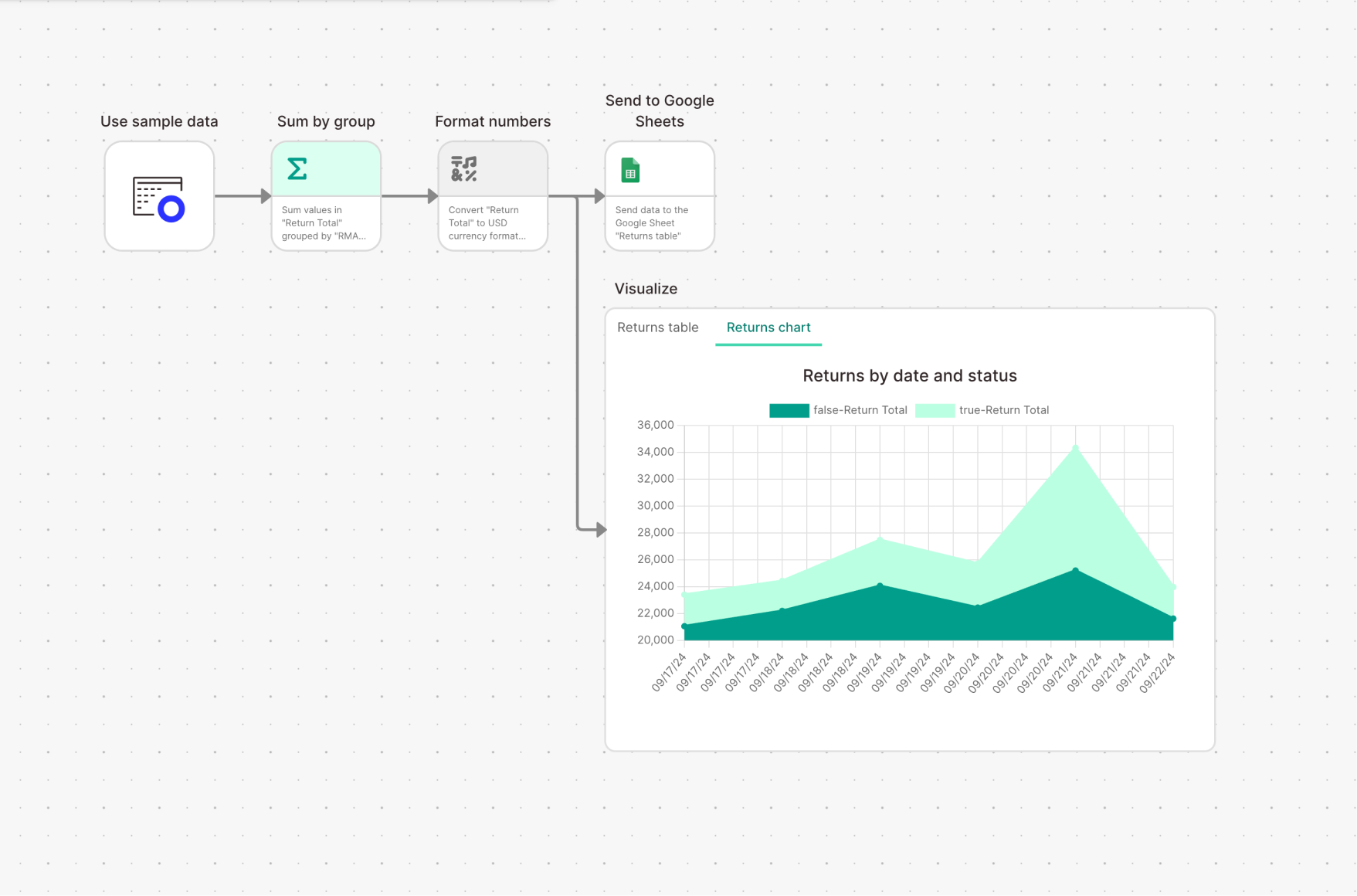
Parabola gives Operations teams a visual environment to manage and automate complex data processes. The drag-and-drop interface lets users design logic for tasks like transforming sales data before importing it into analytics dashboards or consolidating order information from multiple channels. This makes it possible to create and test advanced workflows like reconciling inventory across platforms or generating custom reports without technical skills.
Each step in a workflow can be monitored and adjusted in real time, perfect for businesses that frequently change product lines, pricing, or fulfillment processes. Parabola stands out for demystifying data automation and giving non-developers the tools to drive efficiency.
Klaviyo
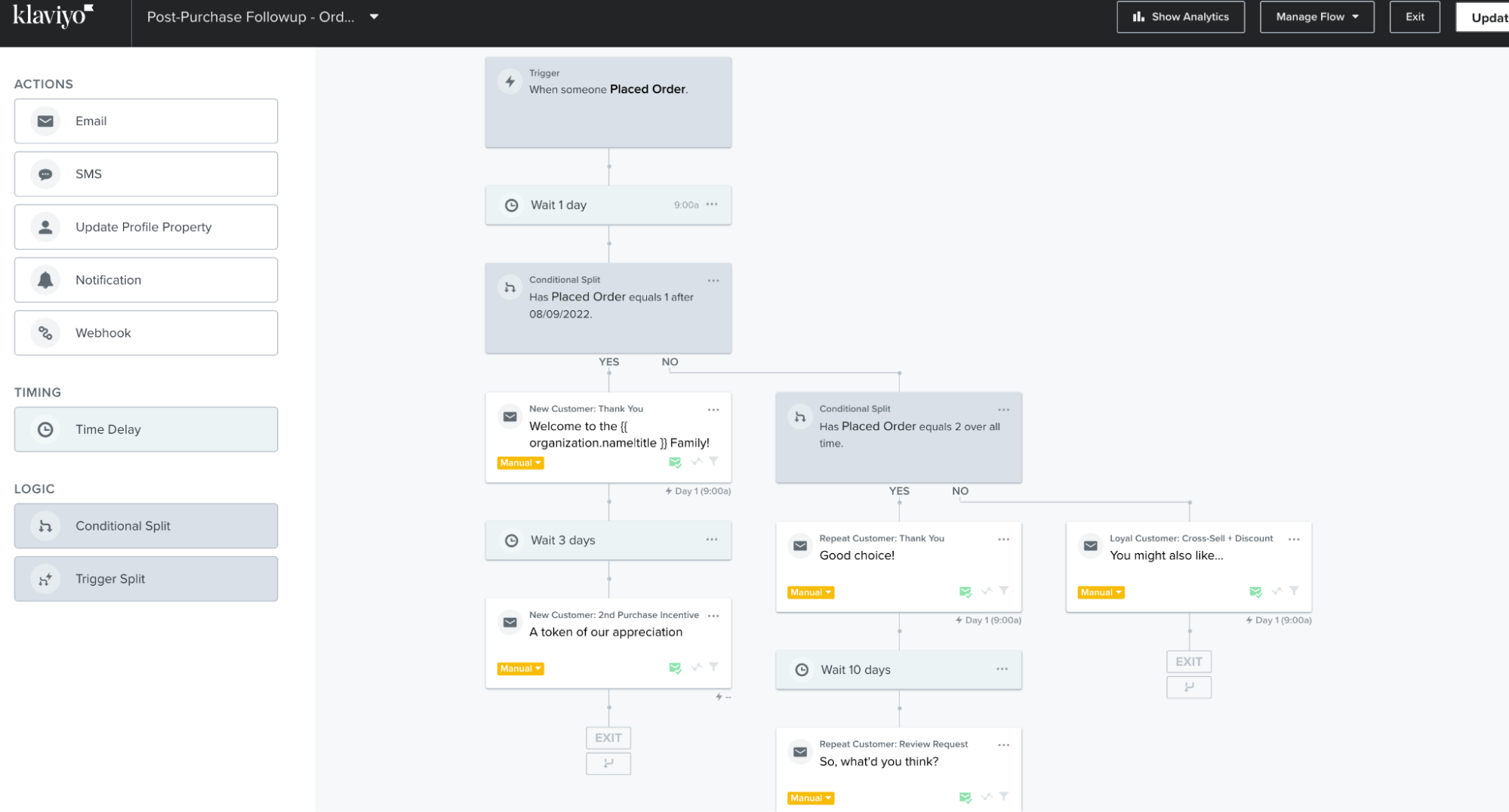
Klaviyo is focused on marketing automation, emphasizing customer retention and dynamic communication. The platform delivers targeted campaigns and transactional messages triggered by customer milestones or behaviors like lapsed purchases, product reviews, or loyalty program achievements. Granular segmentation lets you tailor campaigns to audience preferences and increase engagement and lifetime value.
For store owners, Klaviyo simplifies building automated journeys that nurture relationships at every stage. Pre-built flows ensure new customers receive thoughtful welcomes, returning buyers receive personalized recommendations, and loyal shoppers receive exclusive offers. The result is a marketing machine that drives growth and customer loyalty without manual intervention.
Popular ecommerce automation solutions
Ecommerce automation does more than send order updates or cart reminders. With the right workflows, you can get more done with less effort.
Inventory management
Track real-time stock levels, update quantities across all your sales channels, and flag low-stock items for reorder. No more updating spreadsheets or worrying about overselling.
Order fulfillment
On the fulfillment side, automation can route orders to the right warehouse, print shipping labels, and update customers on their packages' journey, all without manual effort.
Customer support
Customer support automation makes chatbots and help desk tools your first line of defense. They answer questions, create tickets, and handle returns so you don’t have to.
Marketing
Marketing platforms let you personalize emails, run multi-channel campaigns, and segment your audience based on behavior, purchase history, or demographics.
What to look for in ecommerce automation software
When choosing automation software, the best platforms must first and foremost connect the apps you need and be easy to use.
If you are comparing platforms built for multi-step workflows, see our roundup of the best workflow automation software for ecommerce.
Adaptable workflows and event-driven triggers
Your business isn’t a spreadsheet. It’s a living thing that changes fast: sales spike, inventory runs out, fraud patterns shift. Automation software should let you build logic around events, not just scheduled tasks.
Seamless operations across every channel
Most platforms claim to “integrate.” Few handle the reality of omnichannel. You need automations that can span sales channels (Shopify + Etsy), ops tools (ShipStation + 3PL), and customer touchpoints (email, SMS, retail POS).
Intuitive design for fast building
You shouldn't need a dev team to build a flow that auto-tags wholesale orders. But you also shouldn’t hit a wall when you want to build something advanced.
Getting started with ecommerce automation
Rolling out automation begins with an audit of your store’s workflow. Map each process across departments, including shipping, returns, product updates, and customer onboarding, to identify where manual steps still exist. Shine a light on areas where bottlenecks slow progress or errors have crept in. These are often the processes that need improvement.
Next, consider which aspects of automation will yield the most measurable results in the shortest time. Focus on improvements that will help operational efficiency and the customer’s perception of your brand, like auto-generated order tracking or personalized post-purchase outreach.
Pick software that matches your store’s reality. Can each platform sync with your data sources, support multi-step automations, and have a visual interface for process changes? The right one will let your team test, iterate, and refine workflows so continuous improvement is part of your business.
Frequently asked questions
What are the best ecommerce automation software options available?
Top ecommerce automation tools include MESA, Zapier, and Shopify Flow. These platforms help automate key areas like order processing, inventory management, customer support, and marketing.
How can ecommerce automation software improve my business efficiency?
Automation software improves efficiency by streamlining repetitive tasks, reducing errors, and saving time. By automating fulfillment, inventory tracking, and customer communication, you can focus on strategic growth..
Are there free ecommerce automation tools?
Some solutions offer free plans or trials, which help test basic features. However, they often come with limits on usage, integrations, or functionality. A paid plan may be worth the investment if your needs are more advanced.
