🌞 💪 We put in the work this June so you can get more done with less hassle. Whether you're tracking partner app metrics or tracking shipments, there's plenty to check out. We've also upgraded go-to integrations with new triggers, actions, and templates.
Curious what's new? Let’s dig in:
🛍️ New app: Shopify Partner
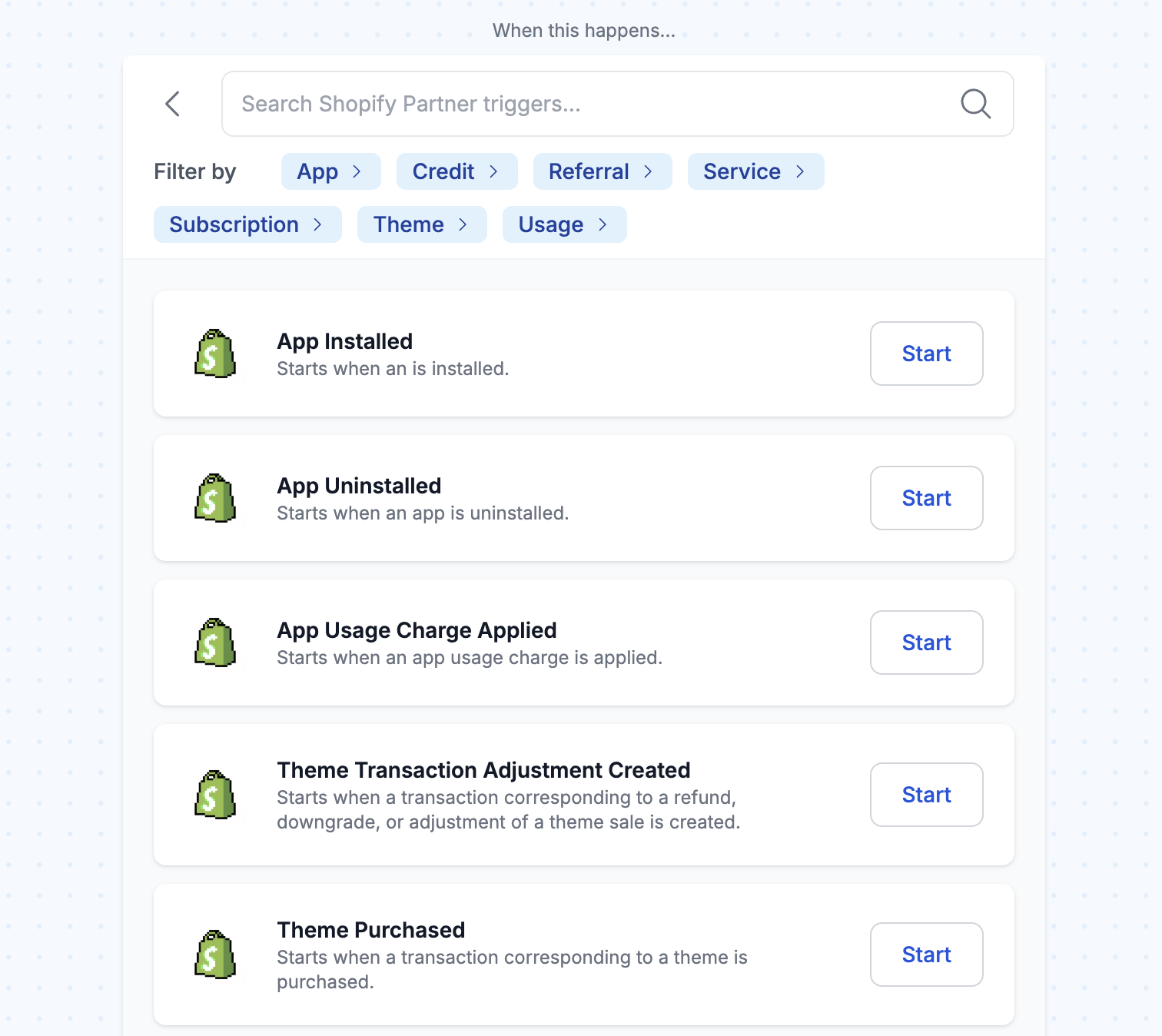
Upgrade your dev tools with direct access to the Shopify Partner API. Monitor installs, uninstalls, credits, and usage charges in real time, then send the data to Slack, Google Sheets, or Airtable to keep everything visible and actionable.
Try these Shopify Partner workflow templates:
Track Applied Shopify App Credits in Google SheetsAutomatically log each app credit issued with date, Shopify store domain, amount, and notes in a central Google Sheets record. This enables the monitoring of trends, detection of unusual activities, and ensures accurate record-keeping for support and reporting.
Receive a Slack Alert When Your Shopify App is UninstalledStay on top of customer activity with instant Slack notifications whenever a merchant uninstalls your Shopify app. This template listens for uninstall events via Shopify Partners and delivers key merchant and event details to your Slack channel so you can follow up, gather feedback, and improve retention.
Receive a Slack Alert when an App Credit is AppliedStay informed with Slack alerts whenever a Shopify app credit is applied. This template provides real-time insights into the issuance of app credits, ensuring you know when and why credits are granted. Detailed notifications are sent directly to your Slack channel, keeping your team updated and in control of app credit transactions.
Retrieve Shopify App Usage ChargesThis template uses the MCP tool to return a list of usage charges associated with your Shopify app during a defined time period. Optionally, you can filter the results by store to view charges from a single merchant. Use this data to track billing trends, analyze app performance, or generate usage reports with precision.
Retrieve Shopify App InstallsEasily retrieve new Shopify app installs. When you prompt your AI assistant, MESA's MCP tool returns all new installations of your app along with each store's myshopify.com domain for a specific time range. Use this template to answer questions about growth and adoption trends or to trigger follow-up workflows based on new installs.
Retrieve Shopify App UninstallsStay in the loop when users uninstall your Shopify app. With a quick prompt to your AI assistant, MESA's MCP tool brings you a list of all recent uninstalls from Shopify Partners, complete with each store's myshopify.com domain and the exact time they left. It's a simple way to monitor churn, spot trends early, and kick off helpful follow-up workflows to re-engage users or learn why they left.
Retrieve Shopify App SubscriptionsStay updated with real-time tracking of Shopify app plan subscriptions. Engage your AI assistant to quickly retrieve comprehensive lists of new signups, detailing customer information, plan selection, and subscription value. This template provides instant visibility into app growth and financial outcomes, optimizing your business strategy and revenue analysis.
Track Shopify App Uninstall Events in Google SheetsGain actionable insights into customer churn by automatically logging Shopify app uninstall records into Google Sheets for easy analysis and trend spotting. This workflow runs on a scheduled polling trigger that checks the Shopify Partner API for new uninstall events and logs them into a Google Sheet.
Send Shopify App Uninstall Events to AirtableStay on top of user churn trends by automatically recording Shopify app uninstall activity in Airtable for organized tracking and team-wide visibility. This scheduled workflow regularly checks Shopify Partner activity for new uninstall events and adds them to an Airtable base for easy access.
Receive a Slack Alert for Each New Shopify App Subscription ChargeReceive Slack alerts for every new or upgraded Shopify app subscription. This workflow sends a message detailing each charge's date, time, and amount, ensuring you stay up-to-date with merchant activity. With this seamless integration, you can enhance your app management by quickly accessing subscription data and reacting promptly to new charges.
📦 New built-in app: Package Tracking
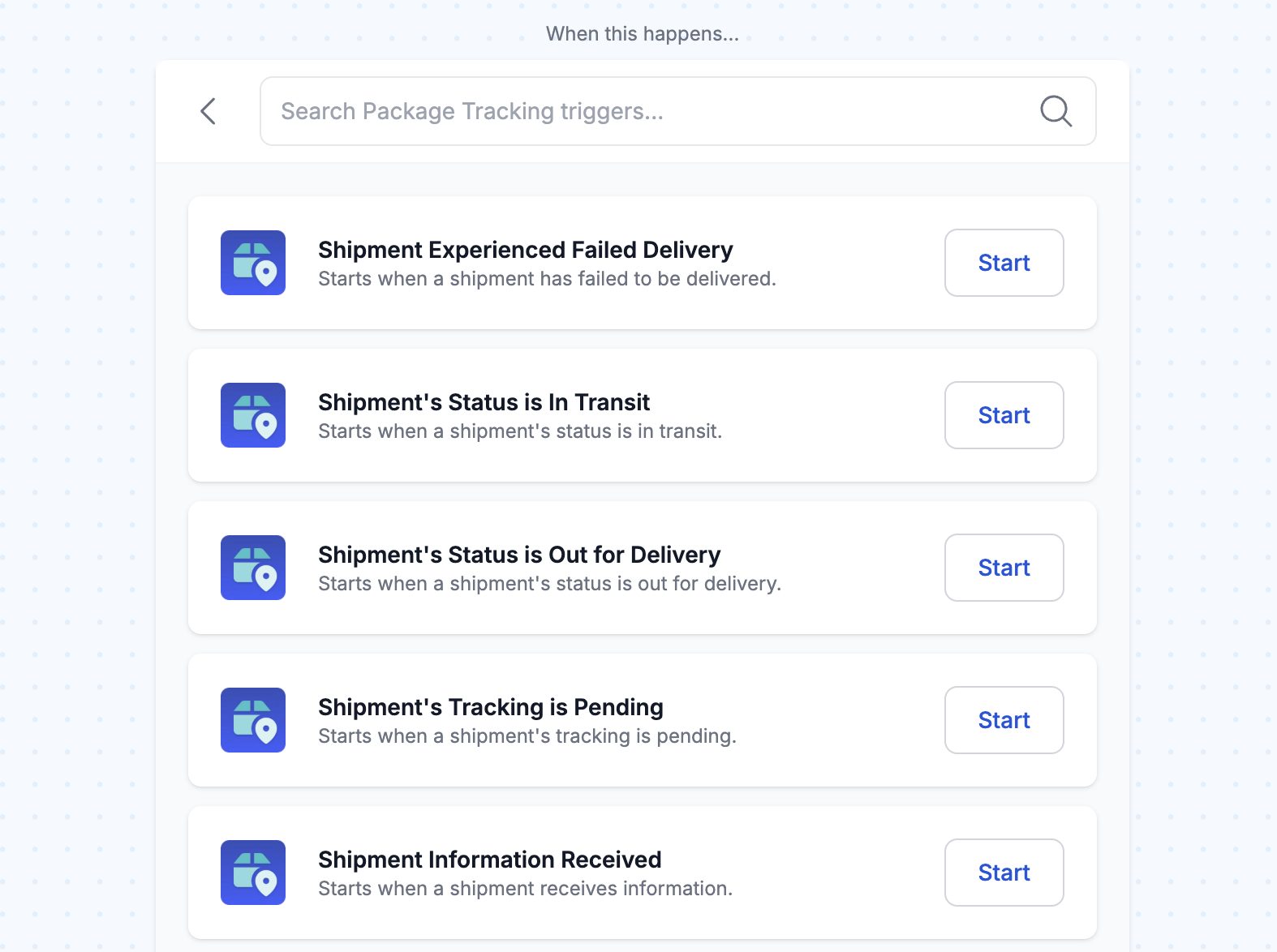
MESA’s built-in tool, Package Tracking, lets you monitor order shipments and trigger automated updates for your customers, back office team, or other apps. It's perfect if you don't have a dedicated tracking page on your website but still need to keep everyone informed and take action when shipment statuses change.
Try these Package Tracking workflow templates:
Track New Shopify FulfillmentsAutomatically track new Shopify fulfillments upon creation for instant shipment visibility. This setup eliminates manual processes and is essential for MESA's Package Tracking tool. By initiating tracking, you can trigger new workflows based on delivery milestones like 'In Transit' or 'Delivered,' enhancing post-purchase customer experiences.
Track a PackageTrack a package using MESA’s Package Tracking tool when an MCP workflow is triggered. This template uses MESA's MCP tool as the starting point and follows with a ‘Track Package’ action that retrieves real-time tracking details. Your AI agent can access the package's current location, expected delivery date, shipping service, weight, and complete route history. This enables you to automate shipment tracking, keep others informed with timely updates, and avoid the hassle of manually checking delivery status.
🛠️ Improvements
We’re always on the lookout for ways to make MESA even better. Here’s what’s new:
Klaviyo: It’s now quicker to connect and easier to send event data. Just use an email or phone number, and MESA will automatically find the right profile.
Google Calendar: Now you can automatically stay on top of new or updated events and create events from plain text. It’s easier than ever to keep your calendar current and connected.
Slack: Our upgraded integration now supports triggers for channel activity, user joins, and messages in private channels. New actions let you post messages, manage channels, react with emojis, and handle user invites.
Square: Setup is much easier with no extra steps or separate apps. We’ve also added new triggers to help you manage your product catalog better.
🚀 5 new Mantle templates
Sync Shopify App Subscription Plans to Xero ContactsSimplify contact management by auto-creating or updating records in Xero with each new plan subscription. Utilize Mantle to capture events instantly, syncing details for precise records. Save time, cut manual entries, and maintain organized accounting effortlessly.
Track New Customers From Mantle in Google SheetsThis template captures customer information whenever a new customer is created in Mantle and logs it into a structured Google Sheets spreadsheet. Eliminate manual data entry, enhance visibility into customer activity, and maintain organized records, all in one central place.
Create Salesforce Leads from New Customers Identified in MantleStrengthen customer engagement by connecting Mantle with Salesforce to convert new customers into leads automatically. This template captures new customer installs as they are identified in Mantle and creates corresponding Leads in Salesforce in real-time. This ensures you can take timely action on potential opportunities, keeping your processes efficient and responsive to customer activity.
Tag a Customer in MantleTag a customer in Mantle just by asking your AI assistant. When you make the request, it triggers MESA's MCP tool, which connects to Mantle and applies the tag to the customer using their Mantle ID. To find the right customer, use this template alongside the "Retrieve Mantle Customers" template and search by name or email.
Retrieve Mantle CustomersAutomatically retrieve Mantle customers when prompting an AI assistant. This template uses the MCP tool to fetch customer details from Mantle, giving the AI assistant access to the most recently created customers. Use this data to generate more intelligent responses, personalized recommendations, or targeted analysis.
🧵 5 new Etsy templates
Update Etsy Listing Price from Google SheetsEasily manage your Etsy listings in one place by making updates directly in Google Sheets—no need to edit each listing manually. With this template, you can update prices, titles, and descriptions in Google Sheets, and MESA will automatically sync the changes to your Etsy listings. Use Time Travel to import your current product data into Google Sheets, giving you a solid starting point for seamless future updates.
Send Etsy order and customer details to OdooHandling orders across multiple platforms can quickly become a time drain. This template simplifies your workflow by automatically saving order and customer details from Etsy to Odoo whenever a new Etsy order is placed. If the customer doesn't already exist in Odoo, MESA will create a new customer record. For existing customers, MESA will apply any updates, like contact information changes, to keep records accurate. This automation streamlines data management, minimizing manual entry and keeping your systems accurate.
Update Odoo Products When Etsy Listings ChangeSimplify product management by keeping Etsy and Odoo seamlessly aligned. When you update a listing on Etsy, MESA automatically creates the corresponding product in Odoo if it doesn't already exist. For existing products, MESA will update Odoo with changes made to the Etsy listing, ensuring consistent product information across both platforms—no manual updates needed. Note: This automation currently works only for Etsy listings without variants. This streamlined workflow helps maintain accuracy and saves you time.
Sync New Odoo Products to Etsy Draft ListingsKeep your Etsy store seamlessly aligned with your Odoo product catalog. This template automatically updates your Etsy draft listings whenever a product is created or modified in Odoo. MESA will either create a draft listing or update an existing draft listing on Etsy with the latest product details, ensuring your Etsy shop always reflects the most current information without the need for manual updates. Note: This template currently works only for Etsy listings without variants. This template saves time and keeps your listings accurate across platforms.
Send Etsy Orders to a Notion DatabaseEffortlessly send new Etsy orders to a Notion database, capturing essential details such as customer info, purchased items, and pricing. This template assists sellers in maintaining organization, reducing manual data entry, and optimizing order tracking in a centralized, customizable workspace.
🤖 4 new MCP templates
Find Social Media Accounts for an Email AddressEnrich leads with social context using MESA’s MCP workflow. Just prompt your AI assistant with an email address, and it will fetch the associated social media accounts, unlocking valuable insight in seconds. Personalize outreach, qualify prospects faster and spot high-value opportunities that might go unnoticed.
Get Google Calendar EventsReceive context-aware insights about your schedule directly from your AI assistant. With a simple Google Calendar request, instantly access your availability, meetings, or conflicts without app-switching. This template swiftly retrieves events from any specified timeframe, ensuring you stay organized and informed. Enhance your productivity with quick, effortless access to your schedule, enabling smarter decision-making in real time.
Create a Product on my Shopify StoreSimplify your catalog management by enabling your AI assistant or agent to instantly create new products in your Shopify store with a simple prompt. This workflow template uses MESA’s powerful MCP tool to collect essential product details and automatically builds the product for you. Eliminate repetitive data entry and launch new products faster, consistently, and easily.
Get My Incomplete Asana TasksEasily keep track of what’s still on your plate by using this workflow to fetch your incomplete Asana tasks with a simple prompt. This template leverages MESA’s MCP tool to search your connected Asana projects and return a list of tasks that are still open or marked incomplete. Whether you're building a dashboard, updating teammates, or just checking in on progress, this workflow ensures you have instant visibility into outstanding work without needing to open Asana.
✨ 5 new workflow templates
Save New Shopify customers to Notion DatabaseDitch outdated spreadsheets and upgrade your workflow. Seamlessly manage Shopify customer data in a dynamic Notion database. This template automatically syncs new Shopify customer details to Notion in real-time, ensuring your data is always up-to-date and organized. Experience effortless customer management with this automated solution.
Save Shopify Products to Notion DatabaseOptimize your Shopify product management with a customizable Notion database. This template automatically syncs new Shopify products to your Notion database, ensuring real-time organization of all product details. Streamline your workflow and effortlessly maintain up-to-date records.
Send Docusign Envelope for New Shopify OrdersStreamline document management by automatically sending Docusign envelopes for each new Shopify order. This MESA workflow template triggers a Docusign envelope from a predefined template, ensuring essential documents are delivered to customers without manual effort. Save time, reduce errors, and maintain a seamless ordering process by automating document delivery.
Schedule a Shopify Collection Price ChangeRun smarter sales automatically, save time, and reduce manual errors. This template begins at your scheduled date and time, instantly reducing the price of every product in your chosen Shopify collection by a set percentage. No manual updates are needed. It's the easiest, most precise way to launch timed promotions.
Log Shopify App Refunds to Google Sheets AutomaticallyKeep your team in the loop by automatically sending refund and customer details to Google Sheets. When a refund is issued in Mantle, this workflow adds all the key information, like the customer’s name, email, and refund amount, as a new row in your Google Sheet. It’s an easy way to give your support and finance teams real-time visibility, track trends, spot issues, and follow up when needed.
🎵 Playlist: Beats in seats
Turn up the heat with our June playlist! Featuring Beats In Seats to kick off the party. Just press play and ride the summer wave.
What to do next…
The fastest way to automate anything is to start with a single task.