Connecting AI assistants to real-world applications opens up enormous opportunities for anyone to optimize their work.
Now, by connecting your AI assistant to MESA’s MCP server, you get instant access to thousands of new skills. These skills can be chained together to create complex automations that haven’t otherwise been possible.
TL;DR: there's a template for that
What is MCP?
MCP (Model Context Protocol) is a standard that allows AI assistants (like Claude Desktop or Gemini) to securely and programmatically connect to real-world applications and perform actions.
Using MCP gives your AI-controlled access to your tools, essentially creating a trusted bridge between your AI client and the apps and systems you use every day.
Until recently, each application required its own custom MCP server, which meant lots of coding, server management, and setup. This complexity has deterred many from fully utilizing the potential of AI integration. However, solutions have emerged to simplify the process and make MCP more accessible to a wider range of users.
Connect once. Extend forever.
MESA MCP is the easiest way to add new capabilities to your AI assistant:
Approachable – No servers to spin up. No code to write. Just copy one line and securely unlock over 4,000 new actions.
Chainable – Call multiple tools in a single step. Then, ask for today's customers and see their orders too — no extra prompting required.
Comfortable – Stay in control by requiring approval for anything you want to review first.
Configurable – Choose which tools, variables, and accounts your AI can use. Point-click-chat your way to a smarter assistant.
Observable – See exactly how your agent interacts with your tools so you can fine-tune prompts and improve results
How MESA MCP works:
Time needed: 5 minutes.
Connecting your AI assistant to MESA’s MCP server is a simple three-step process. Following these steps, you can have a robust and secure connection between your AI and your business applications in minutes.
Learn more about getting started with MESA MCP.
- Create your AI-triggered workflow in MESA
First, the journey starts by creating an AI-triggered automation in MESA. Then, you’ll use the powerful “MCP Skill” trigger step. This step is the gateway for your AI assistant to begin automated workflows whenever specific requests or conditions are met.
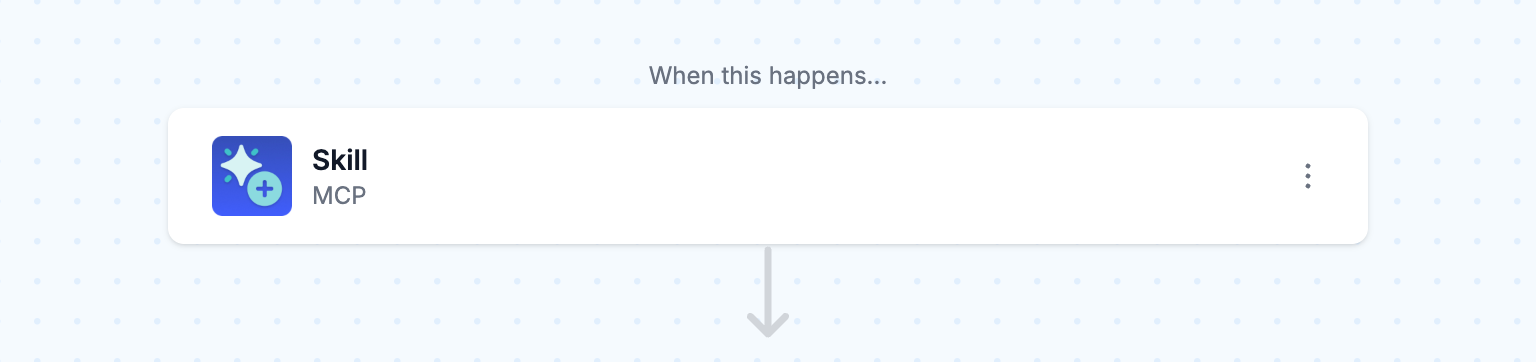
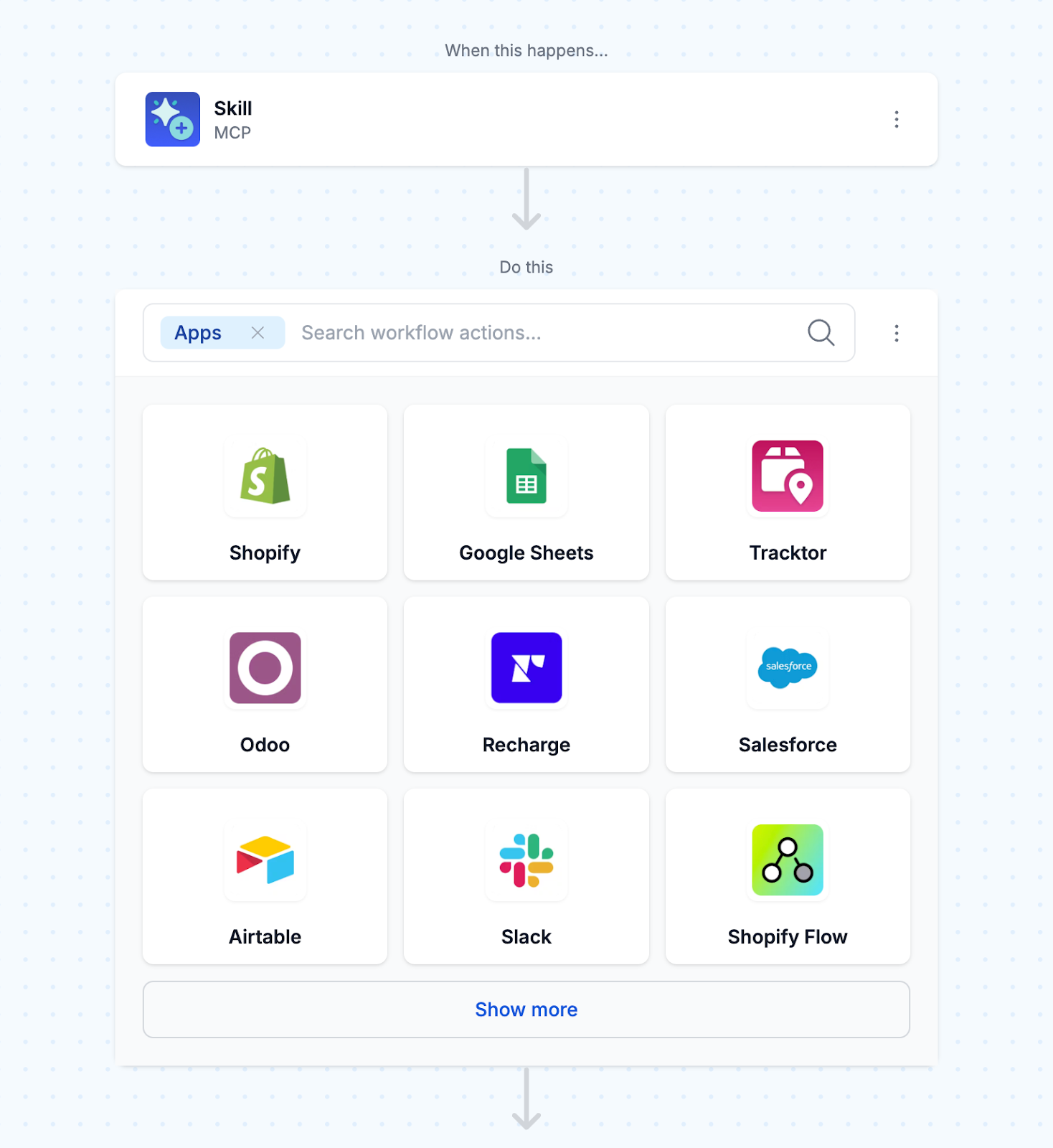
- Choose which actions your AI can use
Next, you need to select which actions your AI assistant will be allowed to execute within your automation. After that, MESA offers a library of pre-built app integrations you can choose from. As a result, you can easily connect your AI to your ecommerce store, marketing automation tools, customer support systems, and more—all without custom development.
- Connect your AI assistant to MESA
Next, you need to connect your AI assistant to MESA’s MCP server. MESA has a centralized, secure MCP server that is the hub for your entire workspace, making setup and management a breeze and eliminating the need for multiple server configurations.
To begin with, connecting your AI assistant to MESA’s MCP server is a one-time setup. Next, copy the code snippet from the MCP trigger and paste it into your AI assistant. For example, in Claude Desktop, navigate to Settings > Developer to paste the config (see our guide to configuring MCP servers in Claude Desktop for the full walkthrough of that file and its two other setup paths).
Afterward, all your MCP-enabled workflows will sync every time you open your AI client. As a result, your AI will always have access to the latest automations and actions—no manual updates needed.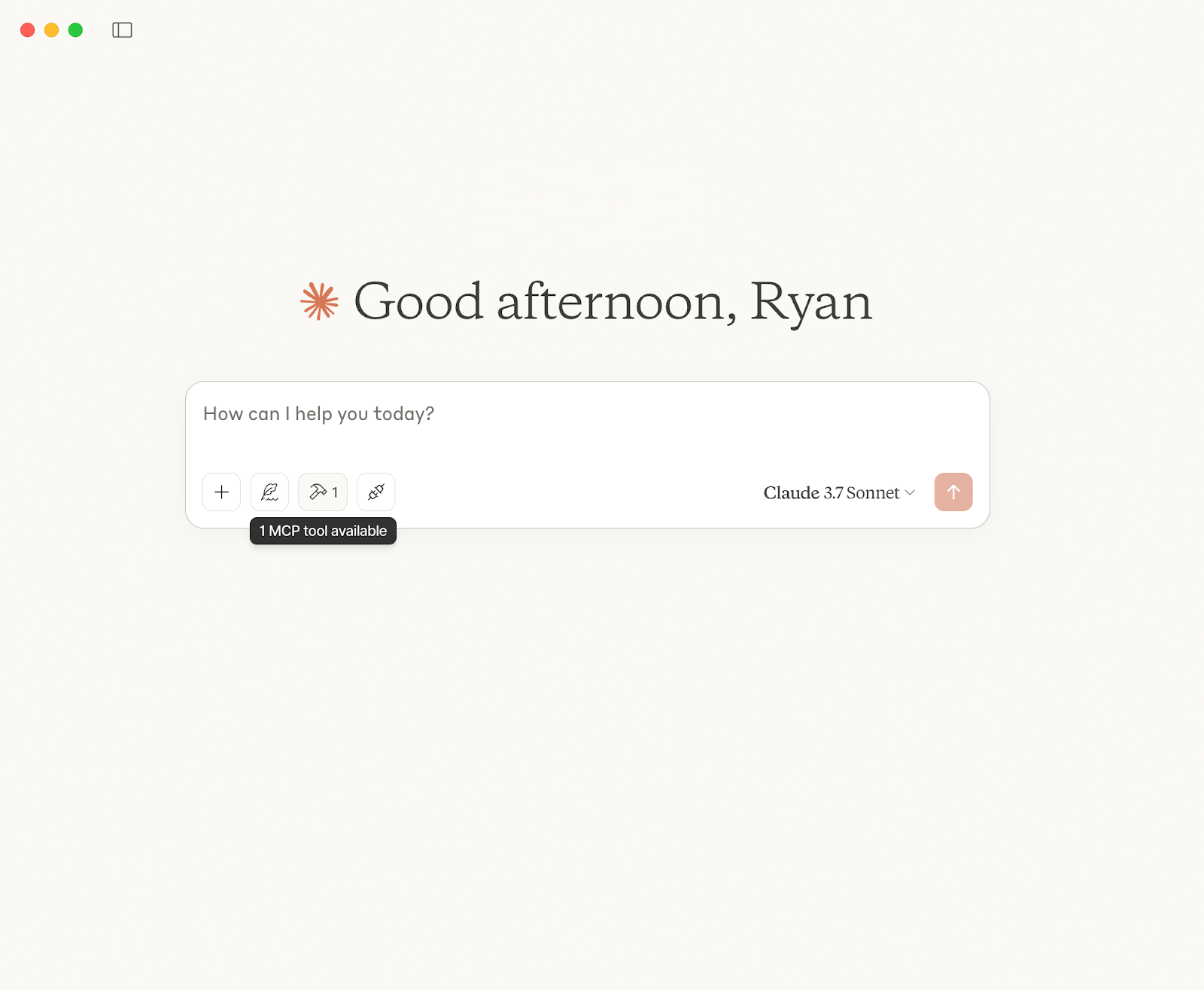
- Built-in logging and visibility
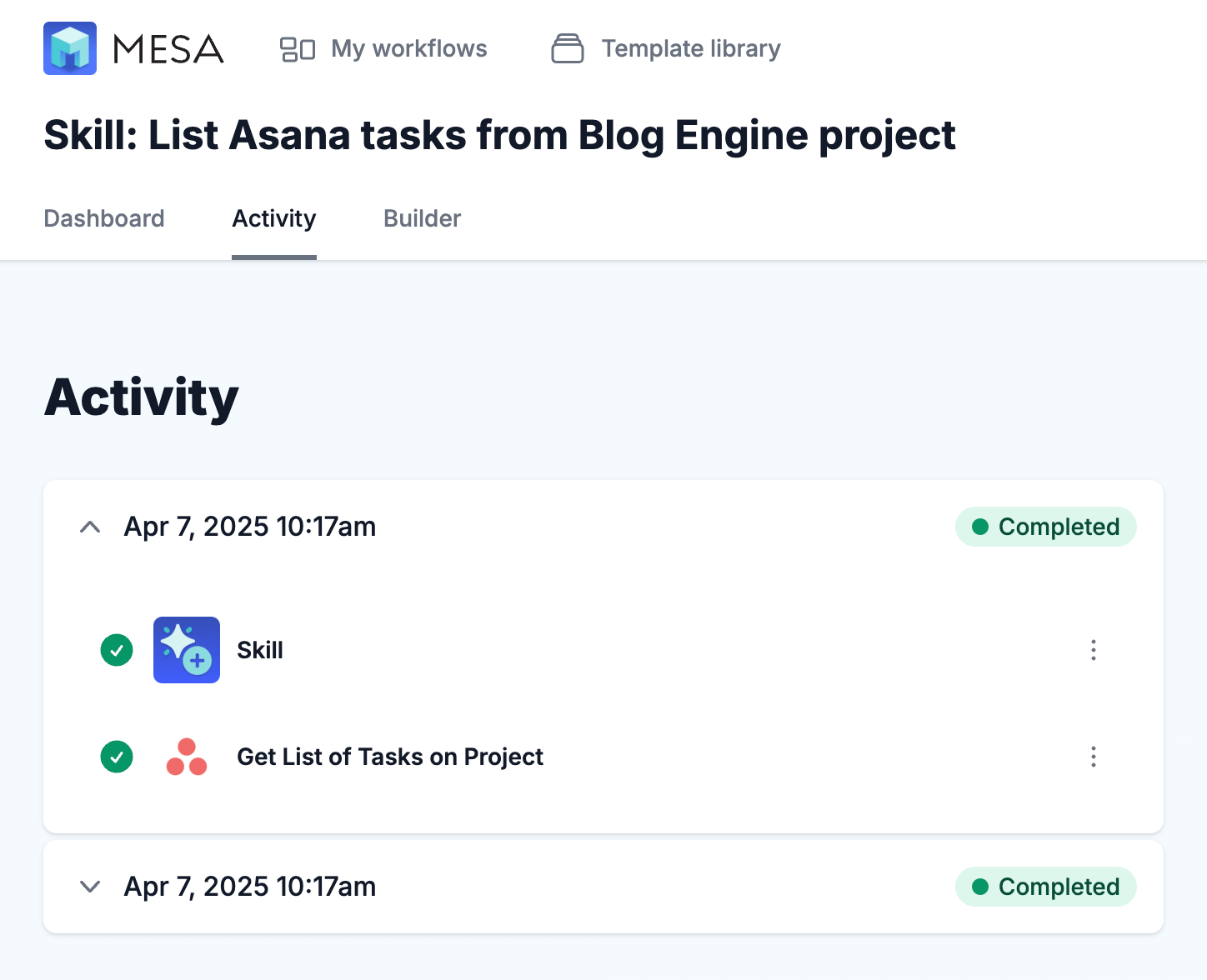
One of the most valuable features, MESA’s MCP server offers built-in logging and visibility. As a result, MESA logs every action and decision your AI assistant makes, giving you full visibility and control over your tools.
New: MCP workflow templates!
Start now by using these pre-made MCP workflow templates:
Discover more MCP automation templates.
Connect Claude to MESA’s MCP server
Unlock a new level of AI-powered workflows that learn, adapt, and evolve alongside your business. More than just an assistant, Claude actively orchestrates decisions, content, and customer touchpoints at scale. Whether you're streamlining operations or elevating personalized experiences, this integration gives you an edge that grows with every task.
For the full click-by-click setup — including Claude's web and Team/Enterprise connector flows, not just Desktop — see our step-by-step guide to connecting Claude to any MCP server.
Don’t wait to experience the future of AI-driven automation. Try MESA free for 7 days!
The same MESA MCP server works in ChatGPT too. Here's how to add it to ChatGPT and ask about your Shopify orders and stock.
