
Welcome to our monthly field notes of the latest enhancements and updates for MESA! Each month, our team works diligently to bring you new features, improvements, and integrations designed to make your work easier to accomplish.
Let’s jump in to see September adventures:
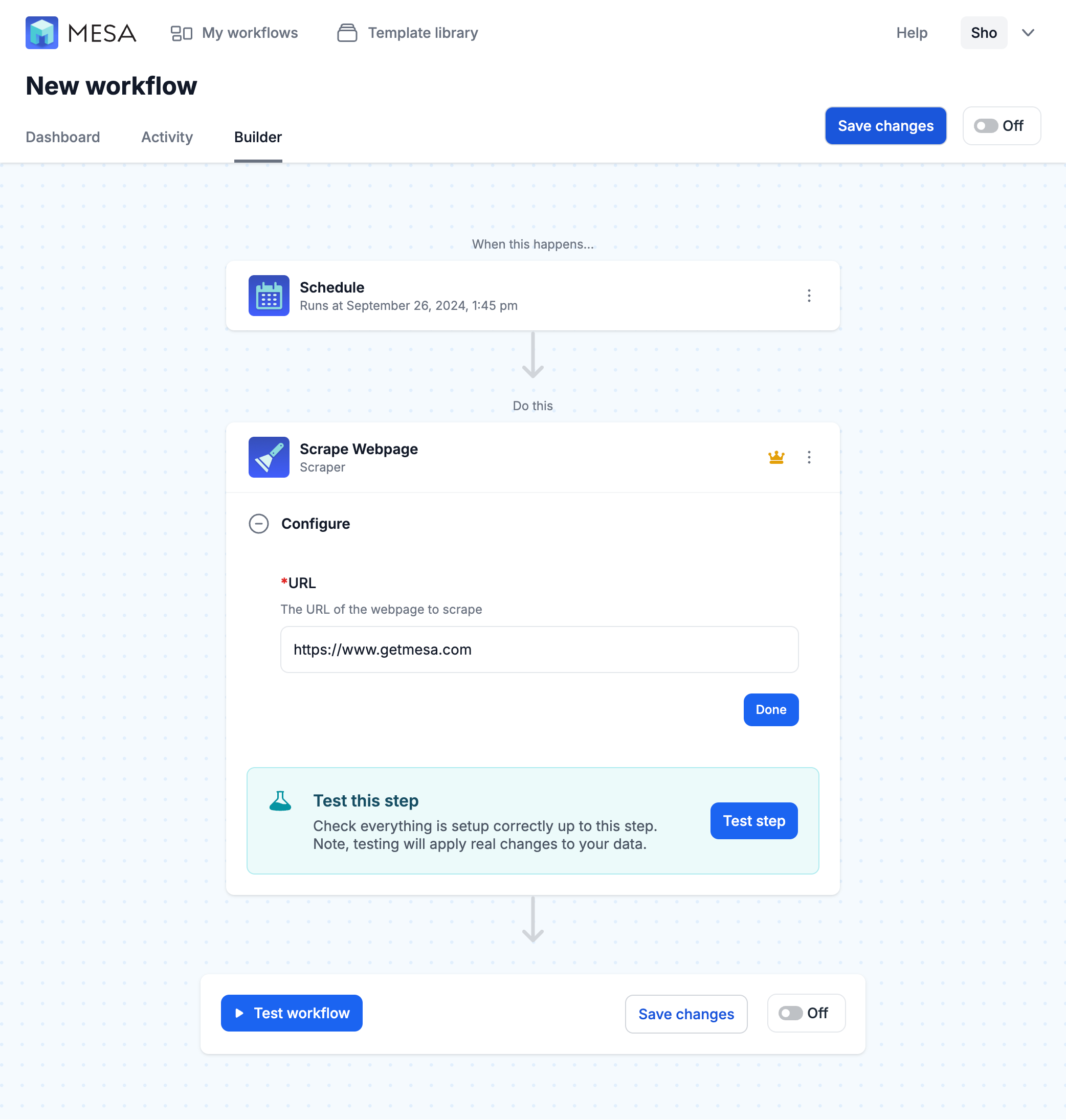
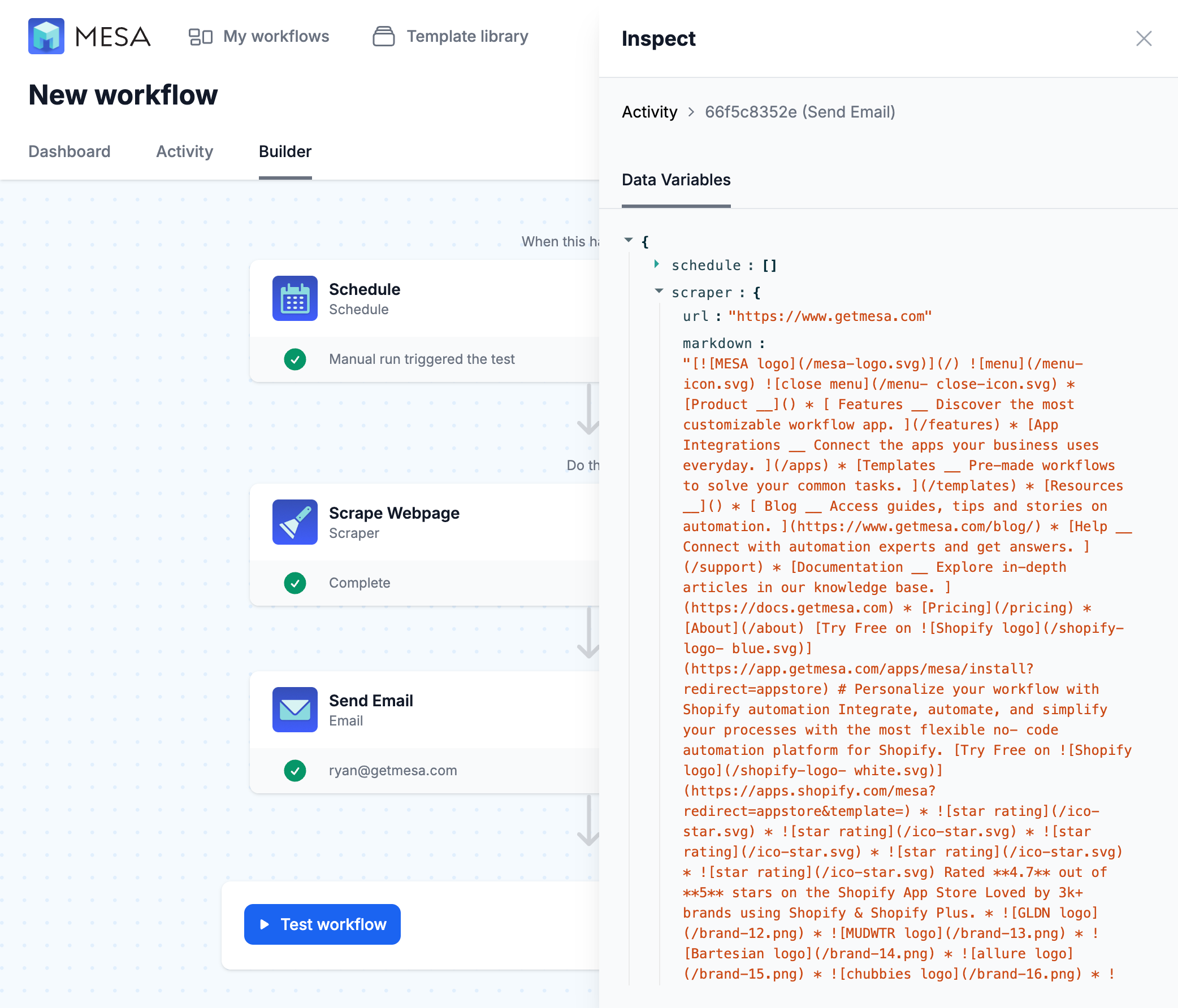
✨ New built-in tool: Scraper
Our new, built-in tool, Scraper, allows you to extract and convert the contents of any web page into markdown. This is particularly useful when you want to extract content from a webpage and feed it into AI tools like ChatGPT, Claude, or other language models.
⚡ 4 new workflow templates
Use the Paths tool to split logic in your workflows.
Share form submissions to Slack as they're received!
Get notified if no orders are received in the last hour.
Managing products from Google Sheets just got easier!
🧩 Odoo improvements
Majors improvements to this popular ERP connector:
- Supports triggers and Time Travel.
- New Odoo specific credential with support for the database setting
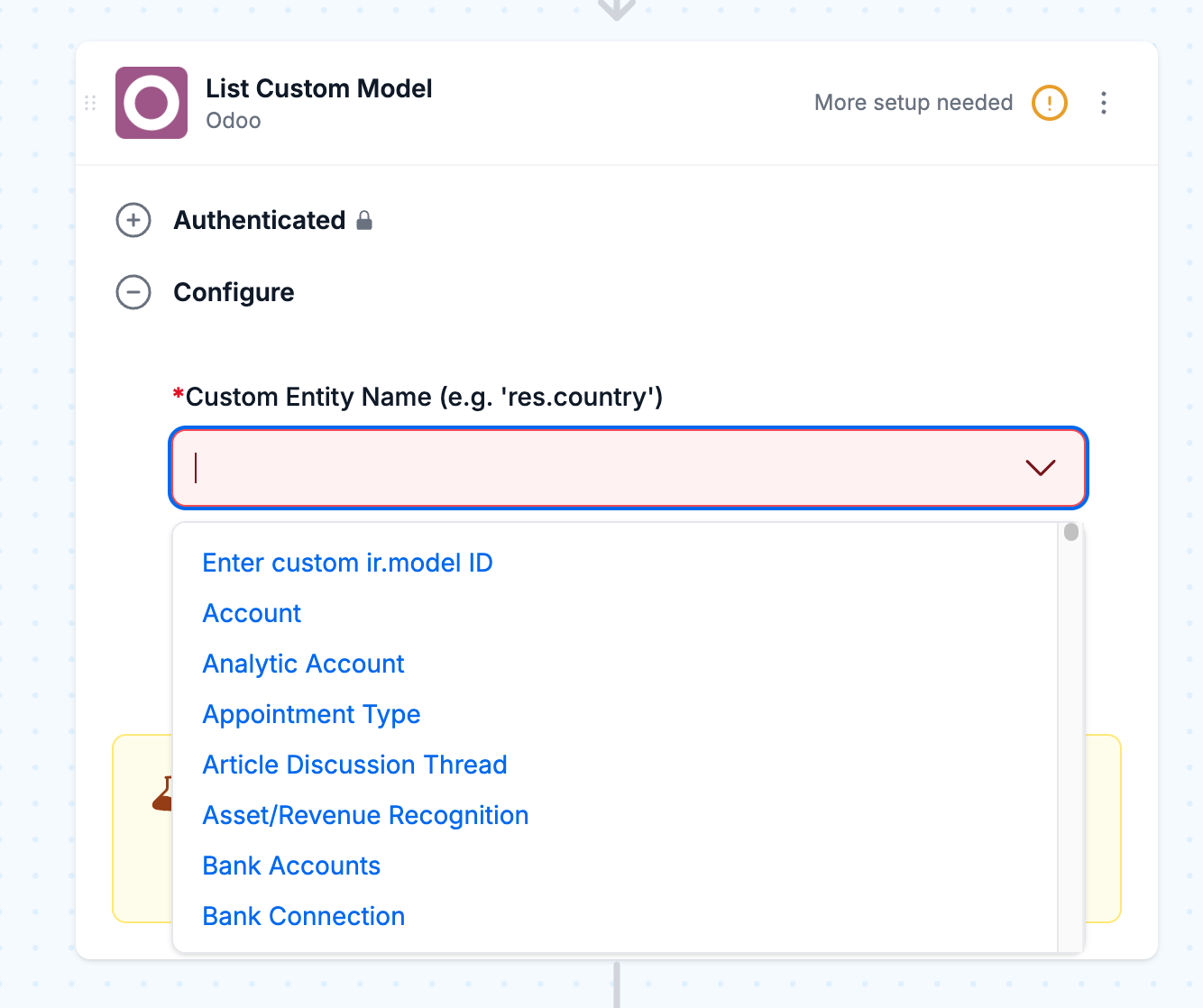
- Uses a “Retrieve fields” scheme to pull fields from your Odoo instance to alleviate the difficulties with Odoo differing versions in the past.
- Added “typeahead” support for many fields on the standard outputs.
- Improved error handling from Odoo.
- New helper step to get Odoo IDs for fields like country and state.
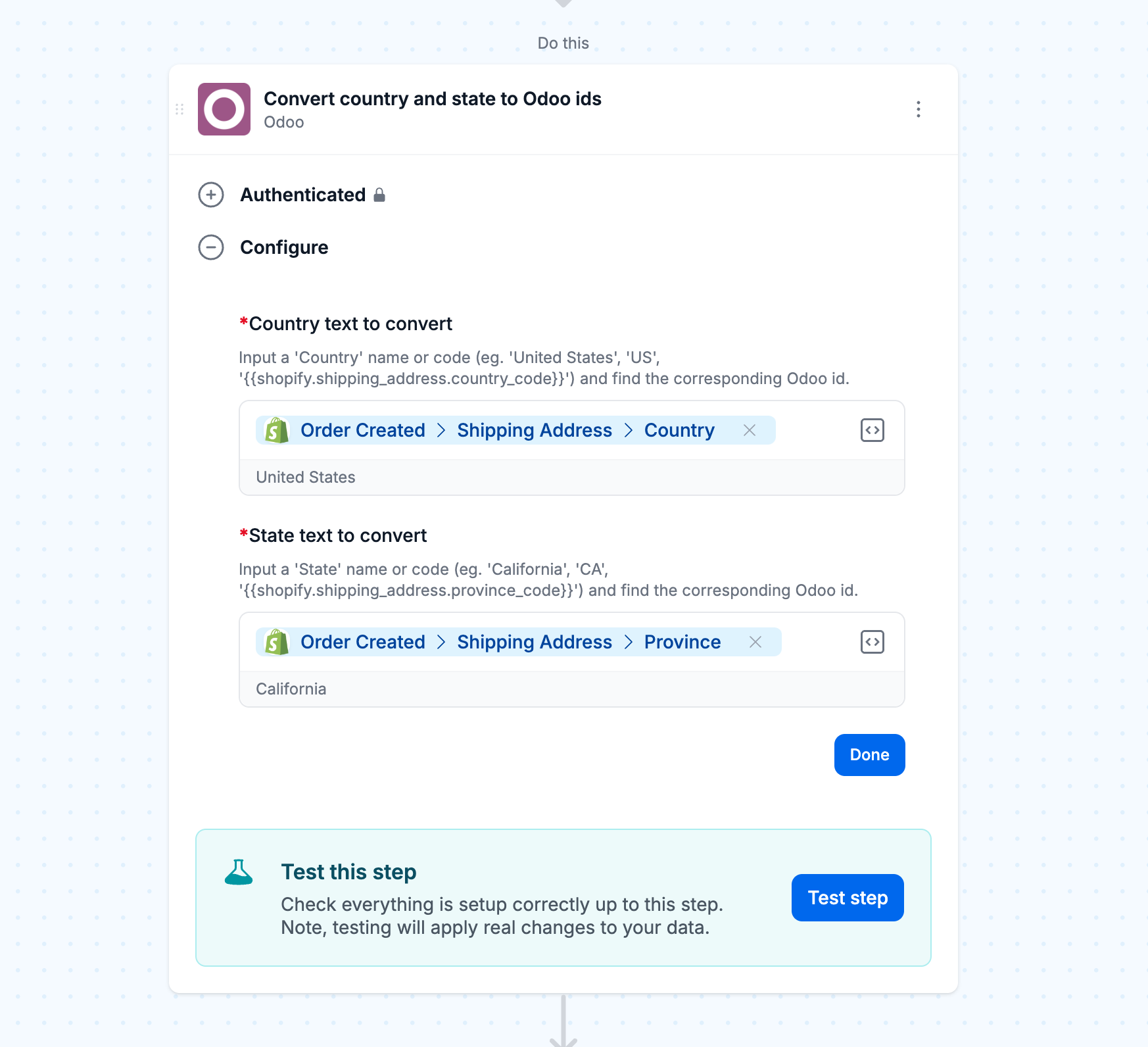
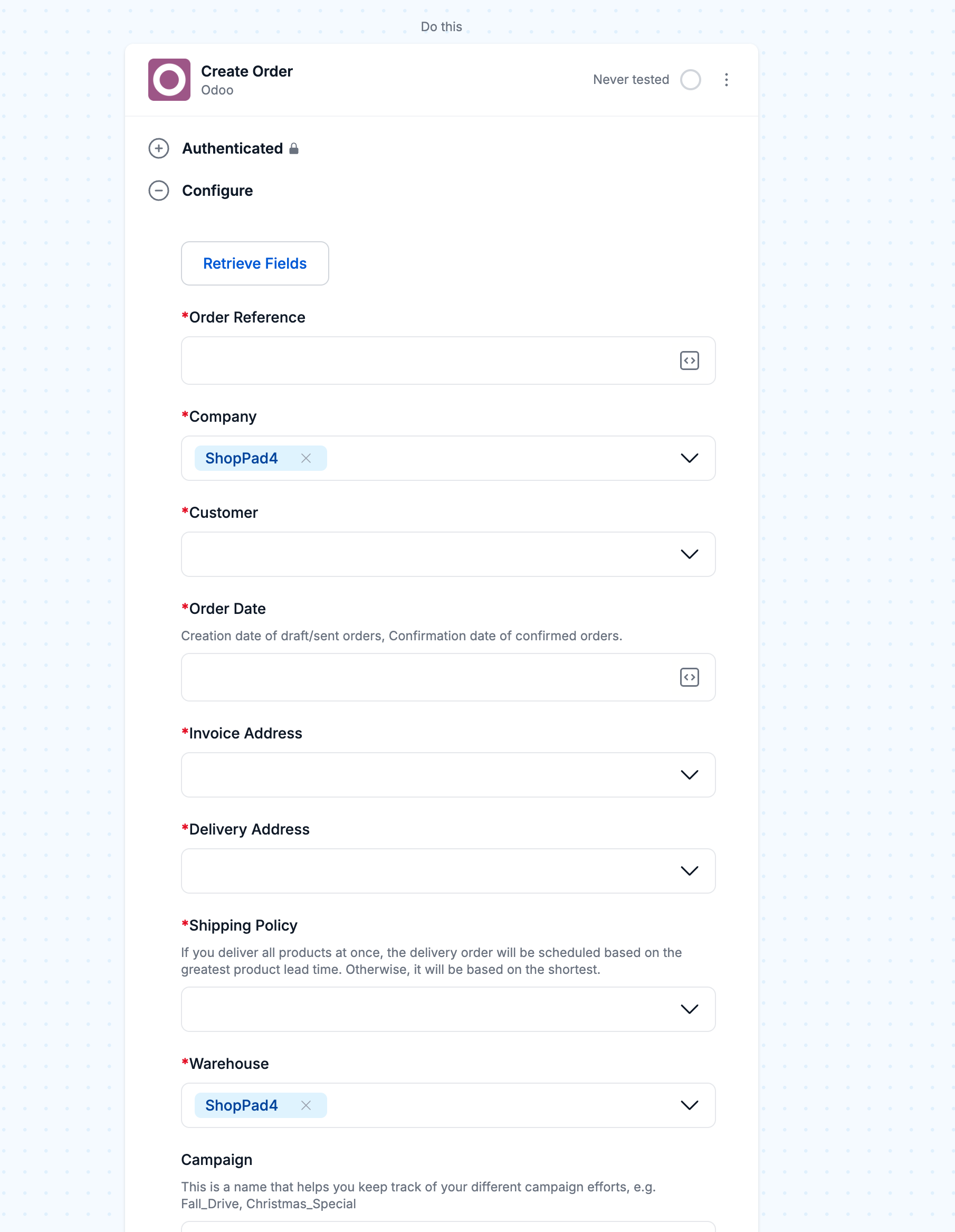
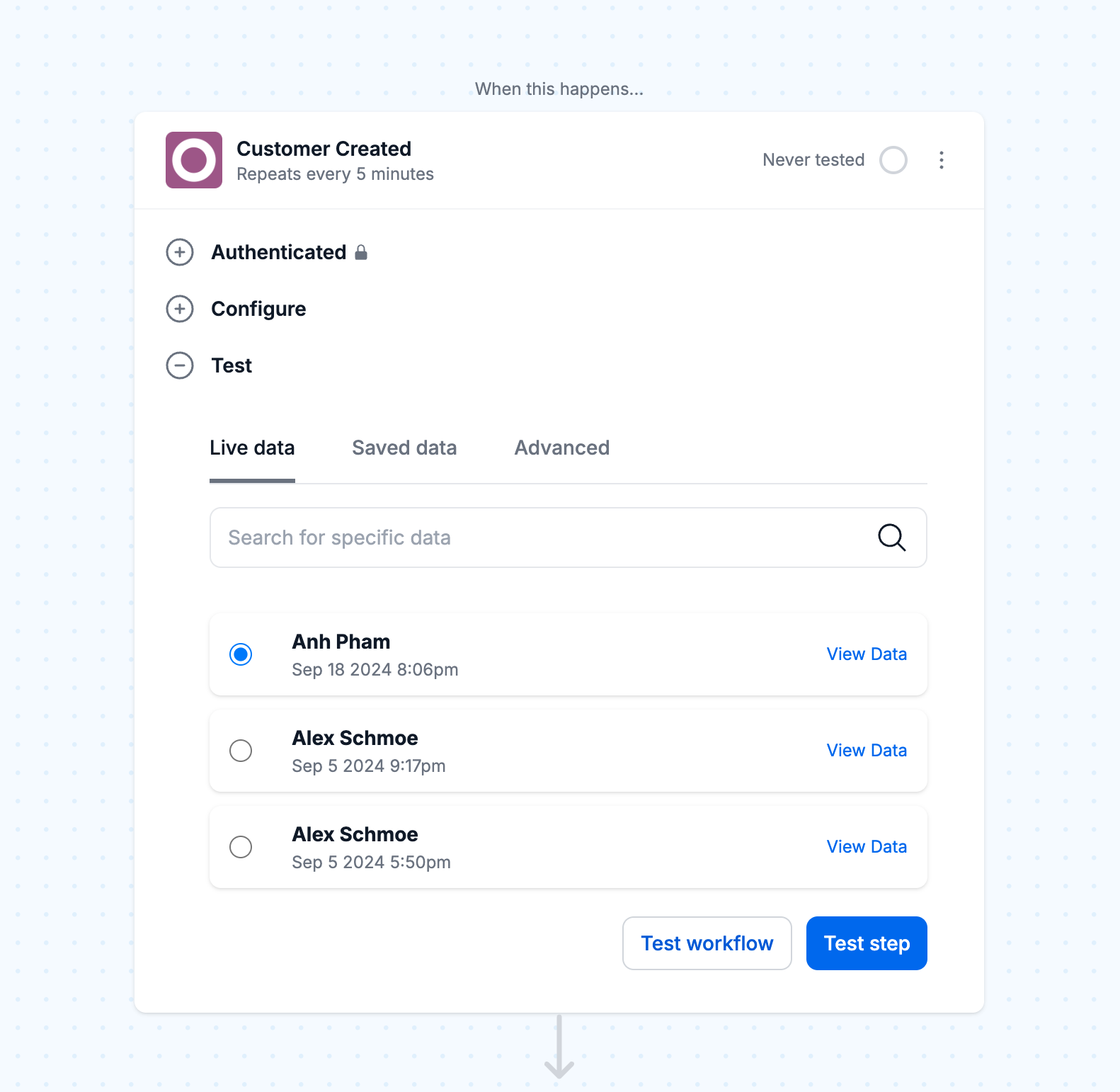
We know you love Odoo so please contact us with your use cases! There's more in the queue so voice your feedback and we'll keep these Odoo updates coming.
🆕 New Shopify Flows triggers and actions to extend data in and out of existing workflows
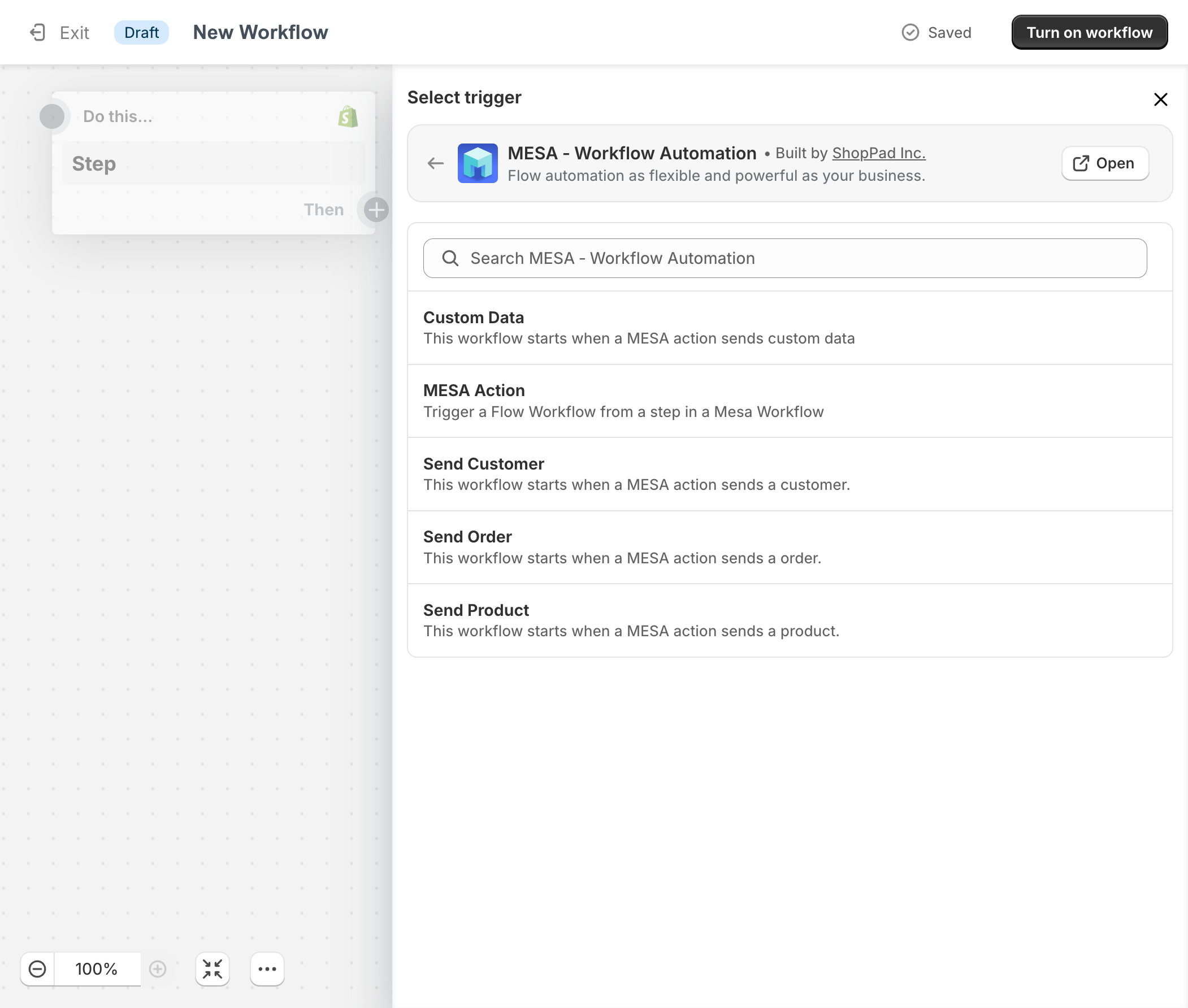
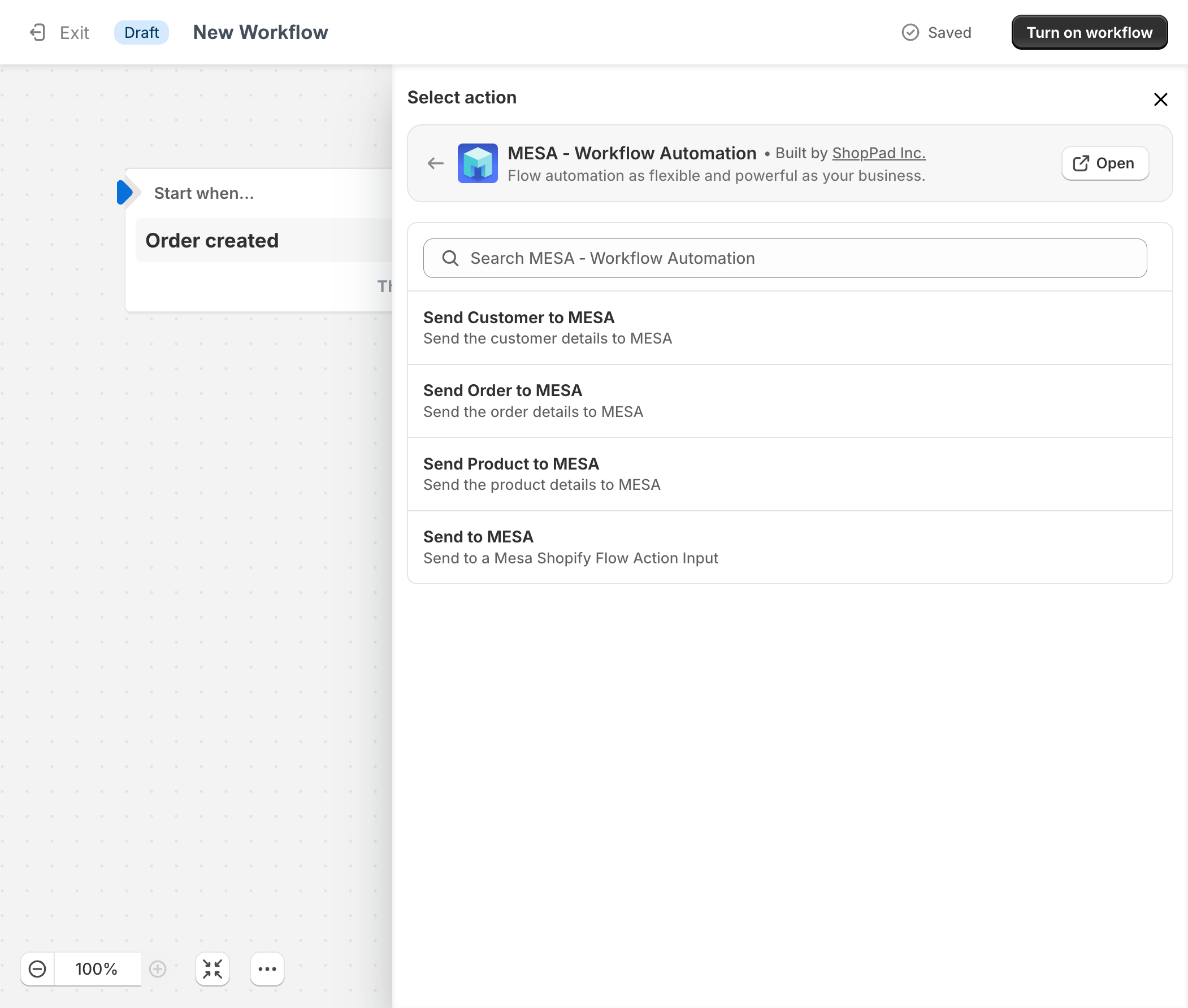
Shopify Flow is great but it's limited in connectors that matter. We've heard your cries to extend existing Flows into MESA so we've made it even easier than before.
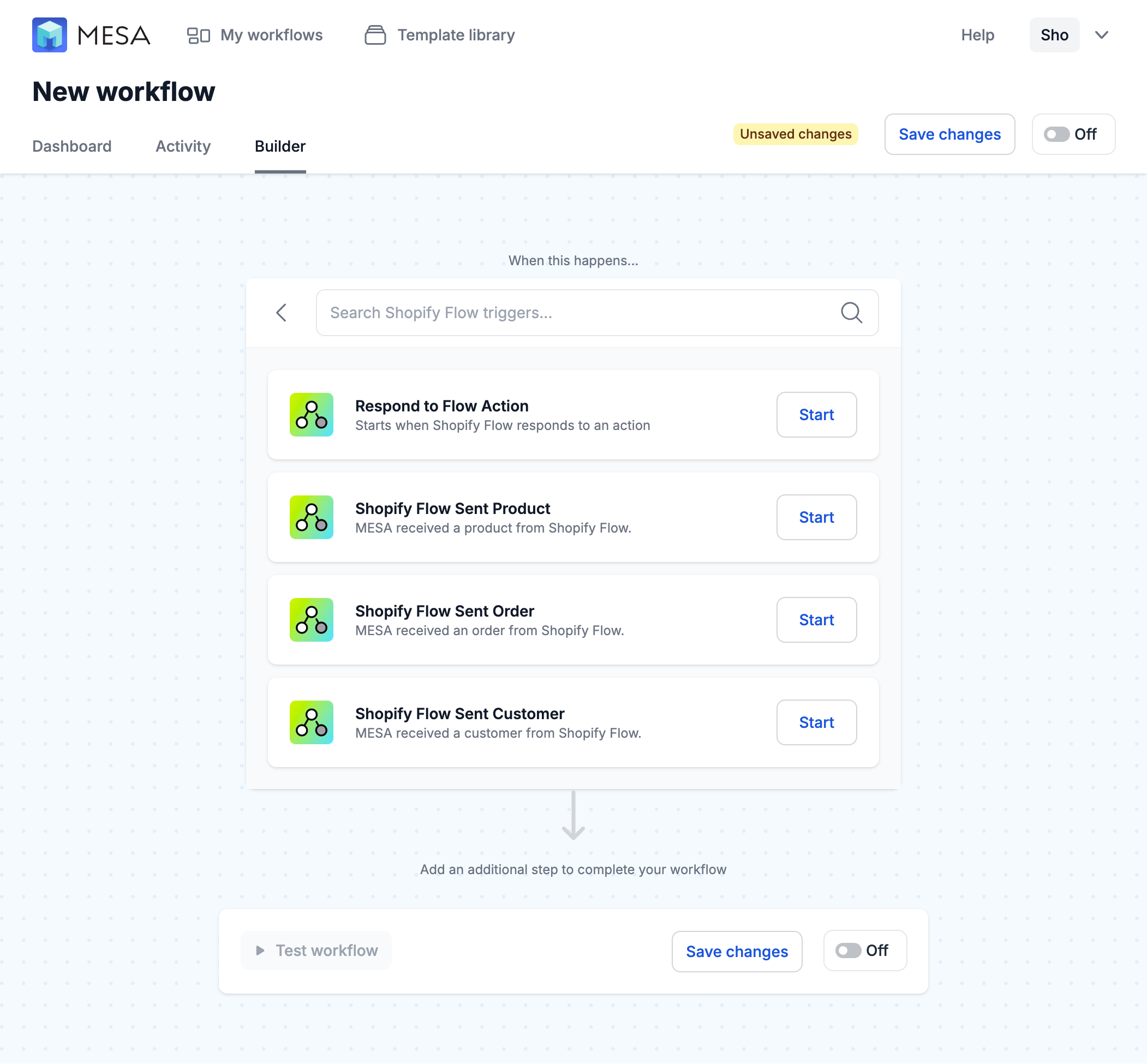
New Flow triggers:
- Custom Data
- Send Customer
- Send Order
- Send Product
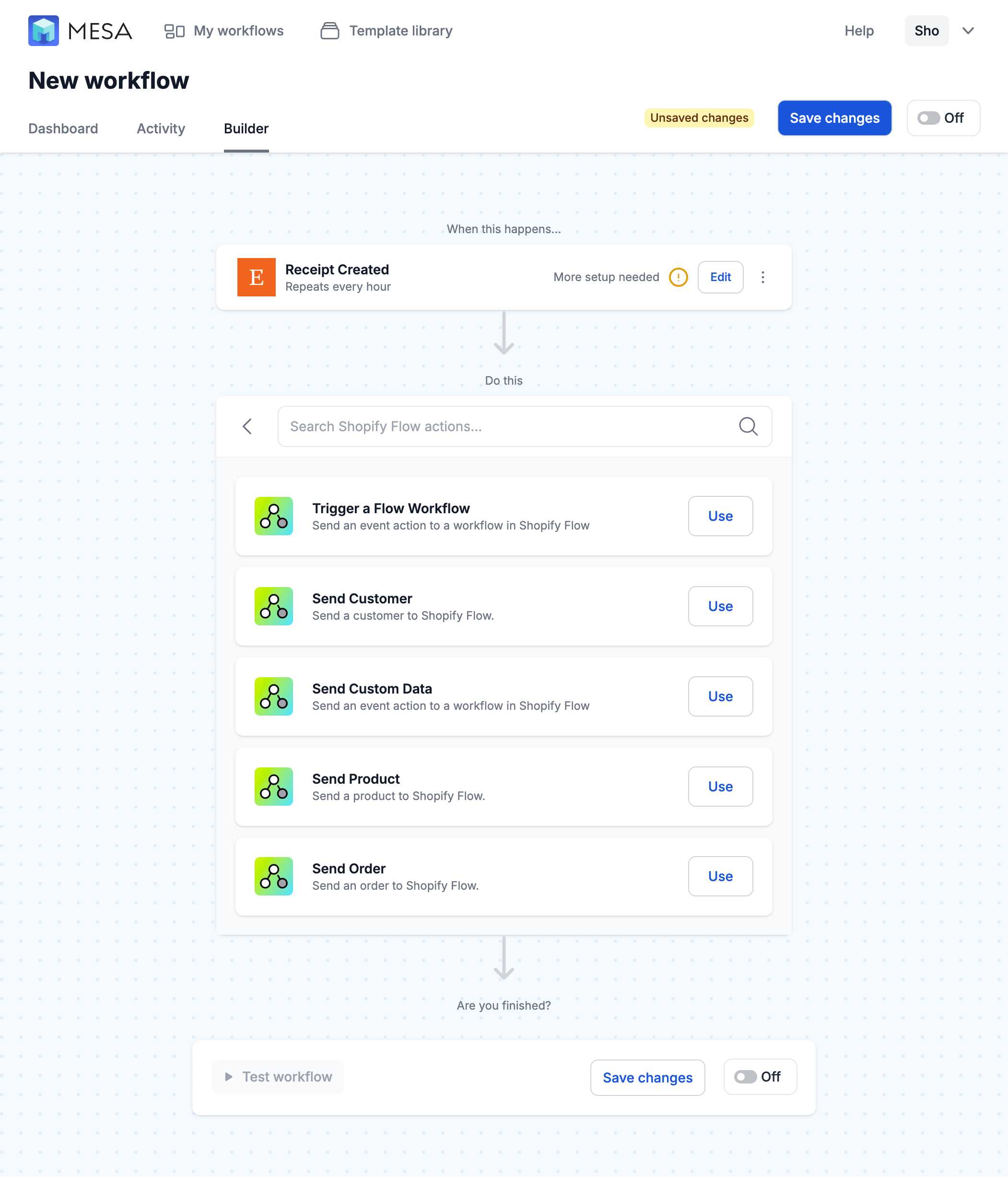
New Flow actions:
- Send Customer to MESA
- Send Order to MESA
- Send Product to MESA
Additionally, the "Send to MESA" action automatically converts to JSON (as long as it's valid), eliminating the need for a custom action to convert that string into JSON.
For orders, customers, and products triggers, we also automatically load the payload, removing the need to include a retrieve step in your workflows.
⚙️ Filter: Select from known values and date comparisons
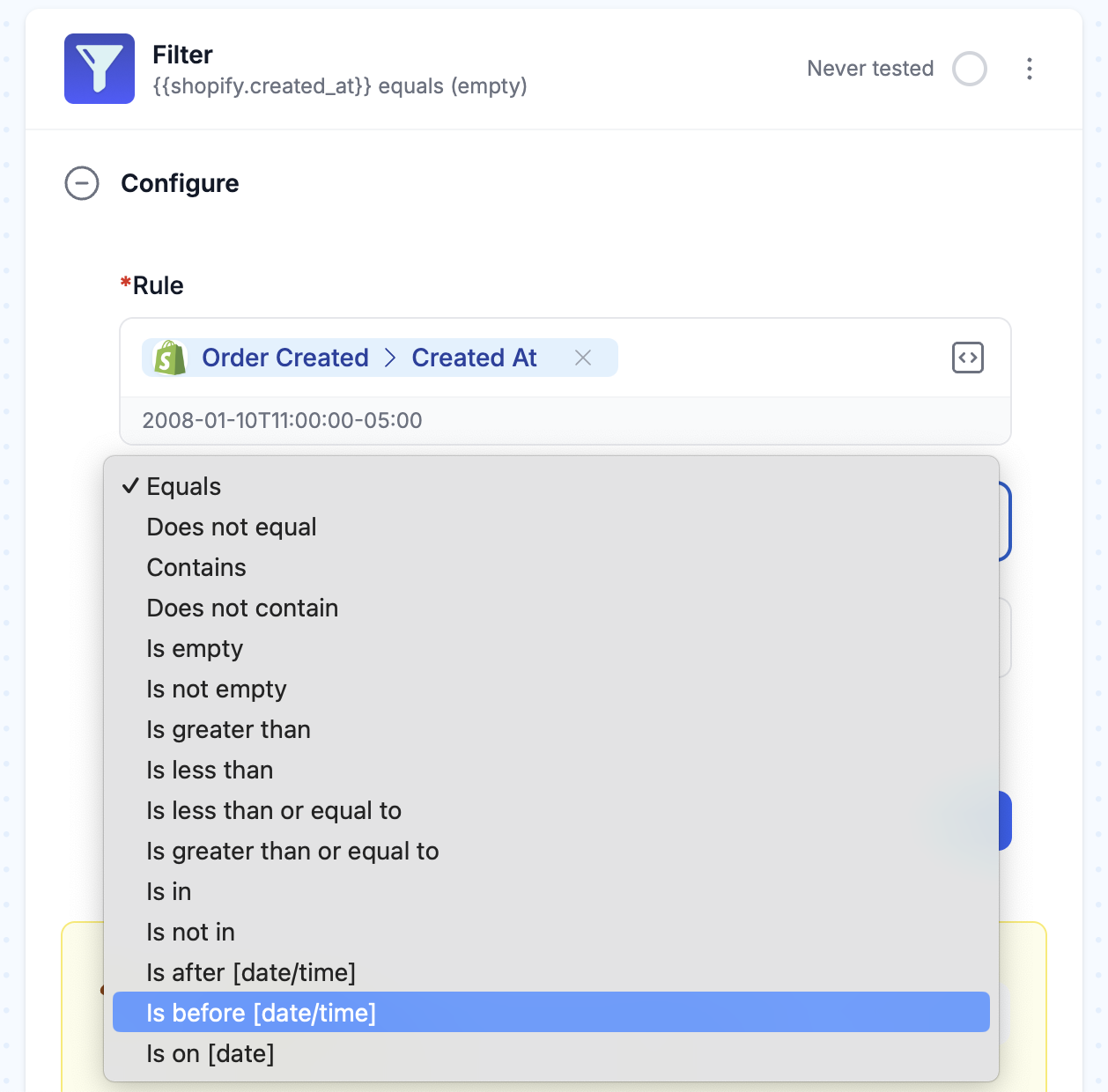
Knowing the specific value something can be difficult. Now, in our Filter tool, when you chose a variable to filter, the condition will update with all known values. For example, this improvement shines when your workflow looks for specific fulfillment or order statuses.
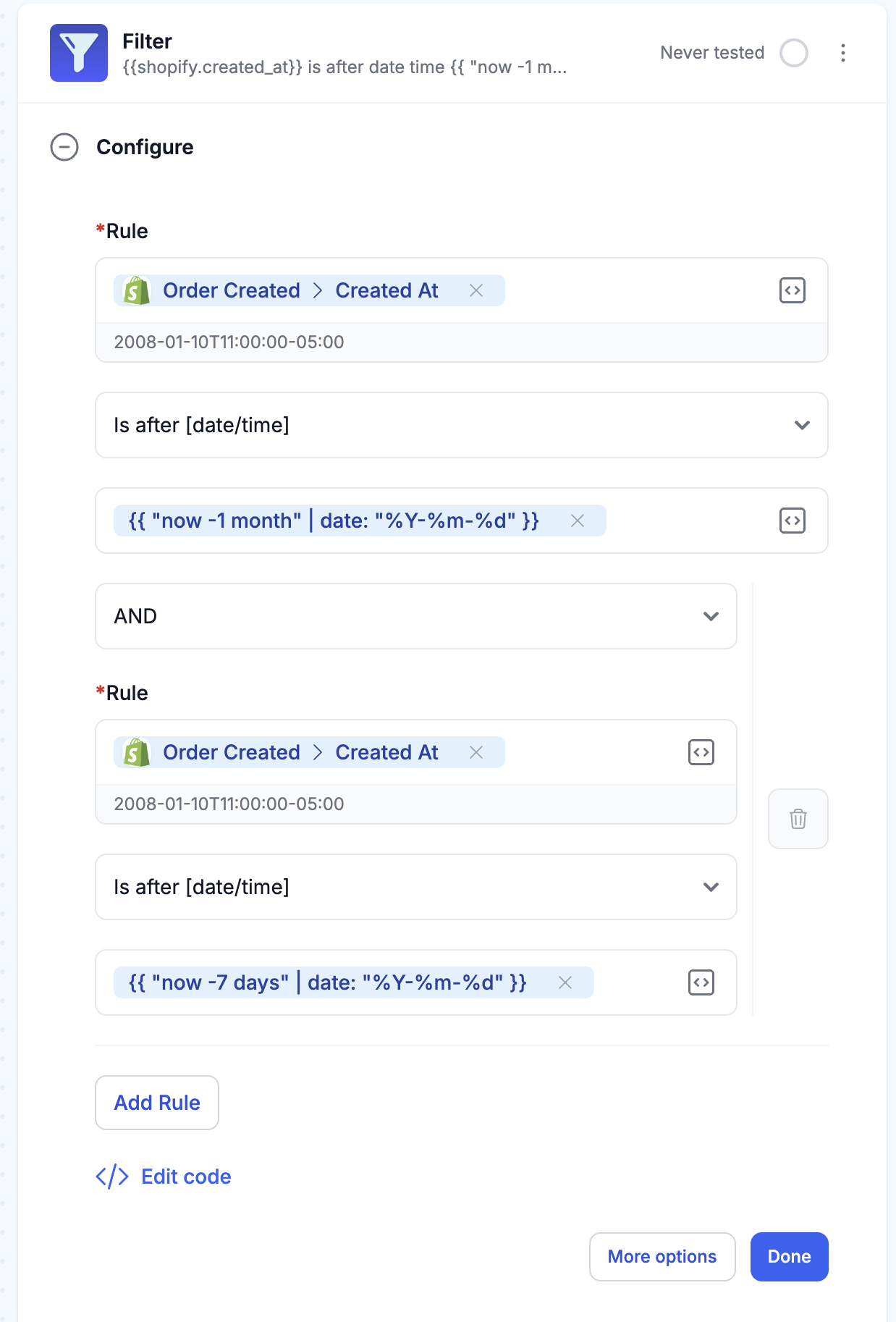
Additionally, you can search for before/after, or on the same date, or combine conditions with an AND to select a specific date range. Dates are standardized around Liquid tags for representing dates.
✨ Activity: details improved
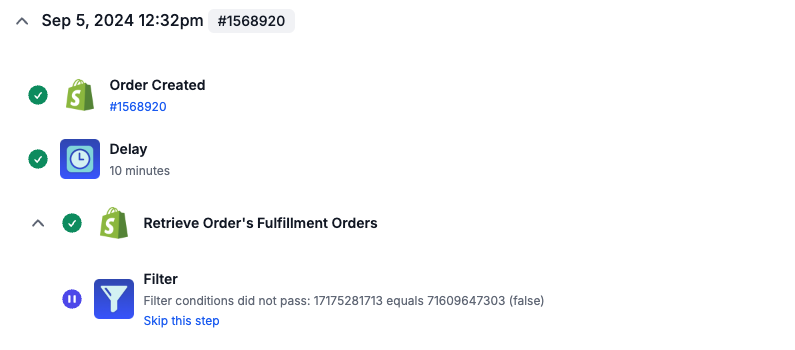
We updated MESA's Activity log to improve searching and how workflows with Delays are displayed.
For example, workflow runs are now sorted by their last update date (the last time any task in the workflow ran). This should reduce confusion when you have a bunch of "Ready" tasks enqueued. This also allows MESA to show the full delay as a single workflow run so you can see the steps that ran before the delay.
Also, filtering by status, specifically by Error, is no longer slow for those running a lot of automations.
🛠️ Testing improved for Email, Web Request, Webhook, and Form built-in tools
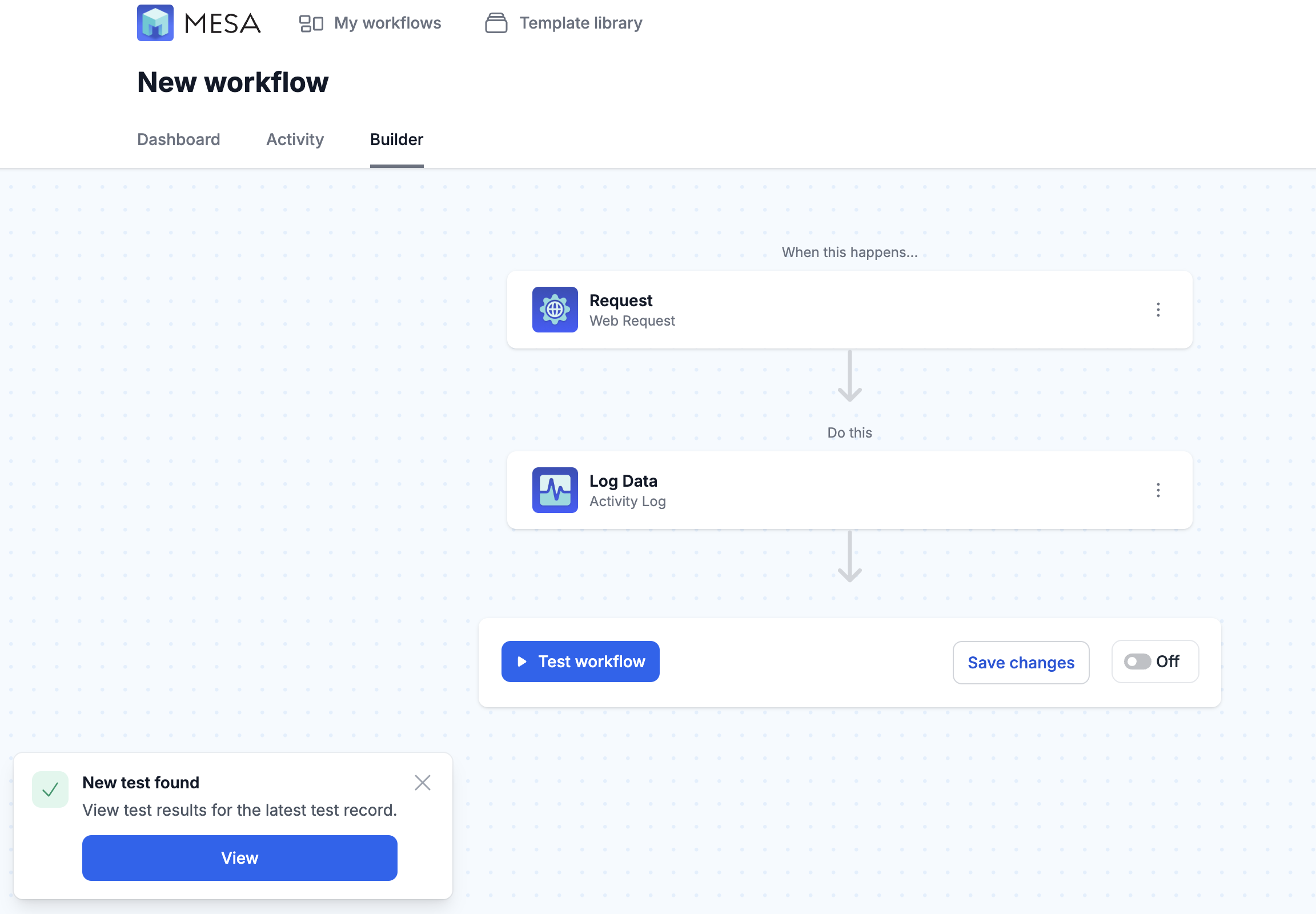
We revamped empty states and added a new client-side testing endpoints that allow you to test these triggers when the workflow is disabled.
We now poll for test records, so when testing from external systems (sending an email, or making an API request in Postman for example), you'll see notifications in the app and have a path forward to view the test results.
👣 Service Partner, Kalen Jordin highlights MESA Paths
Join MESA Service Partner Kalen Jordan as he showcases MESA's newest built-in tool, Paths, which allows for conditional logic and branching in any automated workflow.
🎵 Playlist: Viva Las Vegas!
This playlist was designed to set the perfect vibe for our upcoming company Summit in Las Vegas and hopefully, bring a little extra luck to your game. Enjoy the tunes, and may fortune favor you at the tables!