If your team is still moving orders, customer tags, inventory updates, Slack alerts, and spreadsheets by hand, you do not need “more hustle.” You need better workflow software.
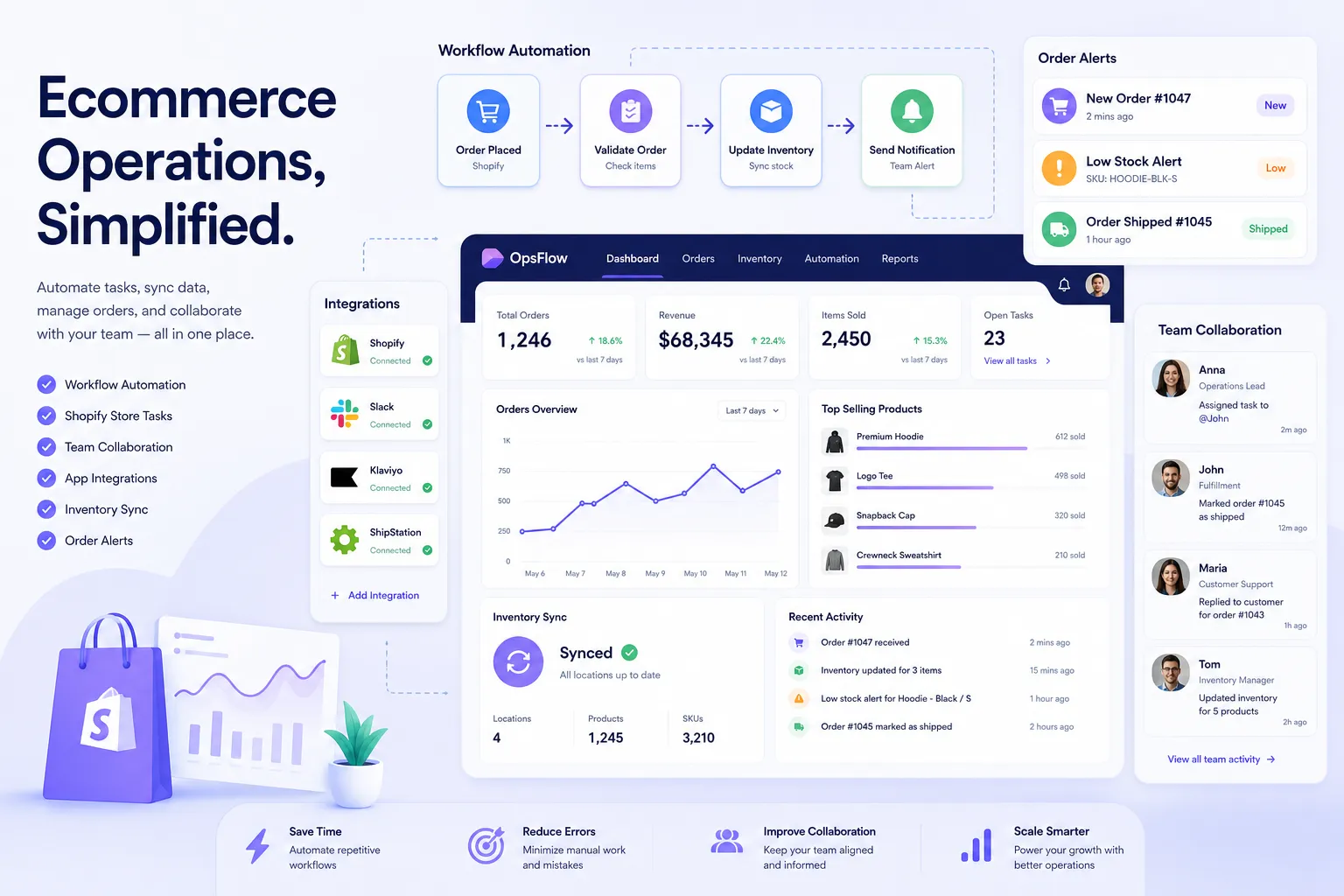
For Shopify merchants and ecommerce operators, the best workflow tools are the ones that remove repetitive work, reduce mistakes, and fit the systems you already use. That usually means more than a generic task manager. It means workflow automation that can handle real store operations like routing high-risk orders, syncing inventory across apps, escalating fulfillment issues, and triggering post-purchase follow-up automatically.
Quick answer: the best workflow management tool depends on what kind of work you need to streamline. For documentation and internal collaboration, tools like Teamwork.com and ClickUp can help. For database-driven process design, Baserow and Airtable are strong options. But for Shopify operations, MESA stands out because it lets merchants describe what they need accomplished and quickly turn that into live, multi-step workflows across Shopify and 100+ apps.
What actually makes a workflow tool “best” for operations teams?
A lot of comparison posts lump together project management apps, documentation tools, whiteboards, databases, and automation platforms. That is useful up to a point, but it also hides the most important buying truth:
The best workflow apps are not necessarily the best operational workflow apps.
For store operators, CX teams, fulfillment managers, and ecommerce leads, the right platform should do at least five things well:
- Automate repetitive work
- Coordinate across apps
- Handle exceptions and branching logic
- Give teams visibility into what ran and what failed
- Reduce backlog without requiring a developer
That is why merchants often outgrow lightweight task tools. They are fine for assigning work, but they do not solve the actual work itself.
"According to a 2025 report by eMarketer, e-commerce stores that automate customer segmentation and personalization report 12-28% higher revenue per customer within six months." - eMarketer
That revenue lift comes from operational consistency: the right message, to the right segment, at the right moment, without someone manually rebuilding the same flow every week.
What competitors get wrong
After reviewing leading articles from Teamwork.com, Pantheon, and Baserow, a pattern shows up: most do a solid job listing tools, but they miss the difference between workflow visibility and workflow execution.
The common blind spots
1. They treat all workflows as the same
A content approval workflow is not the same as an ecommerce exception workflow. Publishing teams care about drafts and approvals. Merchants care about orders, fulfillment, fraud flags, returns, subscriptions, inventory, and customer messaging.
2. They focus too much on internal productivity
Many lists prioritize docs, task boards, and visual planning. Helpful, yes. But operations teams usually need automations that move data, trigger actions, and prevent costly failures.
3. They do not go deep on ecommerce-specific use cases
Merchants need examples like:
- auto-tagging orders by shipping method or fraud risk
- syncing order data to Google Sheets
- sending Slack alerts when VIP customers place orders
- pausing workflows when inventory is low
- triggering customer follow-up after fulfillment or delay events
4. They underplay support and setup risk
A workflow tool can look powerful in a feature table and still create bottlenecks if your team cannot get automations live fast. Real human support matters, especially when broken data flows can create overselling, missed notifications, or delayed fulfillment.
This is where a Shopify-first platform like MESA becomes more relevant than a general-purpose option.
How to evaluate workflow tools without wasting weeks
Before comparing software, define what “faster operations” means for your business.
Ask these questions first
Question | Why it matters |
|---|---|
Are we trying to manage tasks or automate tasks? | Task managers help teams stay organized; automation tools remove manual steps. |
Do we need Shopify-specific workflows? | Generic tools often need more setup and custom logic for store operations. |
How many apps must be involved? | Multi-step processes usually break when data is trapped in separate tools. |
Can non-technical team members maintain flows? | If not, backlog shifts to ops leads or developers. |
Do we need templates or custom flexibility? | Fast setup matters, but so does handling edge cases. |
What happens when a workflow fails? | Visibility, alerts, and support reduce operational risk. |
The buying rule most teams learn too late
If your workflows touch orders, inventory, subscriptions, support, returns, shipping, or finance, choose a tool that can execute workflows across systems, not just document them.
A team can live with a mediocre board view. It cannot live with broken order routing.
The top workflow tools worth considering
Below is a practical comparison of top workflow tools based on the competitor landscape and real operational fit.
1. MESA
Best for
Shopify merchants and ecommerce operations teams that need real automation, not just task tracking.
Why it stands out
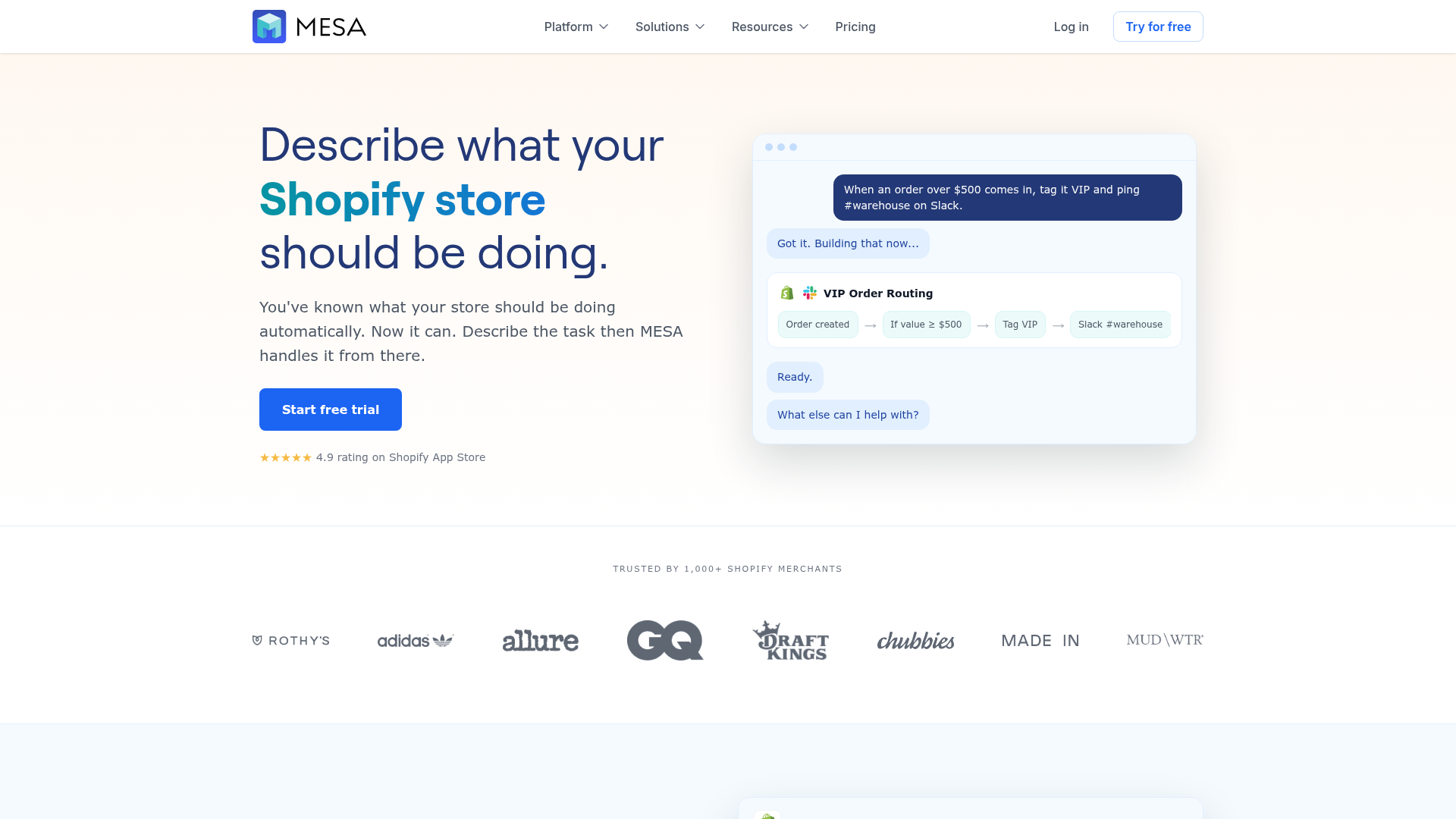
MESA is built for merchants who want to describe what they need accomplished and turn that into working automation quickly. Instead of forcing teams into a complicated integration-builder mindset, MESA helps convert operational requests into live workflows for Shopify and connected apps.
That matters when your team needs to:
- tag and route orders automatically
- sync data across Shopify, Google Sheets, Slack, Klaviyo, HubSpot, or ERPs
- prevent inventory mismatches
- send internal alerts when exceptions happen
- automate post-purchase and customer follow-up sequences
- reduce repetitive backlog without custom development
Key strengths
- Shopify-first design
- 100+ app and ecommerce tool integrations
- 300+ ready-made templates for fast deployment
- AI-assisted workflow creation through MESA's AI
- Strong support for multi-step logic and operational branching
- Real human support for workflow setup and optimization
Best use cases
MESA is especially strong for order automation, inventory sync, fulfillment coordination, reporting, alerts, and customer experience workflows. It is one of the few platforms that feels built for how ecommerce teams actually work day to day.
Ideal team
Growing Shopify brands, operations managers, CX teams, fulfillment teams, and enterprise merchants with process complexity.
2. Teamwork.com
Best for
Client work, project visibility, and cross-functional coordination.
What it does well
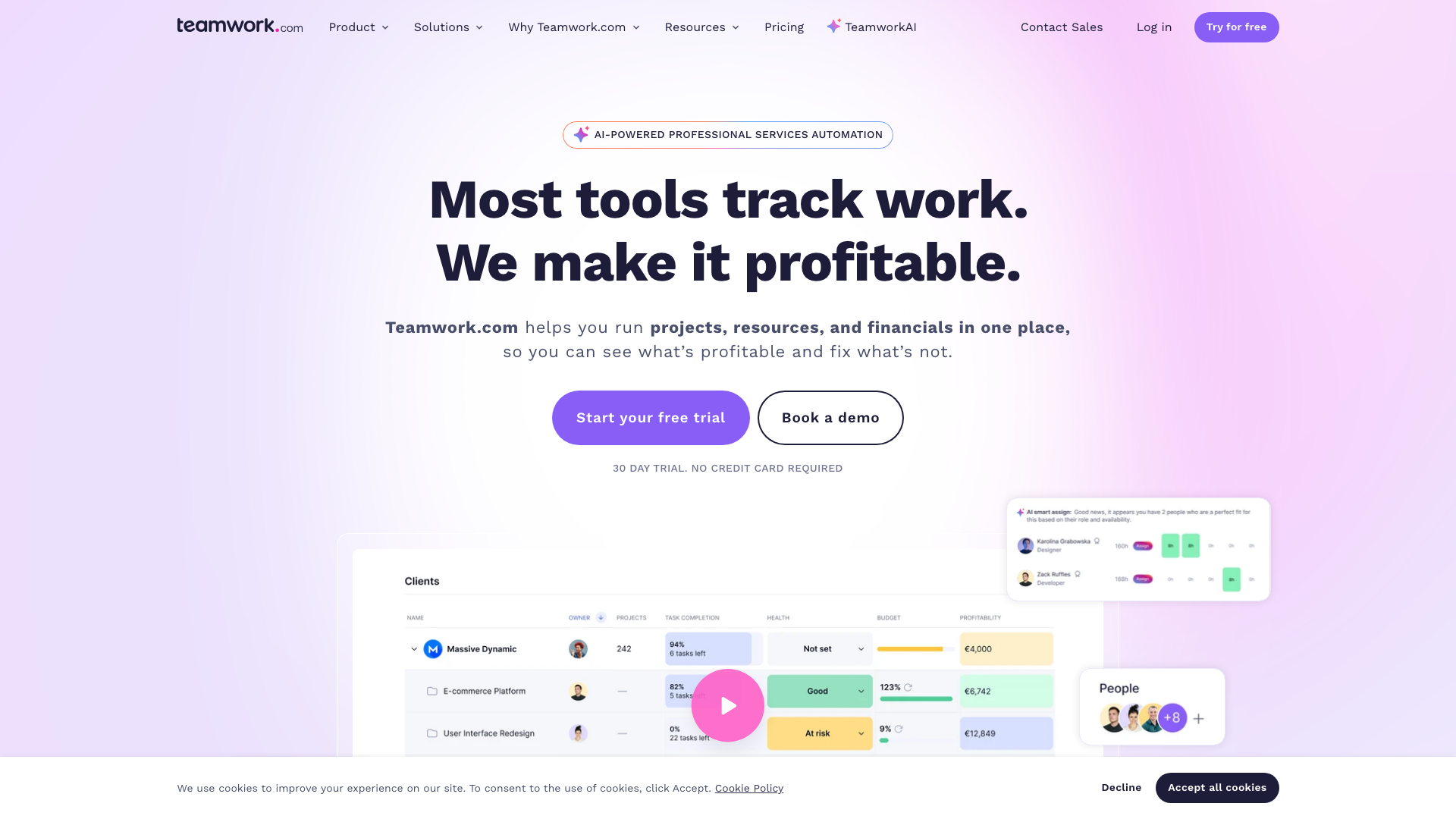
According to Teamwork.com’s review of workflow software, the platform is strongest when teams need milestones, dependencies, resource planning, and time tracking in one place. It is useful for agencies and service delivery teams that need visibility into who is doing what and when.
Where it is less ideal for merchants
It improves organization, but it does not replace ecommerce workflow execution. If your bottleneck is manual Shopify operations rather than project visibility, you may still need a separate automation layer.
Good fit for
Teams that need project management plus operational oversight, but not necessarily deep store automation.
3. Baserow
Best for
Database-driven workflows and teams that want a flexible no-code foundation.
What it does well
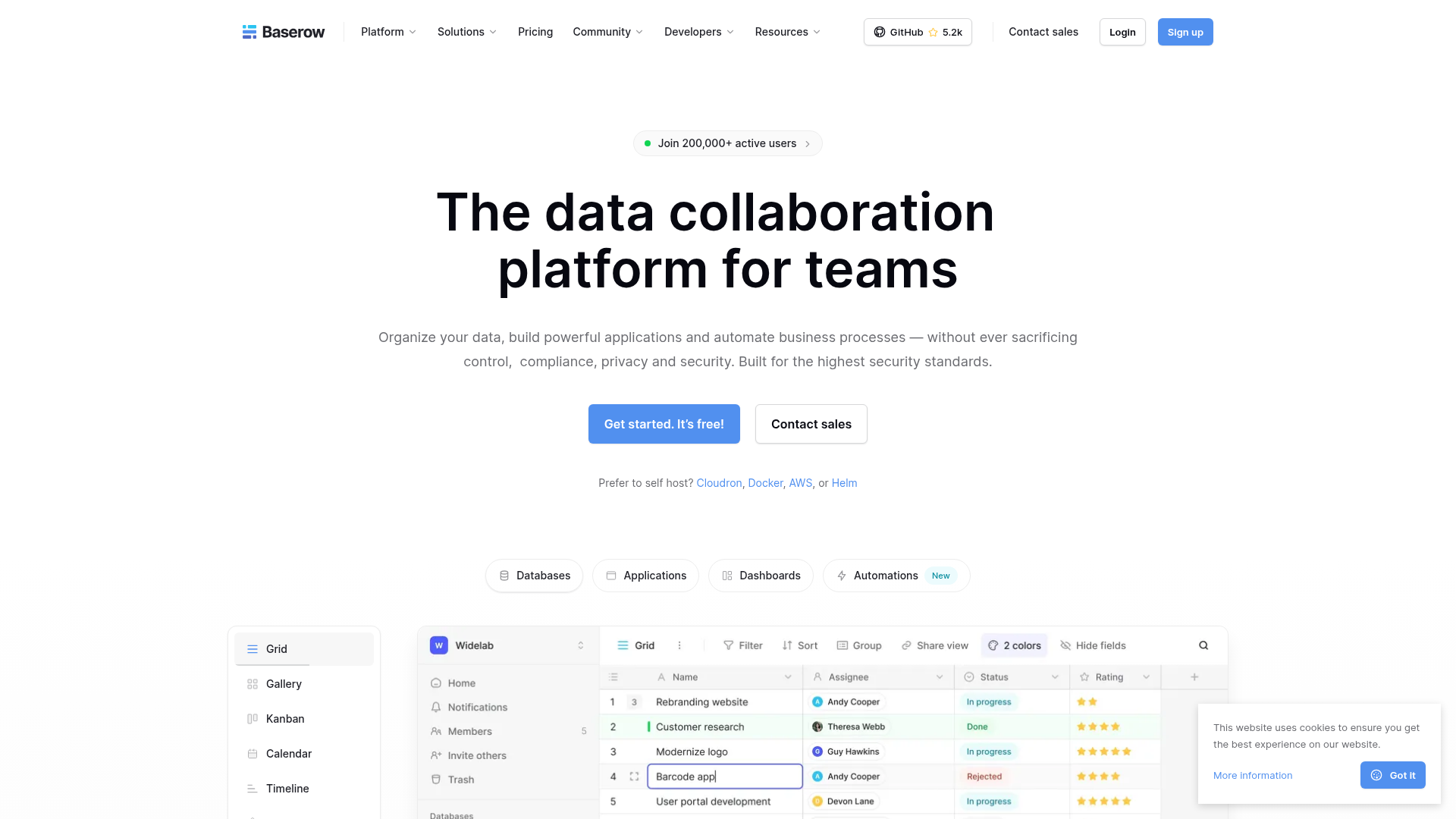
Baserow combines structured data with automation. As its workflow automation guide explains, it is useful for teams that want to build custom systems around intake, routing, internal operations, or reporting.
Where it shines
- No-code data structure
- workflow triggers and actions
- integration-friendly architecture
- adaptable for operations teams with process discipline
Where it falls short for Shopify-first teams
It is flexible, but merchants may need more implementation work to turn it into a practical store-operations engine. Teams that want out-of-the-box Shopify automation usually move faster with a purpose-built tool.
4. Pantheon Content Publisher

Best for
Enterprise content workflows, publishing, and governance.
What it does well
Pantheon focuses on content operations. Its workflow article does a strong job covering planning, review, asset management, and publishing processes. For website teams working across Docs, CMS, and approvals, it is a focused solution.
Why it is not a fit for most Shopify ops teams
If your pain is content publishing, Pantheon makes sense. If your pain is order exceptions, inventory reconciliation, and multi-app store operations, it is solving a different category of problem.
5. Airtable
Best for
Structured project planning and flexible operational databases.
What it does well
Airtable is a strong middle ground between spreadsheets and workflow apps. It helps teams build custom operational views and lightweight automations.
Limitations
For advanced ecommerce operations, teams often hit complexity walls around scaling logic, visibility, or app-specific behavior. It is a useful system layer, but not always the fastest path to live store automations.
6. ClickUp
Best for
General team productivity and centralized work management.
What it does well
ClickUp gives teams dashboards, documents, tasks, goals, and multiple views in one environment. It is strong for internal execution and cross-team accountability.
Limitations
For ecommerce operators, it usually acts as a planning tool rather than the workflow engine itself.
7. Trello
Best for
Simple visual task management.
What it does well
Trello is easy to adopt and useful for lightweight operational coordination.
Limitations
Its simplicity is also its ceiling. Teams with multi-step store processes typically outgrow it fast.
Side-by-side comparison
Tool | Best for | Automation depth | Shopify relevance | Ease for non-technical teams | Notable limitation |
|---|---|---|---|---|---|
MESA | Ecommerce and Shopify operations | High | Very high | High | Built primarily for merchants, less relevant outside ecommerce |
Teamwork.com | Projects and client work | Medium | Low | Medium | Better for coordination than execution |
Baserow | Structured process systems | Medium-High | Medium | Medium | More setup required for store-specific workflows |
Pantheon | Content operations | Medium | Low | Medium | Focused on publishing, not commerce ops |
Airtable | Flexible databases and planning | Medium | Medium | Medium | Can get complex as workflows scale |
ClickUp | General work management | Medium | Low-Medium | High | Strong organizer, not always strong automator |
Trello | Simple team tracking | Low-Medium | Low | High | Limited depth for complex ops |
Which tool is best for different kinds of teams?
For Shopify merchants
Choose MESA. It is purpose-built for operational workflows that touch real revenue, real customers, and real exceptions.
For content and marketing operations
Pantheon, Airtable, or ClickUp may be strong depending on how much publishing structure you need.
For client-service teams
Teamwork.com is often a better fit because of milestone planning, dashboards, and workload management.
For process-heavy internal operations
Baserow can be compelling when your team wants a highly customizable workflow system built on structured data.
The workflow capabilities that matter most in ecommerce
When operators search for the best workflow applications, they are often trying to solve one of these exact problems.
Order handling
Examples:
- auto-tag wholesale, VIP, or subscription orders
- route high-risk orders for manual review
- send notifications when expedited orders enter fulfillment
- enrich orders with data from external systems
Inventory management
Examples:
- sync stock counts across systems
- alert teams when inventory dips below threshold
- prevent overselling by pausing promotions or notifications
- update spreadsheets or ERPs automatically
Customer experience
Examples:
- trigger follow-up after delivery
- notify support when a VIP customer has a shipping delay
- route subscription issues to the right team
- personalize post-purchase journeys
Reporting and visibility
Examples:
- send daily operations summaries to Slack
- export order or refund data to Google Sheets
- flag failed payment events
- consolidate multi-app data for leadership review
Fulfillment coordination
Examples:
- alert warehouse teams on special handling orders
- route backorder updates to support
- trigger exception workflows when tracking stalls
- coordinate status changes across shipping apps
If those are your daily pain points, a purpose-built automation layer matters more than another generic dashboard.
Why MESA is the logical next step for merchants who outgrow simpler tools
Many merchants start with manual processes, then patch together spreadsheets, inbox rules, or basic app automations. That works for a while. Then volume increases, app count grows, and every exception starts costing time.
That is the moment when MESA becomes the smarter system.
What makes MESA different
You can describe what you need accomplished
Instead of building everything from scratch, merchants can explain the workflow they want in plain English and get live automation faster.
It handles real multi-step operations
Not just “if this, then that.” MESA supports workflows that branch, wait, enrich, notify, update, and sync across systems.
It is built for Shopify reality
That includes orders, products, customers, fulfillment, subscriptions, returns, and connected ecommerce apps.
Templates speed up launch
The template library gives teams a practical head start, reducing time to value.
Support is part of the product
This is underrated. Automation is only useful when it runs reliably. Real human support helps merchants avoid broken flows, fix edge cases, and improve workflows over time.
"According to a 2024 Gartner survey, companies that digitize their accounting operations with high technology acceptance experience a 75% reduction in financial errors." - Gartner
While that Gartner finding comes from finance operations, the lesson carries into ecommerce: fewer manual handoffs usually means fewer preventable errors.
How to choose the best workflow management tool for your team
Use this simple decision framework.
Choose a project-first tool if:
- your main issue is visibility
- work is mostly internal coordination
- you need timelines, owners, and status reporting
Choose a database-first tool if:
- you need custom process structure
- your team likes building systems around records and views
- you can tolerate more setup
Choose an automation-first Shopify tool if:
- your bottleneck is repetitive operational work
- your store depends on multiple apps staying in sync
- you need workflows to execute, not just be documented
- you want to reduce manual work without adding developer backlog
For most merchants reading this, that third category is the one that creates the fastest operational payoff.
A practical rollout plan for faster team operations
You do not need to automate everything at once.
Phase 1: start with high-friction repetitive tasks
Good first candidates:
- order tagging
- Slack alerts
- Google Sheets exports
- customer follow-up triggers
- low-stock notifications
Phase 2: connect cross-app workflows
Once your team trusts the system, expand into:
- ERP or spreadsheet sync
- subscription and fulfillment coordination
- returns and support routing
- exception handling
Phase 3: optimize for scale
At this stage, look at:
- workflow monitoring
- reducing duplicate automations
- standardizing naming and ownership
- documenting fallback procedures
- using AI-assisted workflow creation for faster iteration
This is where platforms like MESA pull ahead. Teams can scale from simple automations into more complex operations without replacing the system later.
Final verdict
If you are comparing the best workflow tools in a broad sense, there are several solid options. Teamwork.com is strong for project visibility. Baserow is flexible for structured workflows. Pantheon is focused for content operations. Airtable and ClickUp are useful for planning and coordination.
But if you run a Shopify store and your real goal is faster team operations with less manual work, MESA is the most practical choice.
It helps merchants:
- automate repetitive Shopify tasks without a developer
- turn plain-English requests into live workflows quickly
- reduce backlog across ops, fulfillment, CX, and reporting
- connect Shopify with 100+ apps and ecommerce tools
- launch faster with 300+ templates
- prevent errors like broken data flows, missed alerts, and overselling
- scale operations with real support behind the scenes
If your team has outgrown manual workarounds and lightweight tools, the next step is simple: move to a platform built for ecommerce operations.
Explore MESA’s Shopify automation platform and see how quickly your team can turn recurring store work into reliable workflows.
FAQ
What are the best workflow management tools?
The best options depend on your use case. Teamwork.com is strong for project coordination, Baserow is useful for database-driven processes, and MESA is the strongest fit for Shopify merchants who need operational automation across orders, inventory, alerts, and customer workflows.
Can Chatgpt create workflows?
AI can help draft workflow logic, but most teams still need a platform that can turn that logic into working automations. Tools like MESA with its AI assistant are more practical for merchants because you can describe what you need accomplished and turn that into a live Shopify workflow quickly.
How to optimize workflow performance?
Start by automating high-friction repetitive tasks, then monitor failures, reduce duplicate steps, and improve data consistency across apps. The best results come from using a tool with clear visibility, strong integrations, and support for multi-step logic.
