Workflow Automation Tools for Smarter Operations
-
- •
- May. 12, 2026
- •
- 12 min read

Table of Contents:
Workflow Automation Tools for Smarter Operations
Modern teams do not have a workload problem as much as a coordination problem. Orders need tagging, inventory needs syncing, customer data needs updating, alerts need sending, reports need compiling, and every manual handoff creates delay, cost, and risk.
That is exactly where workflow automation helps.
For Shopify merchants and ecommerce teams, the stakes are even higher. A missed tag can break fulfillment. A slow inventory update can trigger overselling. A forgotten customer follow-up can cost repeat revenue. The right workflow automation software removes this friction by turning repetitive work into reliable systems.
This guide explains what workflow automation is, how workflow automation tools differ, what to look for in a workflow automation platform, and how business teams can choose the right workflow automation solutions for smarter operations across departments.
What workflow automation actually means
Workflow automation is the use of software to trigger, route, update, and complete tasks automatically based on rules, events, or business logic.
Instead of an employee manually noticing something and taking action, the system handles it for them.
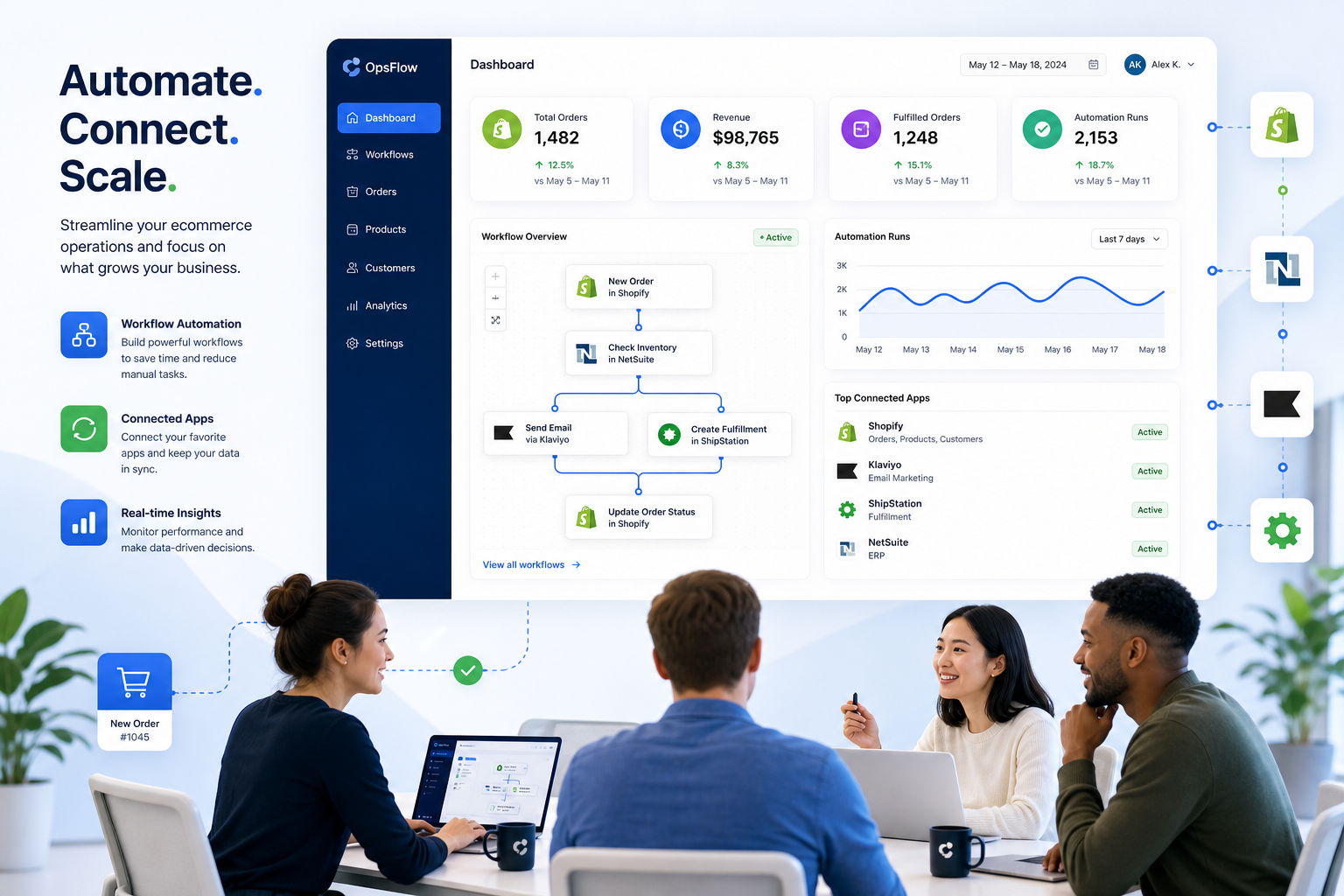
A simple example:
-
A high-value order is placed in Shopify
-
The order is tagged automatically
-
A Slack alert is sent to operations
-
The order data is pushed to a fulfillment or ERP tool
-
A VIP customer follow-up sequence starts in Klaviyo
-
A row is added to Google Sheets for finance visibility
That entire chain is a workflow.
A workflow automation application makes this repeatable.
A workflow automation platform gives you the environment to build and manage it.
A workflow automation service may include implementation, consulting, or managed support on top of the software.
Why workflow automation matters more now
Business teams are expected to move faster without adding more headcount. At the same time, tech stacks are getting more fragmented. One department uses Slack, another uses HubSpot, another uses Google Sheets, and ecommerce operations depend on Shopify, fulfillment platforms, ERPs, and marketing tools all staying in sync.
Without automation, teams end up with:
-
duplicate work
-
slow internal handoffs
-
inconsistent data
-
missed SLAs
-
operational backlog
-
higher risk of customer-facing errors
“Automated processes have led to a 25% to 30% increase in productivity.” – The Global Statistics
“The average cart abandonment rate stands at approximately 70.22%.” – Zero Cart AI
These two realities connect directly. Internal inefficiency affects customer experience. If operations are slow, checkout recovery, fulfillment speed, stock accuracy, and support responsiveness all suffer.
The biggest content gap in most workflow automation guides
Most articles stop at generic business automation examples. They talk about approvals, HR onboarding, or ticket routing, but they gloss over the operational complexity of ecommerce.
For Shopify merchants, the real challenge is not just automating a single task. It is coordinating multi-step flows across systems that were never designed to work together out of the box.
That means the best workflow automation tools for ecommerce must handle:
-
event-driven logic from Shopify
-
real-time inventory and order updates
-
conditional branching
-
error prevention and retries
-
app-to-app synchronization
-
human alerts when exceptions happen
-
scalable workflows without custom development
This is where a Shopify-first system like MESA stands out. Rather than forcing merchants into generic automation logic, MESA is built around real ecommerce operations. It helps merchants automate repetitive Shopify tasks without requiring a developer, supports complex multi-step automations, and turns plain-English requests into live workflows quickly using its AI assistant, Yedric.
The core types of workflow automation tools
Not all workflow automation software is built for the same job. Here is the practical breakdown.
1. General-purpose workflow automation platforms
These tools are made to connect many apps and automate cross-functional business processes.
Examples include Zapier, Make, and n8n.
They are useful for:
-
marketing operations
-
lead routing
-
notifications
-
internal productivity flows
-
lightweight app integrations
They are often broad and flexible, but may require more setup for ecommerce-specific logic.
2. Ecommerce-first workflow automation software
These tools are designed around store operations, order lifecycle events, inventory movement, customer data, and app sync.
They are useful for:
-
Shopify order automation
-
fulfillment rules
-
inventory sync
-
customer experience triggers
-
fraud handling
-
back-office reporting
-
ERP and 3PL coordination
MESA fits here, and that focus matters. Instead of adapting a general platform to Shopify workflows, merchants can start with ready-made patterns built for real store operations.
3. Enterprise workflow automation solutions
These are designed for larger teams with compliance, security, scale, and governance requirements.
They are useful for:
-
multi-team approvals
-
advanced orchestration
-
enterprise integrations
-
internal systems coordination
-
role-based management
For enterprise merchants on Shopify, the sweet spot is often a platform that combines ecommerce-native automation with enterprise-grade complexity handling. MESA supports this well by enabling scalable workflows across operations, reporting, alerts, customer follow-up, and system synchronization.
4. Managed workflow automation services
Some businesses want outcomes, not just software. In those cases, a workflow automation service may include:
-
implementation help
-
workflow design
-
optimization
-
ongoing support
-
troubleshooting
-
integration guidance
This is another overlooked differentiator. Many tools are self-serve only. MESA adds real human support for workflow setup and optimization, which is especially valuable for merchants with operational bottlenecks or complex use cases.
What the best workflow automation platform should include
The right workflow automation platform should do more than move data from one tool to another. It should reduce manual work while improving operational reliability.
Must-have features
|
Feature |
Why it matters |
|---|---|
|
Trigger-based automation |
Starts workflows when orders, customers, products, or events change |
|
Multi-step logic |
Supports sequences, branching, delays, and conditions |
|
App integrations |
Connects your existing ecommerce and business stack |
|
Templates |
Speeds up time-to-value and reduces setup effort |
|
Error handling |
Prevents broken flows and operational blind spots |
|
Alerts and notifications |
Keeps teams informed when exceptions happen |
|
Reporting support |
Automates exports, summaries, and visibility |
|
Human-friendly builder |
Lets operators build without engineering help |
|
Scalability |
Supports growing order volume and increasing complexity |
|
Support |
Helps teams launch and refine automations faster |
Nice-to-have features that become essential at scale
-
AI-assisted workflow creation
-
reusable workflow blocks
-
approval checkpoints
-
logging and audit visibility
-
data transformation between apps
-
retry logic for failed tasks
-
role-based team collaboration
This is where MESA has a clear practical advantage for Shopify merchants. It offers 300+ ready-made templates, integrates with 100+ apps and ecommerce tools, and lets merchants describe automations in plain English so Yedric can help turn that request into a working flow. That shortens setup time dramatically.
Comparing popular workflow automation tools
MESA
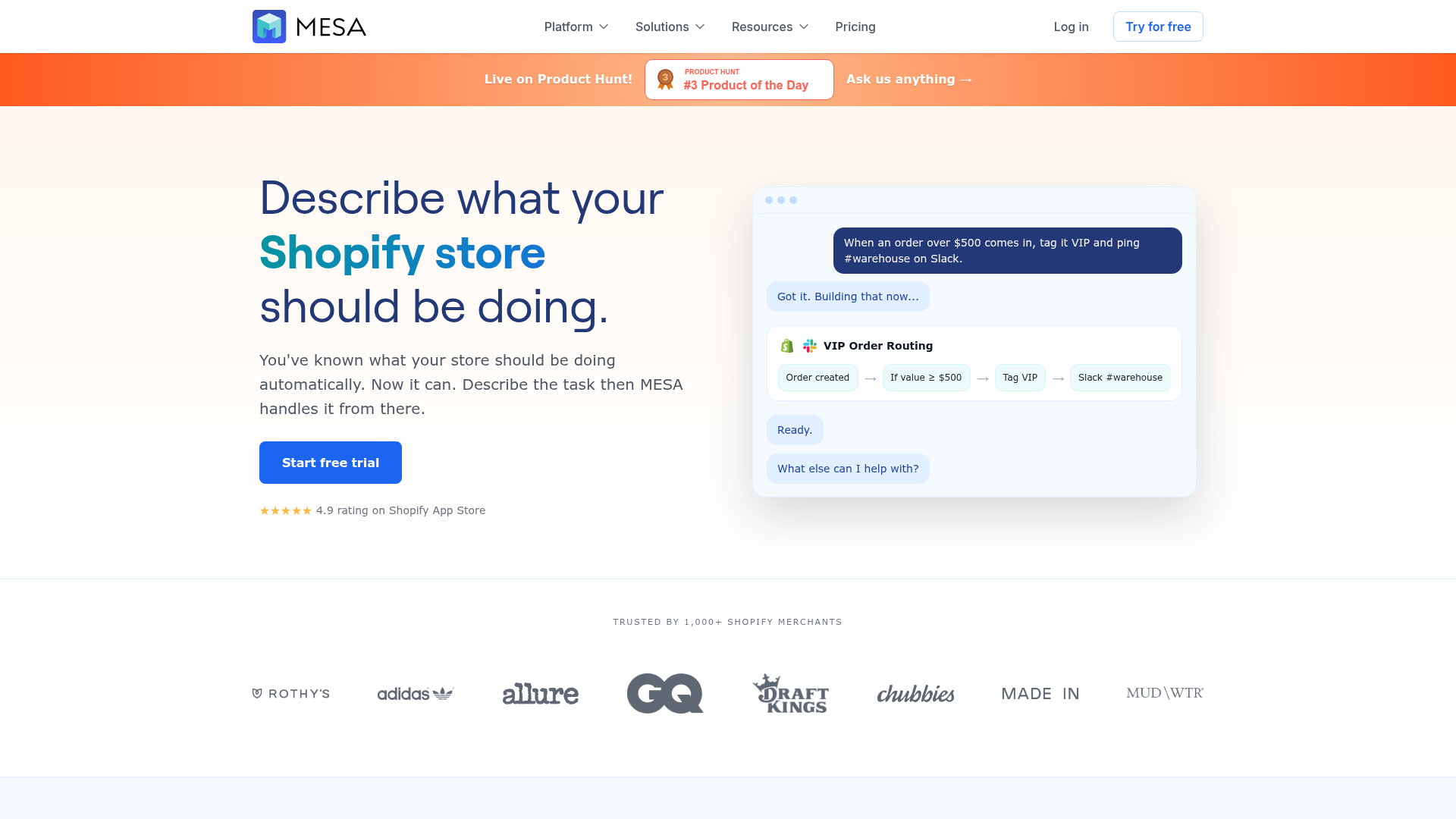
Best for: Shopify merchants and ecommerce teams that need operational automation without custom development.
Strengths:
-
built for Shopify operations
-
plain-English workflow creation
-
strong multi-step ecommerce logic
-
300+ templates
-
100+ app integrations
-
real human support
-
helps prevent overselling, broken flows, and manual backlog
Best use cases:
-
order routing
-
inventory sync
-
customer follow-up
-
ERP and 3PL integration
-
reporting automation
-
alerts and exception handling
Zapier
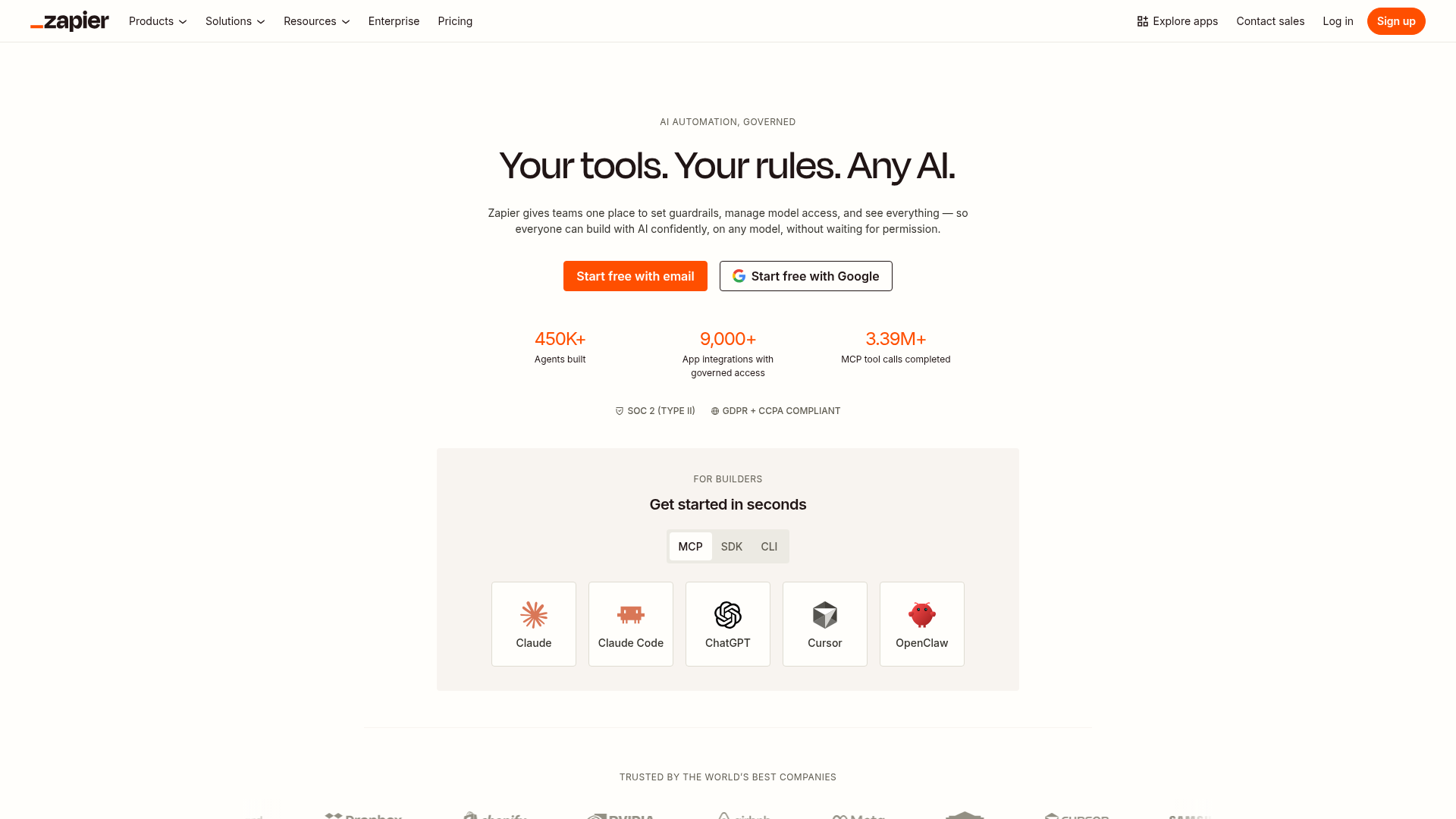
Best for: Broad app connectivity and simple cross-functional workflows.
Strengths:
-
huge integration ecosystem
-
easy for lightweight automations
-
solid for business teams outside ecommerce
Limitations for merchants:
-
may require more adaptation for Shopify-specific operational logic
-
complex ecommerce flows can become harder to manage
Make
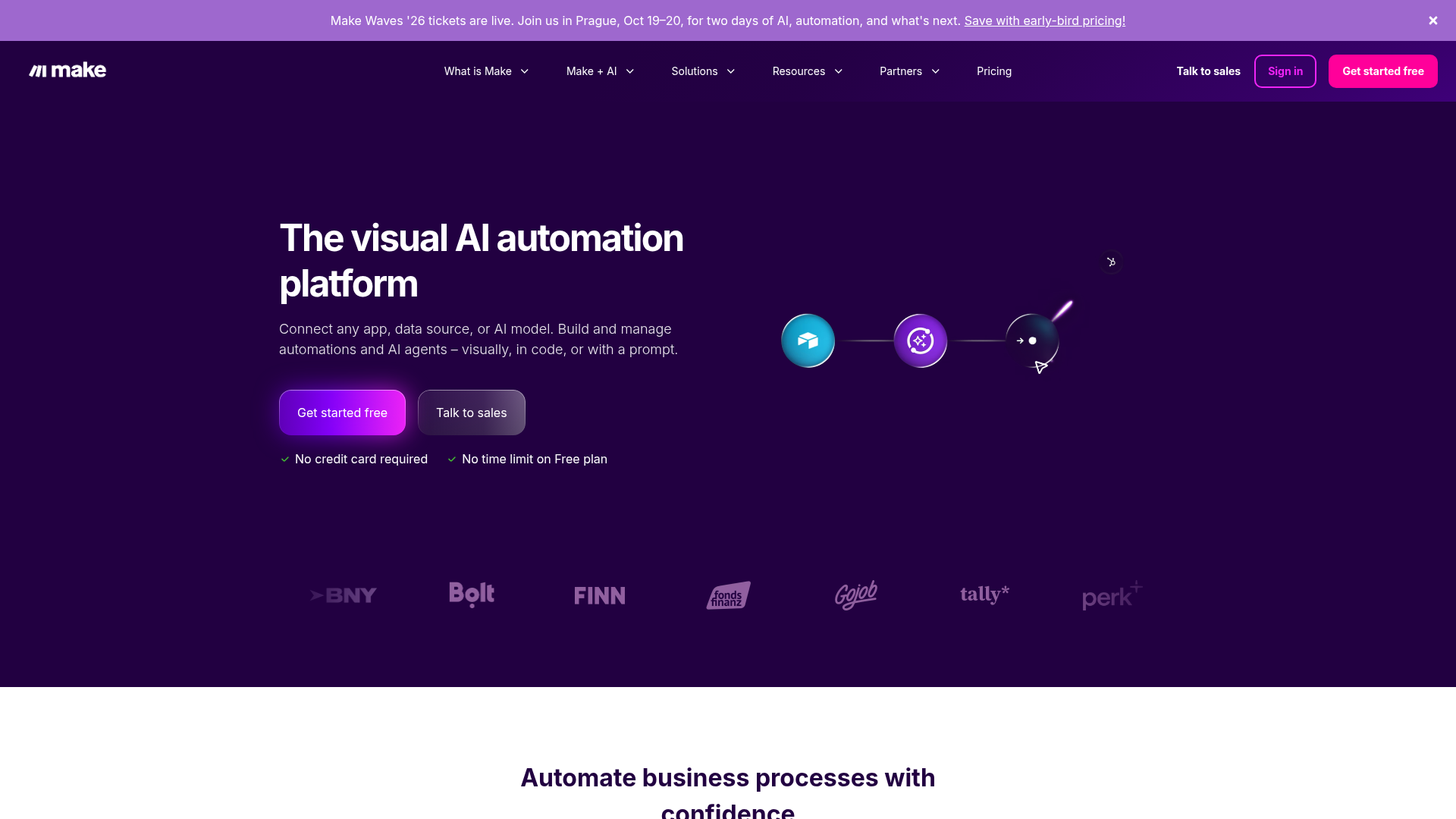
Best for: Visual automation builders and custom app-to-app scenarios.
Strengths:
-
visual scenario builder
-
flexible branching logic
-
suitable for technical operators
Limitations for merchants:
-
steeper setup for nontechnical teams
-
less Shopify-first guidance than a specialized platform
n8n
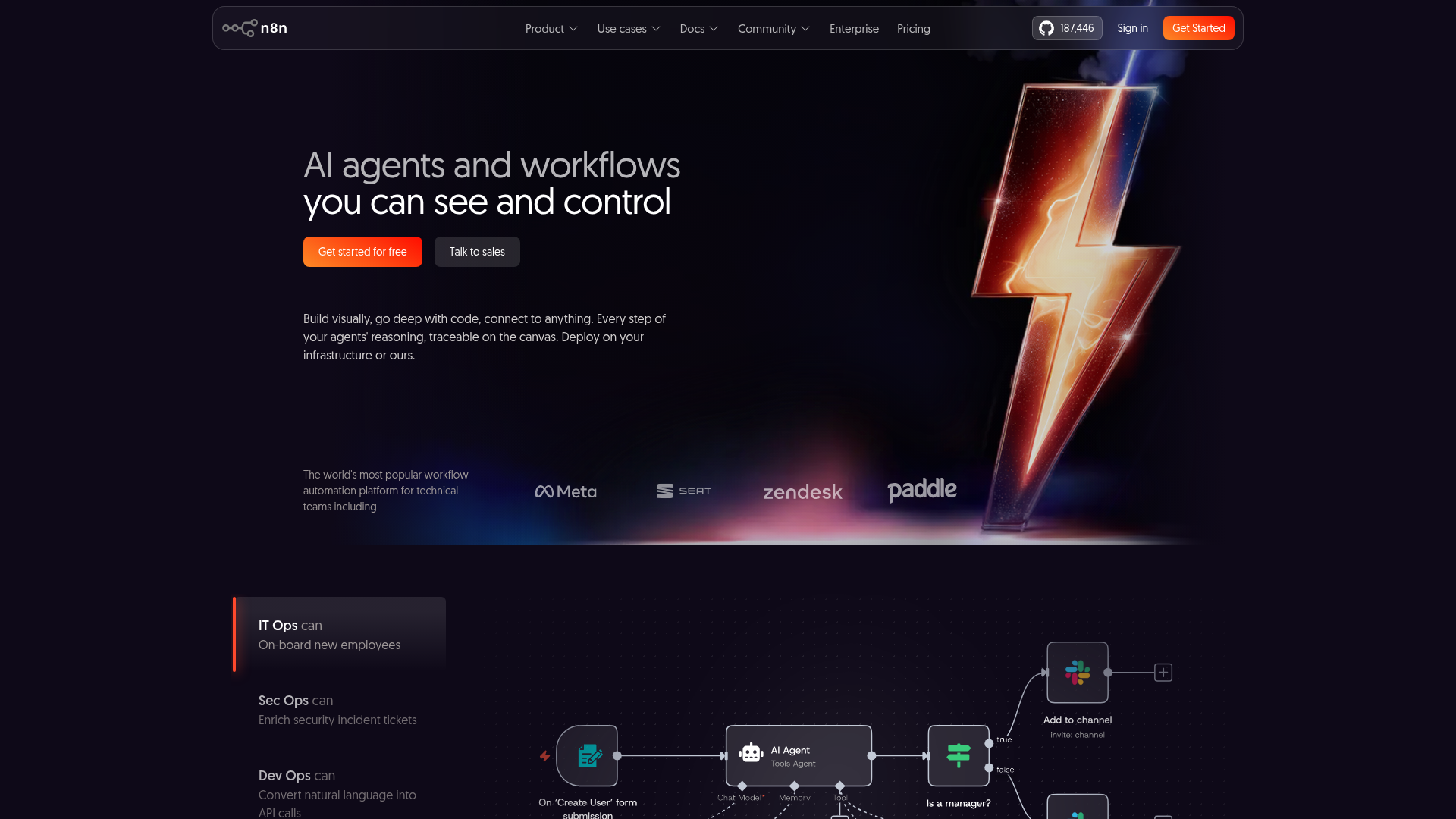
Best for: Technical teams that want flexibility and developer-oriented control.
Strengths:
-
highly customizable
-
useful for engineering-led workflows
-
good for technical orchestration
Limitations for merchants:
-
not ideal if the goal is fast operational wins without developer involvement
-
more technical overhead for business users
Quick comparison table
|
Platform |
Best fit |
Ease of setup |
Shopify focus |
Complex multi-step workflows |
Human support |
|---|---|---|---|---|---|
|
MESA |
Shopify merchants and ecommerce ops teams |
High |
Excellent |
Excellent |
Excellent |
|
Zapier |
General business automations |
High |
Moderate |
Moderate |
Moderate |
|
Make |
Visual cross-app automation |
Medium |
Moderate |
High |
Moderate |
|
n8n |
Technical teams |
Low to Medium |
Moderate |
High |
Moderate |
Department-by-department workflow automation application examples
Workflow automation becomes more valuable when you map it to actual team outcomes.
Ecommerce operations
Operations teams often live inside repetitive tasks that should never be manual.
Common automations:
-
auto-tagging orders by product, region, risk, or value
-
routing rush orders to fulfillment teams
-
notifying Slack when exceptions occur
-
holding orders that match specific risk criteria
-
splitting workflows for subscription vs one-time orders
With MESA, these can be built quickly without custom code and refined over time as operational rules evolve.
Inventory and merchandising
Inventory errors are among the most expensive ecommerce mistakes.
Common automations:
-
sync stock across apps and systems
-
alert when inventory falls below threshold
-
pause campaigns when a product goes out of stock
-
update merchandising fields based on inventory state
-
prevent overselling by coordinating timely stock updates
This is a high-value area where workflow automation solutions deliver both customer experience gains and margin protection.
Customer support and experience
Support quality depends heavily on context and speed.
Common automations:
-
send post-purchase messages based on order type
-
create proactive alerts for delayed shipments
-
trigger follow-up for high-value customers
-
log support-relevant order data into CRM tools
-
route customer events into helpdesk or Slack channels
Marketing and retention
Marketing teams should not have to manually move data between systems to personalize campaigns.
Common automations:
-
push customer segments into Klaviyo
-
trigger win-back flows after defined inactivity
-
send review requests at the right fulfillment stage
-
sync loyalty or lifecycle data into reporting tools
-
enrich audience lists using order behavior
Finance and reporting
Teams lose hours every week exporting and reconciling data.
Common automations:
-
write order summaries to Google Sheets or Airtable
-
notify finance on high-risk refund events
-
push sales data into ERP tools
-
automate daily or weekly operational reports
-
track exceptions for tax, reconciliation, or payout review
Enterprise operations
Larger merchants need coordination across systems, not just task automation.
Common automations:
-
connect Shopify with HubSpot, Odoo, Slack, Airtable, or ShipStation
-
orchestrate data movement across departments
-
trigger exception workflows when data mismatches occur
-
centralize operational visibility
-
reduce manual backlog across large order volumes
How to choose the right workflow automation software
Choosing a tool based on popularity alone is risky. Choose based on operational fit.
Ask these seven questions
-
What processes are costing us the most time right now?
Focus on recurring work, not edge cases first. -
Which errors are most expensive when they happen?
Inventory errors, misrouted orders, and delayed customer communications should rank high. -
How much technical expertise do we realistically have?
If your ops team needs independence, a developer-heavy platform is the wrong fit. -
How ecommerce-specific are our needs?
Generic workflow automation tools may work, but a Shopify-first platform often reduces setup and maintenance. -
Do we need simple automations or full multi-step orchestration?
Many merchants outgrow single-trigger tools quickly. -
How many apps need to stay in sync?
The more systems involved, the more important templates, integrations, and error handling become. -
Will we get help when a workflow breaks or needs optimization?
Support quality matters more than most teams expect.
Practical scoring framework
|
Evaluation criteria |
Weight |
What good looks like |
|---|---|---|
|
Ease of use |
20% |
Business users can build and edit workflows |
|
Ecommerce fit |
20% |
Native Shopify logic and use cases |
|
Integration depth |
15% |
Connects to core business systems |
|
Workflow complexity |
15% |
Handles branching, delays, and multi-step flows |
|
Template library |
10% |
Useful prebuilt automations for common scenarios |
|
Reliability |
10% |
Error handling, retries, and operational stability |
|
Support |
10% |
Real humans who can help optimize workflows |
For many Shopify brands, MESA scores especially well because it combines ecommerce depth, flexible workflow logic, natural-language setup, and hands-on support.
Common mistakes teams make when implementing workflow automation
A lot of automation projects underperform not because the software is bad, but because the rollout is wrong.
Mistake 1: Automating chaos
If the process is unclear, automation scales the confusion. Map the workflow first.
Mistake 2: Starting with low-value tasks
Automate the tasks that create meaningful operational relief or revenue protection.
Mistake 3: Ignoring exception paths
Good workflows do not just handle the happy path. They also handle delays, mismatches, and missing data.
Mistake 4: Building too much from scratch
Templates exist for a reason. MESA’s 300+ ready-made templates help merchants move faster and avoid reinventing common workflows.
Mistake 5: Choosing a tool that needs a developer for every change
Ops teams need agility. If every workflow edit requires engineering, backlog returns.
Mistake 6: Not connecting automation to outcomes
Track what the automation changed:
-
hours saved
-
orders processed faster
-
errors reduced
-
support cases prevented
-
inventory mismatches avoided
What smarter operations look like in practice
Smarter operations are not about having the most automations. They are about having the right ones in the right places.
A mature workflow automation setup usually means:
-
fewer repetitive clicks
-
cleaner handoffs between apps
-
better internal visibility
-
faster exception handling
-
more accurate data
-
less dependency on manual exports
-
more time for strategic work
For ecommerce teams, that can translate to:
-
faster order handling
-
better reporting
-
fewer stockouts and oversells
-
stronger customer follow-up
-
lower operational stress during peak periods
Why MESA is especially strong for Shopify merchants
MESA is not just another workflow automation application added to a tech stack. It is purpose-built to help Shopify merchants scale operations with less manual work and less technical friction.
Where MESA stands out
-
Plain-English workflow creation: Merchants can describe what they want, and Yedric helps turn that into live workflows quickly.
-
No developer required: Teams can automate repetitive Shopify tasks without waiting on custom development.
-
Shopify-first logic: Built around real ecommerce operations rather than generic office workflows.
-
Complex multi-step automations: Supports branching logic and advanced process coordination.
-
100+ integrations: Connects Shopify with tools like Slack, Google Sheets, Klaviyo, Odoo, Airtable, ShipStation, and HubSpot.
-
300+ templates: Launch faster with proven automations for common store operations.
-
Operational risk reduction: Helps prevent errors such as broken data flows, missed alerts, and overselling.
-
Real human support: Merchants can get hands-on help with setup and optimization.
That combination is what many competitors miss. The best workflow automation solutions are not just flexible. They are usable, reliable, and tailored to the business model they serve.
Building your first automation roadmap
If you want results quickly, use this rollout order.
Phase 1: Remove repetitive operational work
Start with:
-
order tagging
-
Slack notifications
-
daily reporting
-
customer follow-up triggers
Phase 2: Protect accuracy and margins
Then automate:
-
inventory sync
-
exception alerts
-
routing rules
-
fulfillment coordination
Phase 3: Connect systems
Add:
-
ERP sync
-
CRM updates
-
marketing platform enrichment
-
finance exports
Phase 4: Optimize and scale
Finally:
-
refine branching logic
-
reduce unnecessary alerts
-
track automation ROI
-
standardize workflows across teams
MESA is particularly useful here because merchants can start with templates, then customize based on store-specific needs instead of building every process from zero.
Final verdict
Workflow automation is no longer optional for teams that want smarter operations. It is the system behind faster execution, fewer errors, and more scalable growth.
The best workflow automation software is not the one with the longest feature list. It is the one that matches your operational reality, fits your team’s technical level, and improves reliability across the workflows that matter most.
If you run a Shopify store or manage ecommerce operations, a generic workflow automation platform can help, but a Shopify-first solution will usually get you to value faster.
MESA is a strong choice because it turns plain-English requests into live workflows, supports complex automations without custom development, integrates with the ecommerce tools merchants already use, and gives teams real human support when they need it.
If your store is still relying on manual work for order handling, alerts, reporting, inventory sync, or customer follow-up, this is the moment to fix it.
Ready to automate smarter with MESA?
MESA helps Shopify merchants reduce manual operational work, clear backlog, connect their app stack, and scale with confidence.
Whether you need a simple alert or a complex multi-step workflow across Shopify, Slack, Klaviyo, Google Sheets, and your fulfillment systems, MESA gives you a faster path to reliable automation.
Start with a proven template, describe your workflow in plain English, and let MESA help you put smarter operations on autopilot.