Shopify Ecommerce Automation Tools for Faster Growth
-
- •
- May. 10, 2026
- •
- 13 min read

Table of Contents:
Shopify Ecommerce Automation Tools for Faster Growth
Shopify merchants rarely struggle because they lack ideas. They struggle because the store keeps generating repetitive work: tagging orders, fixing inventory mismatches, sending follow-ups, chasing fulfillment exceptions, copying data between apps, and cleaning up mistakes after the fact.
That is exactly where Shopify ecommerce automation changes the game.
The right Shopify automation tools help you move faster without hiring more people just to manage manual tasks. They reduce operational drag, keep data in sync, speed up order handling, and make it easier to scale across sales, fulfillment, support, and reporting. For growing brands, operations teams, ecommerce managers, and enterprise merchants, automation is no longer a “nice to have.” It is how you protect margin while growing complexity.
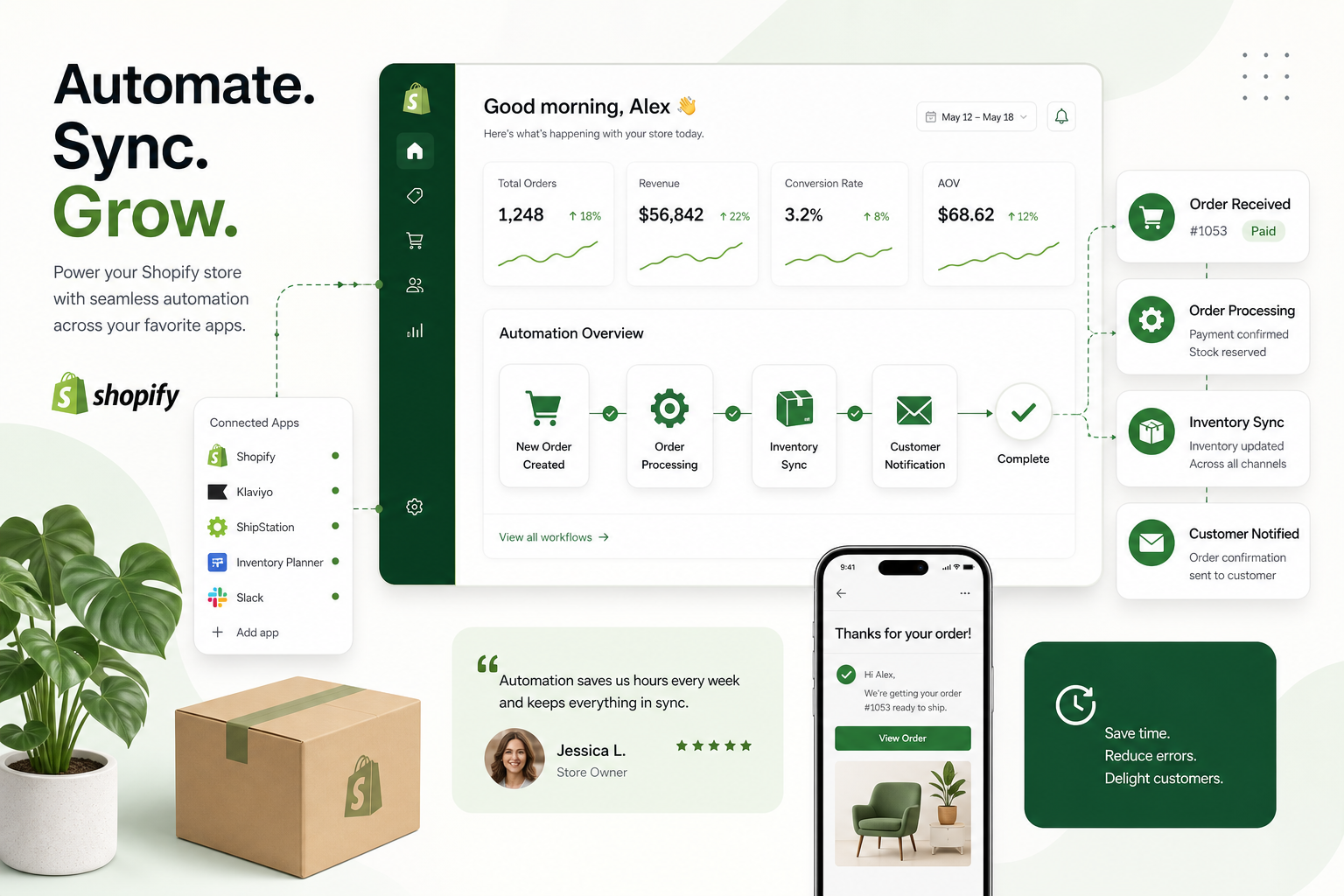
MESA is built for this. It helps merchants automate repetitive Shopify tasks without requiring a developer, turn plain-English requests into live workflows quickly, support complex multi-step automations, connect Shopify with 100+ apps and ecommerce tools, and launch faster using 300+ ready-made templates. That means fewer manual handoffs, fewer broken processes, and a much more scalable store operation.
“As of 2025, 73% of online retailers have implemented at least one AI-powered automation system in their operations.” – Source
“The average cart abandonment rate in e-commerce is approximately 70.22%.” – Source
Why Shopify automation matters more than ever
Most stores first look for automation when the workload becomes unmanageable. But the best time to automate is before operations break down.
As a Shopify store grows, the number of moving parts multiplies:
-
More orders to review and route
-
More inventory changes across channels
-
More exceptions to catch
-
More customer touchpoints to manage
-
More reports to compile
-
More apps that need to exchange clean data
Without automation, teams start relying on spreadsheets, inboxes, Slack messages, and tribal knowledge. That creates delays, missed follow-ups, overselling, duplicate work, and preventable customer experience issues.
Shopify workflow automation solves this by letting your systems react instantly to store events. Instead of waiting for someone to notice a problem, automation can trigger the right action the moment something happens.
What Shopify automation can handle
A modern Shopify store automation setup can support tasks like:
-
Auto-tagging and routing new orders
-
Alerting teams to high-risk or VIP orders
-
Syncing inventory across systems
-
Updating ERPs, CRMs, or spreadsheets
-
Sending internal Slack or email alerts
-
Triggering post-purchase customer follow-up
-
Assigning fulfillment logic by product, location, or rules
-
Flagging data issues before they turn into operational problems
-
Generating routine reports without manual exports
This is where MESA stands out. It is designed specifically for ecommerce operations, not generic task automation. Merchants can describe what they want in plain English, then use MESA and its AI assistant to turn that into a live workflow quickly.
What top-ranking content gets right – and what it misses
Most competitor content around Shopify automation covers the same basics:
-
General categories like marketing, inventory, customer service, and analytics
-
Popular tools such as Shopify Flow, Zapier, Mechanic, Order Automator, and MESA
-
Broad claims about saving time and reducing manual work
-
Entry-level examples like abandoned cart emails or order tagging
That is useful, but incomplete.
The biggest content gaps in competitor articles
Most articles gloss over the details that matter when merchants are actually choosing a tool:
|
Common Topic Covered |
What Competitors Often Miss |
|---|---|
|
Lists of automation tools |
How to decide based on workflow complexity, support needs, and integrations |
|
General automation benefits |
The operational risks automation prevents, like overselling or broken data flows |
|
Marketing automation examples |
Back-office use cases like reporting, fulfillment routing, ERP sync, and exception handling |
|
Basic tool roundups |
Whether a tool supports non-technical teams or still requires scripting |
|
Generic setup advice |
How to prioritize automation by revenue impact and operational pain |
This article fills those gaps by focusing on real Shopify store automation decisions, not just app lists.
What Shopify ecommerce automation actually means
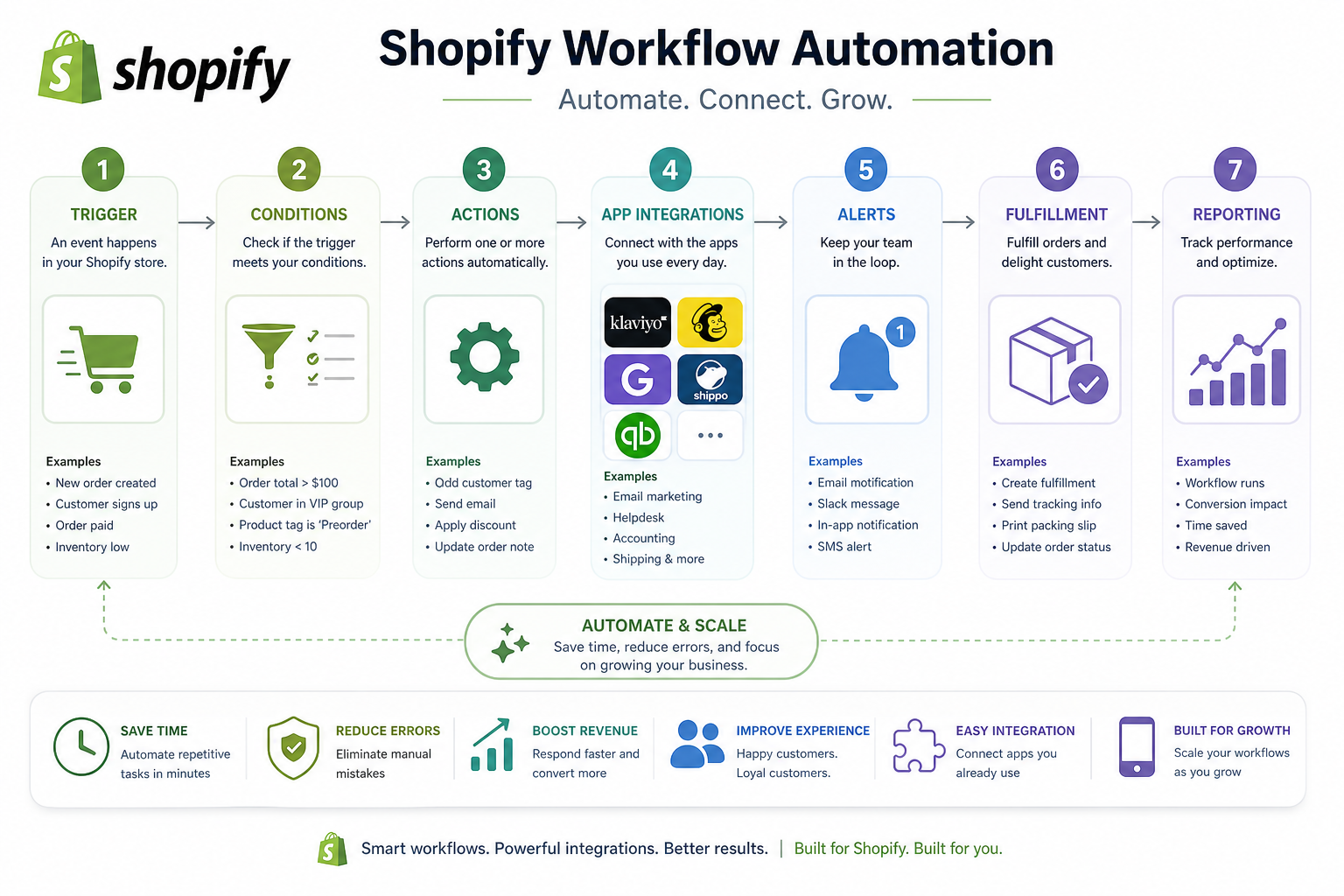
Shopify ecommerce automation is the use of triggers, logic, and actions to run store processes automatically when specific events happen.
A workflow usually has three parts:
-
Trigger: Something happens in Shopify or another connected app
-
Conditions: Rules determine whether the automation should continue
-
Actions: One or more tasks run automatically
Simple example
-
Trigger: New order is created
-
Condition: Order contains a preorder item
-
Actions:
-
Add an internal tag
-
Send a Slack alert to ops
-
Delay fulfillment
-
Notify customer support
-
Complex example
-
Trigger: Inventory drops below threshold
-
Conditions:
-
Product belongs to certain vendor
-
Product is active in multiple channels
-
-
Actions:
-
Update Google Sheet log
-
Email purchasing team
-
Post alert to Slack
-
Create follow-up task in project management tool
-
Pause promotion in connected marketing system
-
That kind of multi-step logic is where many merchants outgrow basic automation. MESA supports these more advanced workflows without forcing teams into custom development.
The core types of Shopify automation every merchant should know
Shopify order automation
Shopify order automation focuses on what happens after a purchase is placed.
This includes:
-
Order tagging
-
Fraud review routing
-
Fulfillment rules
-
Vendor notifications
-
Shipping status updates
-
Internal alerts
-
Hold or release logic
-
Priority handling for VIP customers
For many stores, this is the highest-impact place to start because order processing touches revenue, customer experience, and team workload all at once.
Shopify store automation
Shopify store automation is broader. It includes operational and customer-facing tasks across the business:
-
Product and inventory updates
-
Customer data sync
-
Back-office reporting
-
CRM enrichment
-
Review requests
-
Returns-related actions
-
Marketing triggers
-
App-to-app data transfers
If order automation is one department, store automation is the full operating system.
Shopify workflow automation
Shopify workflow automation refers to building logic-based processes that can span multiple tools and teams.
This is where you move from “do one task automatically” to “run an entire process automatically.”
Examples include:
-
If a wholesale order exceeds a threshold, route it differently
-
If a support ticket mentions a delayed shipment, pull tracking data automatically
-
If a customer hits VIP status, update segments in multiple platforms
-
If a product is out of stock in one system, update the rest
MESA is especially strong here because it supports complex multi-step automations and integrations with 100+ apps and ecommerce tools.
The best Shopify automation tools for different needs
Below is a practical comparison based on what merchants actually need, not just name recognition.
1. MESA
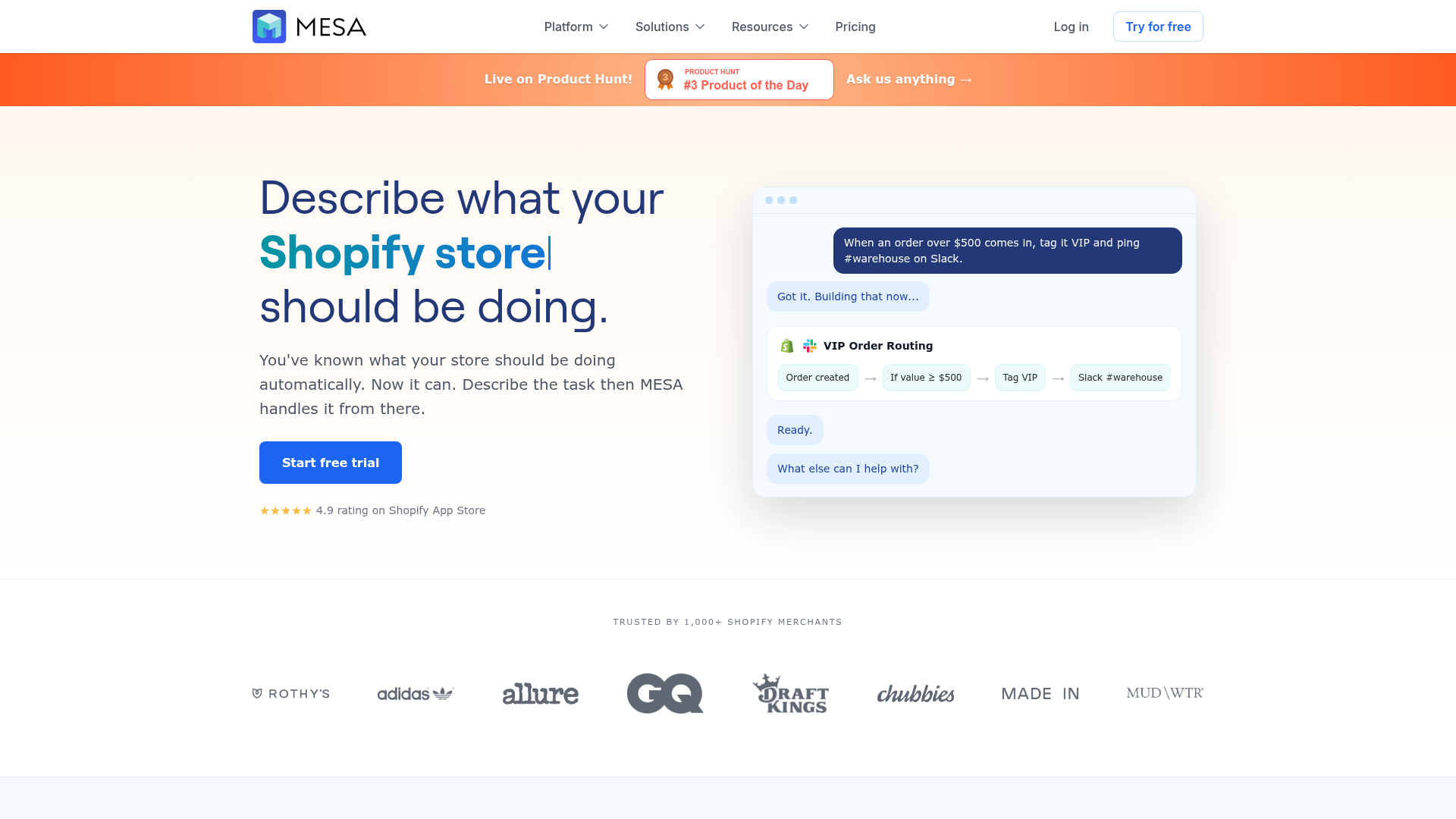
MESA is a Shopify-first automation platform built for merchants who want powerful automation without depending on a developer for every workflow.
Why it stands out:
-
Turns plain-English requests into live workflows quickly
-
Supports complex multi-step logic
-
Connects Shopify with 100+ apps and ecommerce tools
-
Includes 300+ ready-made templates
-
Helps reduce manual operational work and backlog
-
Prevents issues like broken data flows or overselling
-
Offers real human support for setup and optimization
Best for:
-
Growing Shopify brands
-
Ops teams
-
Merchants with cross-app workflows
-
Stores that need automation beyond simple templates
Where MESA wins
Many tools are either too limited for real operations or too technical for non-developers. MESA sits in the sweet spot: advanced enough for complex ecommerce workflows, accessible enough for teams that need speed.
2. Shopify Flow
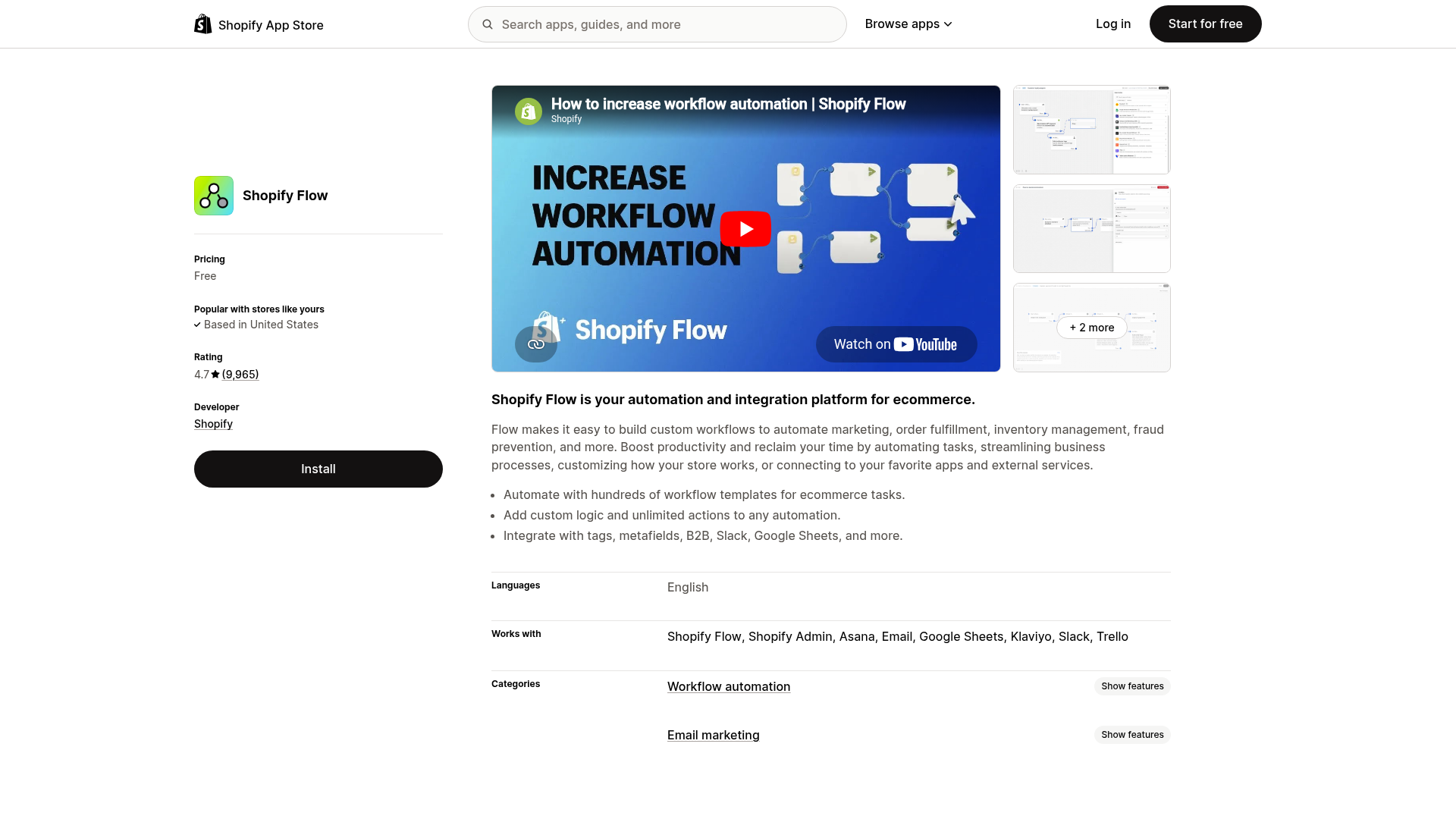
Shopify Flow is the native automation option for Shopify merchants. It is a strong starting point for simple rule-based workflows inside the Shopify ecosystem.
Best for:
-
Basic automations
-
Merchants who want native Shopify workflows
-
Simple tagging, notification, or rule-based actions
Limitations:
-
Can be restrictive for more advanced cross-platform processes
-
Often less flexible when workflows span multiple external tools and systems
3. Zapier
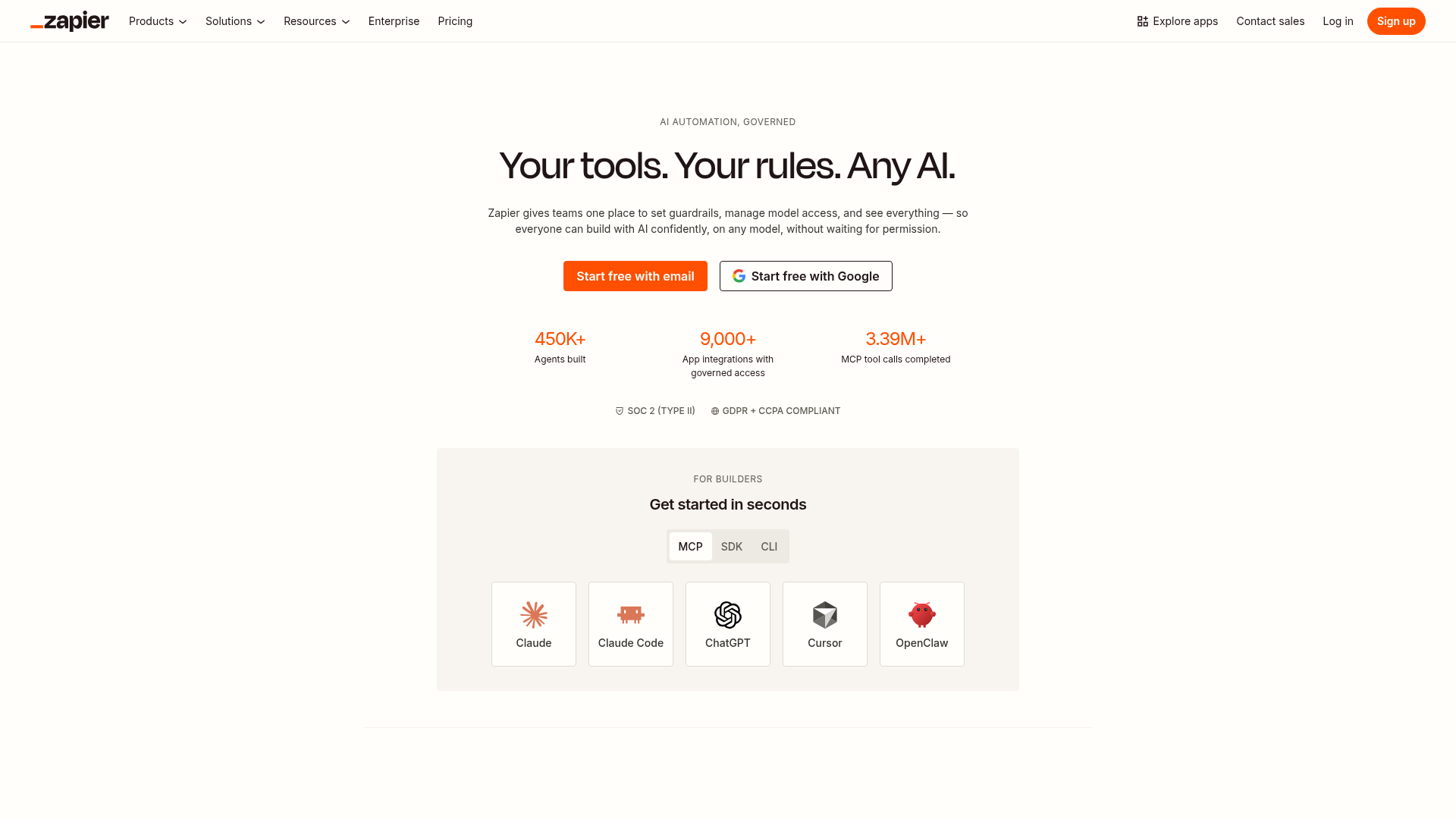
Zapier is a broad automation platform used across industries. It is useful when you need quick app-to-app connections.
Best for:
-
Lightweight integrations
-
Teams already using many SaaS tools
-
Simple data movement between systems
Limitations:
-
Not Shopify-first
-
Ecommerce workflows may require more setup and workarounds
-
Less tailored to store operations than a dedicated Shopify automation platform
4. Mechanic
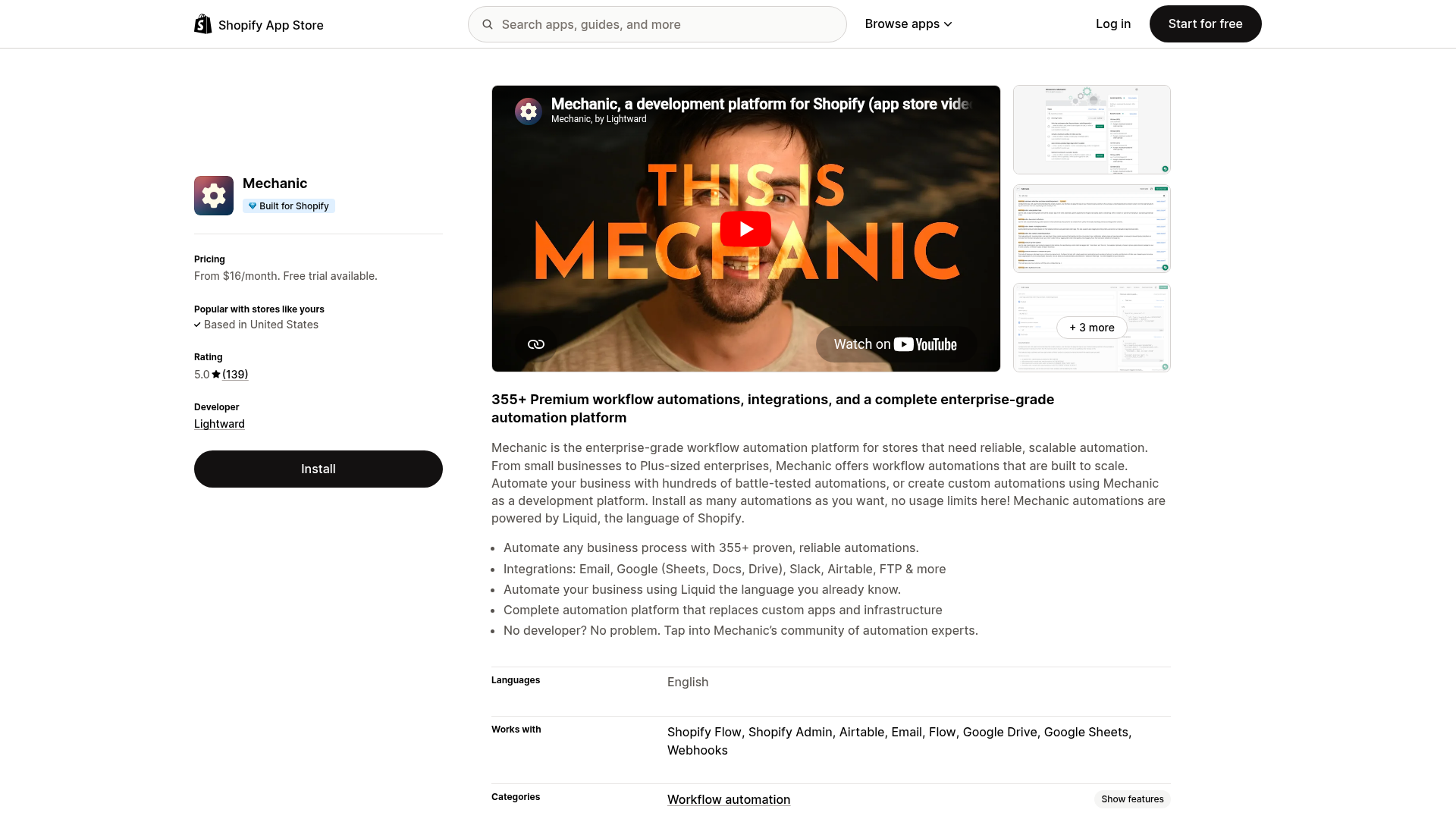
Mechanic is powerful and flexible, especially for technical users comfortable with scripting and advanced customization.
Best for:
-
Developers
-
Highly custom Shopify logic
-
Technical teams comfortable maintaining automation logic
Limitations:
-
Steeper learning curve
-
Less approachable for non-technical merchants and ops teams
5. Order Automator
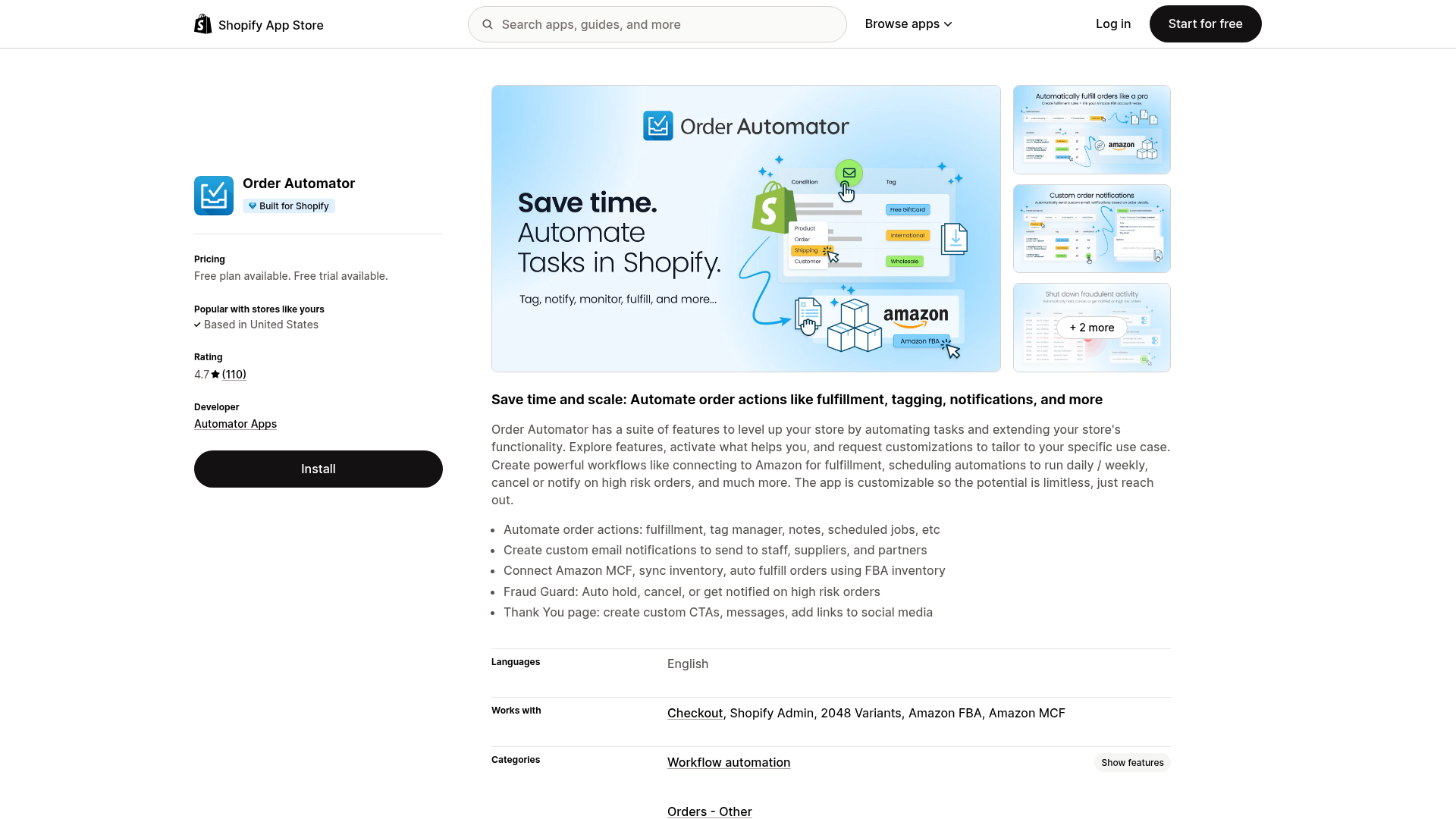
Order Automator is more specialized around order processing and rule-based handling.
Best for:
-
Stores with straightforward order workflows
-
Merchants focused mostly on tagging, notifications, and order processing
Limitations:
-
Narrower scope than end-to-end workflow automation platforms
Quick comparison table
|
Tool |
Best For |
Technical Level |
Cross-App Automation |
Shopify-Focused |
Ideal Use Case |
|---|---|---|---|---|---|
|
MESA |
Full operational automation |
Low to medium |
Excellent |
Yes |
Advanced Shopify workflow automation without custom dev |
|
Shopify Flow |
Native basic workflows |
Low |
Moderate |
Yes |
Simple Shopify-native rules |
|
Zapier |
General SaaS connections |
Low to medium |
Excellent |
No |
Lightweight app integrations |
|
Mechanic |
Deep custom logic |
High |
Good |
Yes |
Developer-led custom automation |
|
Order Automator |
Order-specific tasks |
Low |
Limited |
Yes |
Simple Shopify order automation |
How to choose the right Shopify automation tool
Choosing the best Shopify automation tool is less about feature checklists and more about fit.
Ask these five questions
1. How complex are your workflows?
If you only need basic tagging or notifications, a simpler tool may work.
If you need:
-
Branching logic
-
Multi-step actions
-
App-to-app synchronization
-
Exception handling
-
Internal alerts plus customer follow-up
Then you need a more capable workflow platform like MESA.
2. Who will build and maintain automation?
If your ops team needs to launch workflows without engineering tickets, usability matters.
MESA is designed to reduce that dependency by letting merchants describe automations in plain English and launch workflows faster.
3. Do your apps need to stay synchronized?
Many operational failures happen between systems, not inside one system.
If Shopify, Slack, Google Sheets, Klaviyo, Airtable, HubSpot, ShipStation, Odoo, or other tools need to exchange clean data, choose a platform built for integrations.
4. How costly are mistakes?
If a broken workflow could mean:
-
Overselling
-
Delayed fulfillment
-
Bad customer communication
-
Missing reports
-
Inventory mismatches
Then support, reliability, and visibility matter as much as features.
5. Do you need help building workflows?
This is a major blind spot in many comparison articles. Tool quality is not just product quality. It is also the support behind it.
MESA provides real human support for workflow setup and optimization, which matters when the workflow affects revenue operations.
High-impact Shopify automation use cases that drive faster growth
Many merchants automate too late, or they automate low-value tasks first. The better approach is to prioritize use cases by business impact.
1. Order routing and tagging
This is usually the fastest win.
Automate:
-
Tags based on order value, items, shipping method, or risk
-
Routing by warehouse or vendor
-
Priority rules for VIP or subscription orders
-
Internal notifications for special handling
Why it matters:
-
Faster fulfillment
-
Fewer mistakes
-
Less manual review
2. Inventory sync and oversell prevention
Inventory problems create expensive downstream issues.
Automate:
-
Low-stock alerts
-
Cross-system stock sync
-
Product status updates
-
Channel-specific actions when stock changes
Why it matters:
-
Prevents overselling
-
Protects customer trust
-
Keeps promotions aligned with actual stock
3. Customer follow-up and lifecycle triggers
Customer experience should not rely on manual reminders.
Automate:
-
Post-purchase messages
-
Review requests
-
VIP onboarding
-
Replenishment reminders
-
Internal alerts when high-value customers purchase
Why it matters:
-
Increases retention
-
Improves follow-up consistency
-
Supports repeat revenue
4. Reporting and operational visibility
Teams waste hours exporting, reformatting, and sharing data.
Automate:
-
Daily order summaries
-
Exception reports
-
Fulfillment delay alerts
-
Revenue snapshots
-
Low-stock digests
Why it matters:
-
Reduces reporting backlog
-
Improves decision speed
-
Keeps teams aligned
5. App integrations and data hygiene
When tools drift out of sync, operations slow down and errors stack up.
Automate:
-
Customer data sync between Shopify and CRM
-
Order exports to ERP or spreadsheets
-
Marketing segment updates
-
Shipping data updates
-
Internal notification workflows
Why it matters:
-
Prevents broken data flows
-
Reduces manual copy-paste work
-
Keeps systems trustworthy
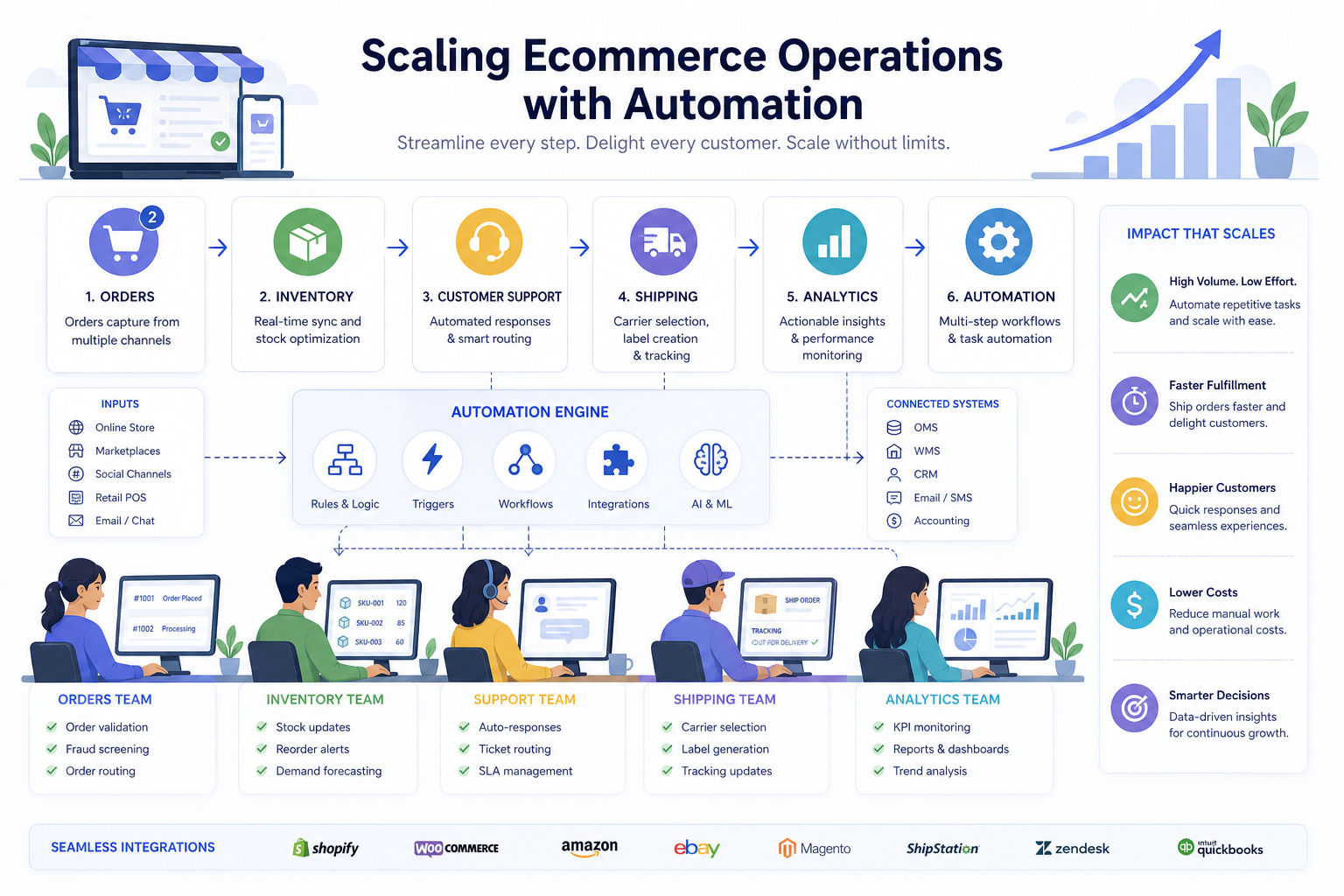
A practical automation roadmap for Shopify merchants
Instead of trying to automate everything at once, use this phased approach.
Phase 1: Eliminate repetitive manual work
Start with tasks that happen every day and create team drag.
Examples:
-
Order tagging
-
Internal alerts
-
CSV exports
-
Reporting summaries
-
Low-stock notifications
Phase 2: Fix process bottlenecks
Next, automate places where delays hurt operations or CX.
Examples:
-
Fulfillment routing
-
Exception handling
-
Customer communication triggers
-
Fraud review workflows
Phase 3: Connect your stack
Then bring your tools into sync.
Examples:
-
Shopify to Slack
-
Shopify to Google Sheets
-
Shopify to Klaviyo
-
Shopify to ERP, CRM, or WMS systems
Phase 4: Build strategic workflows
Finally, automate more complex logic tied to scale.
Examples:
-
Multi-step post-purchase journeys
-
Wholesale or B2B routing
-
Enterprise approvals
-
Inventory and merchandising logic
-
Custom operations dashboards
This phased model is especially effective with MESA because merchants can start with templates, then expand into more complex automations as operations mature.
Common automation mistakes to avoid
Automation is powerful, but bad automation just scales confusion faster.
Automating a broken process
If the workflow itself is flawed, automation will only help you make mistakes faster.
Fix the process first. Then automate it.
Choosing a tool that is too generic
General automation tools can work, but ecommerce operations often need Shopify-specific logic, events, and support.
Ignoring exception handling
The best workflows account for unusual cases, not just the happy path.
Over-relying on developers
If every small automation request requires engineering resources, progress stalls. One of the biggest advantages of MESA is that it reduces that dependency.
Not monitoring workflow outcomes
Automation should reduce work and reduce errors. If you are not checking results, you may miss silent failures.
Why MESA is especially strong for Shopify ecommerce automation
MESA is not just another connector app. It is built around how Shopify merchants actually operate.
It makes advanced automation accessible
A major obstacle for many teams is translating an operational problem into a technical workflow. MESA removes that friction by letting users describe what they want in plain English and quickly convert that into a working automation.
It supports complexity without forcing code-first workflows
As stores scale, they need more than one-trigger, one-action automations. They need branching, conditions, notifications, sync, and follow-up across systems. MESA supports that complexity while staying usable.
It helps merchants move faster with templates
With 300+ ready-made templates, teams do not have to start from scratch. They can launch proven workflows faster and customize from there.
It integrates deeply with the ecommerce stack
MESA connects Shopify with 100+ apps and tools, which is critical for merchants that rely on multiple systems to run operations smoothly.
It reduces operational risk
Automation is not just about speed. It is about reducing errors:
-
Broken data flows
-
Inventory mismatches
-
Missed alerts
-
Manual backlog
-
Overselling
MESA helps merchants prevent those issues before they become costly.
It includes real human support
This is a meaningful differentiator. When workflows affect order handling, fulfillment, reporting, and customer follow-up, merchants need expert help. MESA provides real human support for workflow setup and optimization, not just self-serve documentation.
What a strong automation stack looks like in practice
A well-automated Shopify business does not feel chaotic behind the scenes. It feels coordinated.
Here is what that often looks like:
|
Area |
Manual Store |
Automated Store |
|---|---|---|
|
Orders |
Team reviews and tags orders manually |
Orders route automatically by rule |
|
Inventory |
Staff checks stock issues reactively |
Alerts and sync happen in real time |
|
Customer follow-up |
Messages are inconsistent or delayed |
Triggers send timely follow-up automatically |
|
Reporting |
Exports and summaries take hours |
Reports generate and distribute automatically |
|
App data |
Teams re-enter data across tools |
Systems stay synchronized automatically |
|
Scaling |
Headcount rises with complexity |
Operations scale more efficiently |
That is the real value of Shopify store automation. It does not just save a few minutes. It changes how the business runs.
Final verdict: the best Shopify automation tool is the one that removes bottlenecks without adding complexity
If your goal is simply to add a few basic rules inside Shopify, there are several tools that can help.
But if your goal is to grow faster, reduce manual operational work, connect Shopify with the rest of your stack, and support increasingly complex workflows without turning every request into a developer project, MESA is one of the strongest choices available.
It combines the things most merchants actually need:
-
Shopify-first automation
-
Plain-English workflow creation
-
Complex multi-step workflow support
-
100+ app integrations
-
300+ ready-made templates
-
Better order handling, reporting, alerts, inventory sync, and customer follow-up
-
Fewer errors and less operational backlog
-
Real human support when workflows matter
For Shopify merchants serious about scaling efficiently, that is a powerful combination.
Ready to automate your Shopify store with less manual work and more control?
If your team is tired of repetitive tasks, disconnected systems, and fragile manual processes, MESA gives you a smarter way to run operations. You can launch faster with templates, build sophisticated workflows without custom development, and keep your store connected across the tools you already use.
Try MESA to turn operational friction into scalable automation.