
🚀 April was a big month across MESA. The AI tools got a more cohesive refresh, the Approval tool leveled up with one-click email approvals, the HubSpot integration gained a stack of new triggers and actions, and we shipped a round of quality-of-life improvements — plus five new templates to connect Shopify with Google Sheets and Trello.
Here's everything new with MESA this month:
🤖 A more cohesive set of AI tools
We tidied up MESA's AI tools so everything feels like one connected toolkit. The separate AI prompt steps are now a single step with a Prompt suggestions dropdown — pick a suggestion like Summarize or Analyze Sentiment and it pre-populates the Message field, so you're not starting from a blank page.
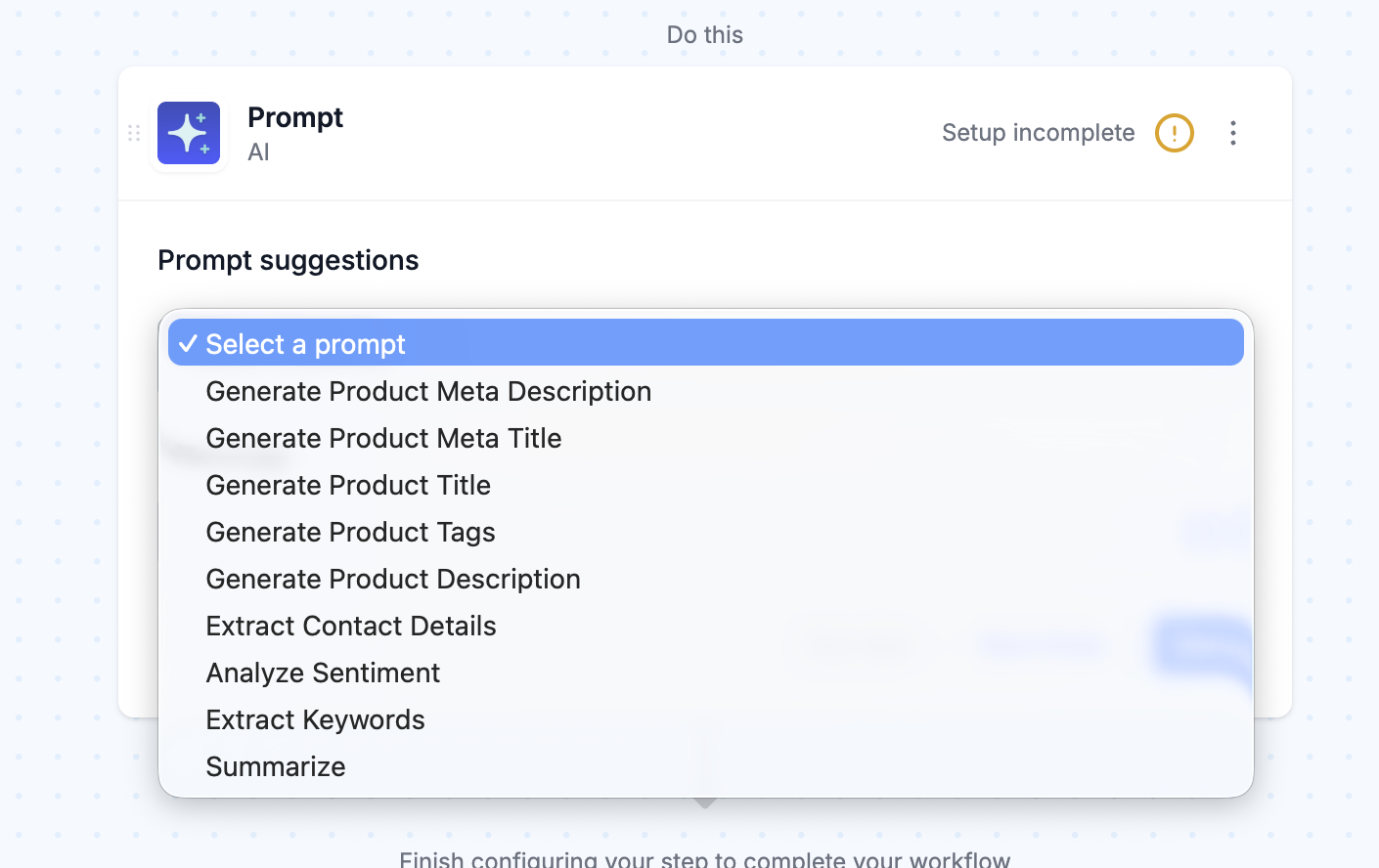
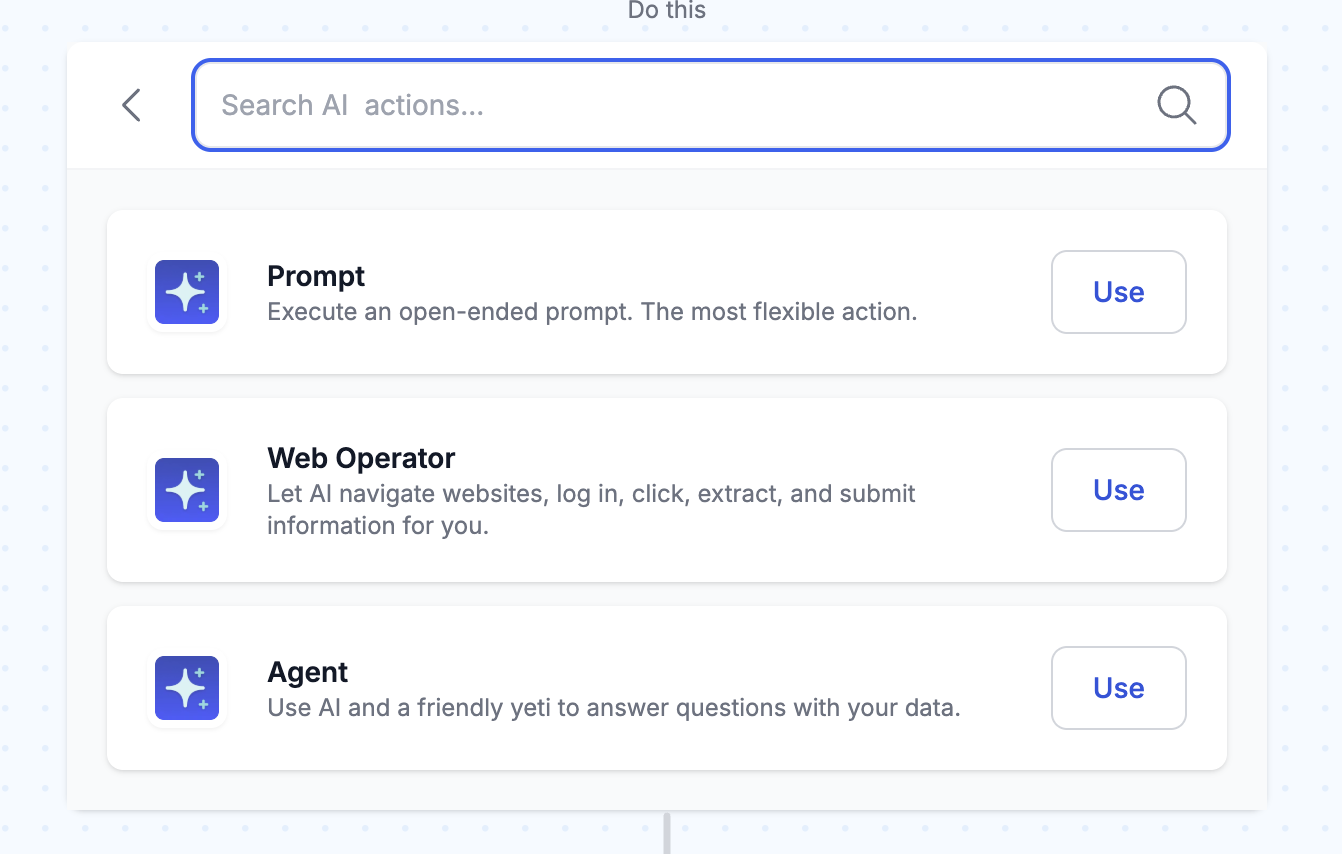
We also renamed a couple of steps so they're easier to find: the Skill trigger is now AI: Skill triggered, and the Ask action is now AI: Agent.
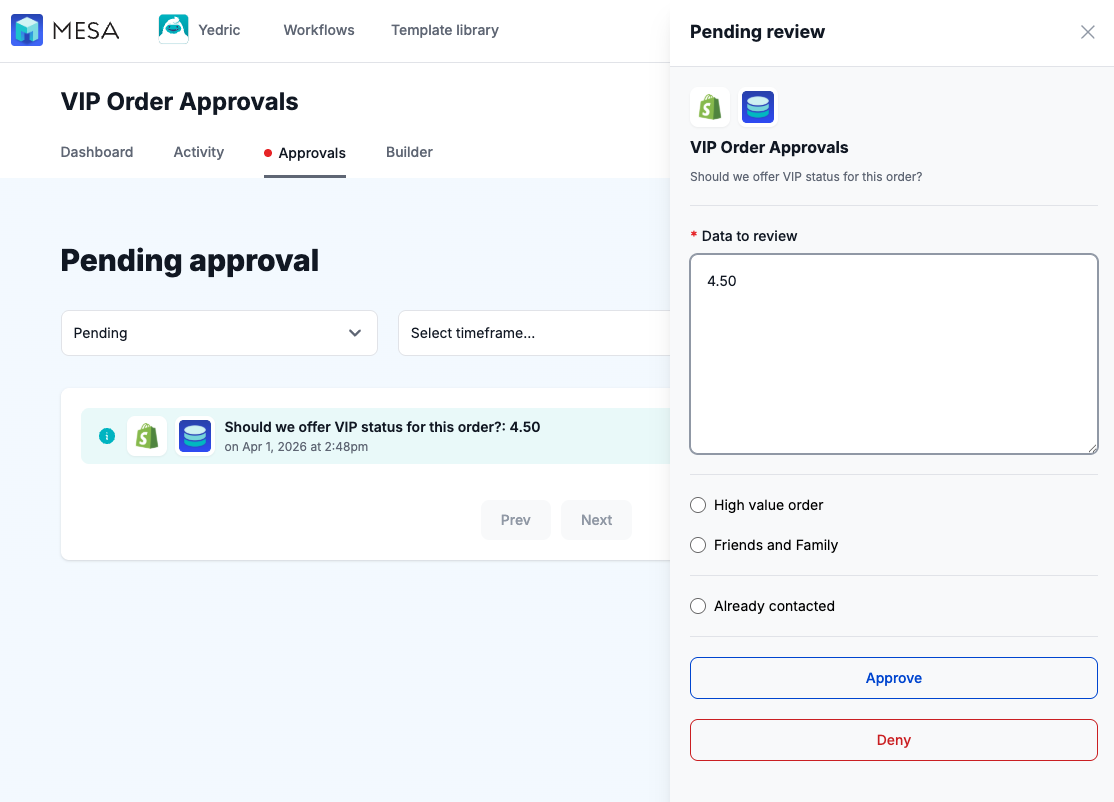
✅ A big upgrade to the Approval tool
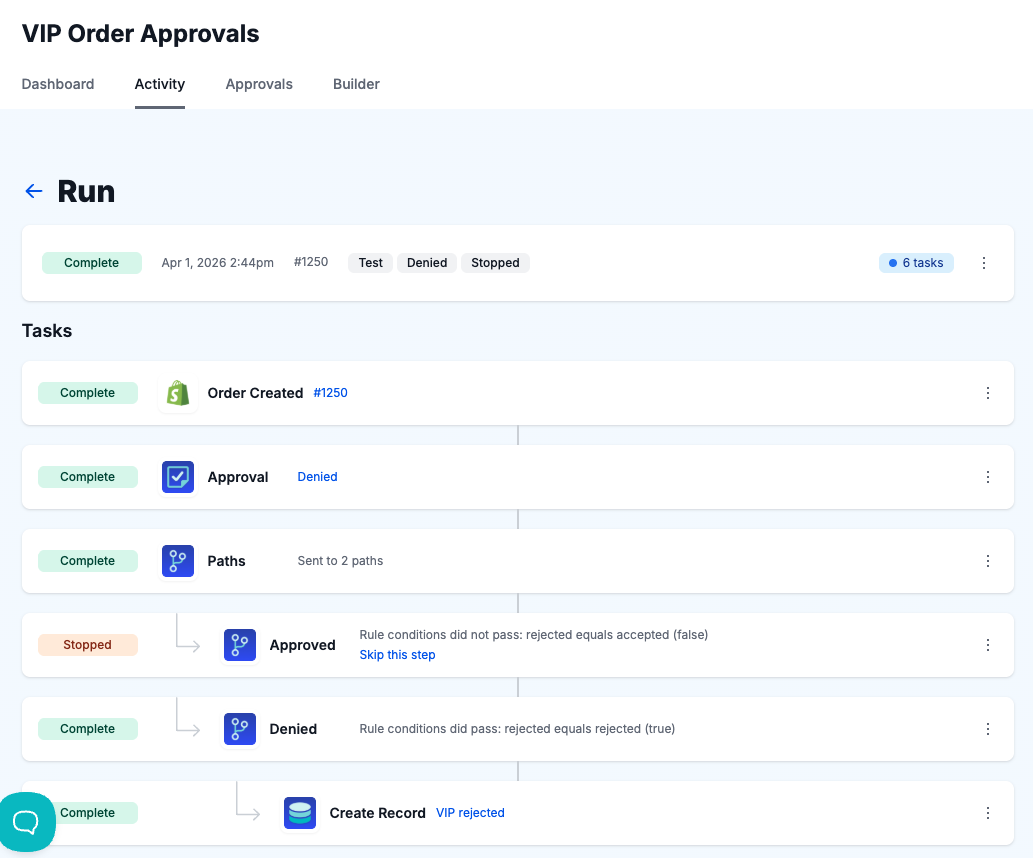
The Approval tool got one of its biggest updates yet, making it faster to review and act on the tasks your workflows send your way. You can still manage everything from the Approvals tab inside MESA.
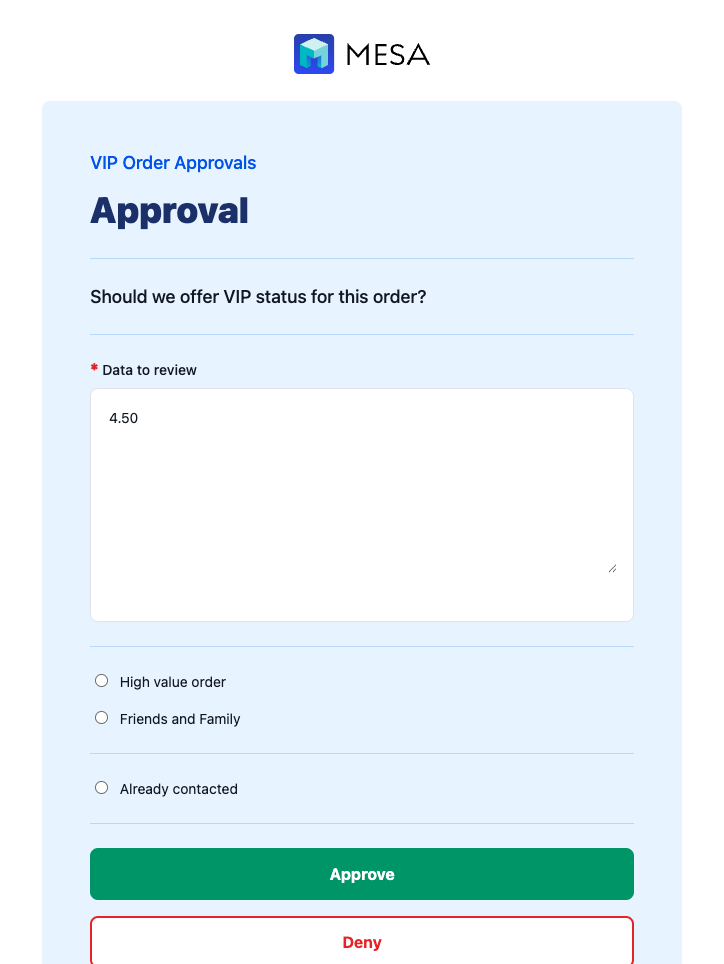
Email notifications have been revamped so you can approve or deny right from your inbox with a single click — no need to open the app first.
There's also a new Edit page, accessible outside of the app, that lets reviewers adjust the payload before approving or denying a task.
Finally, two new options give you more control over what happens next. Turn on Continue the workflow when an approval is denied to keep a workflow moving down a denied path, and use Auto-advance to automatically approve or deny a task after a set amount of time.
🔗 New HubSpot triggers and actions
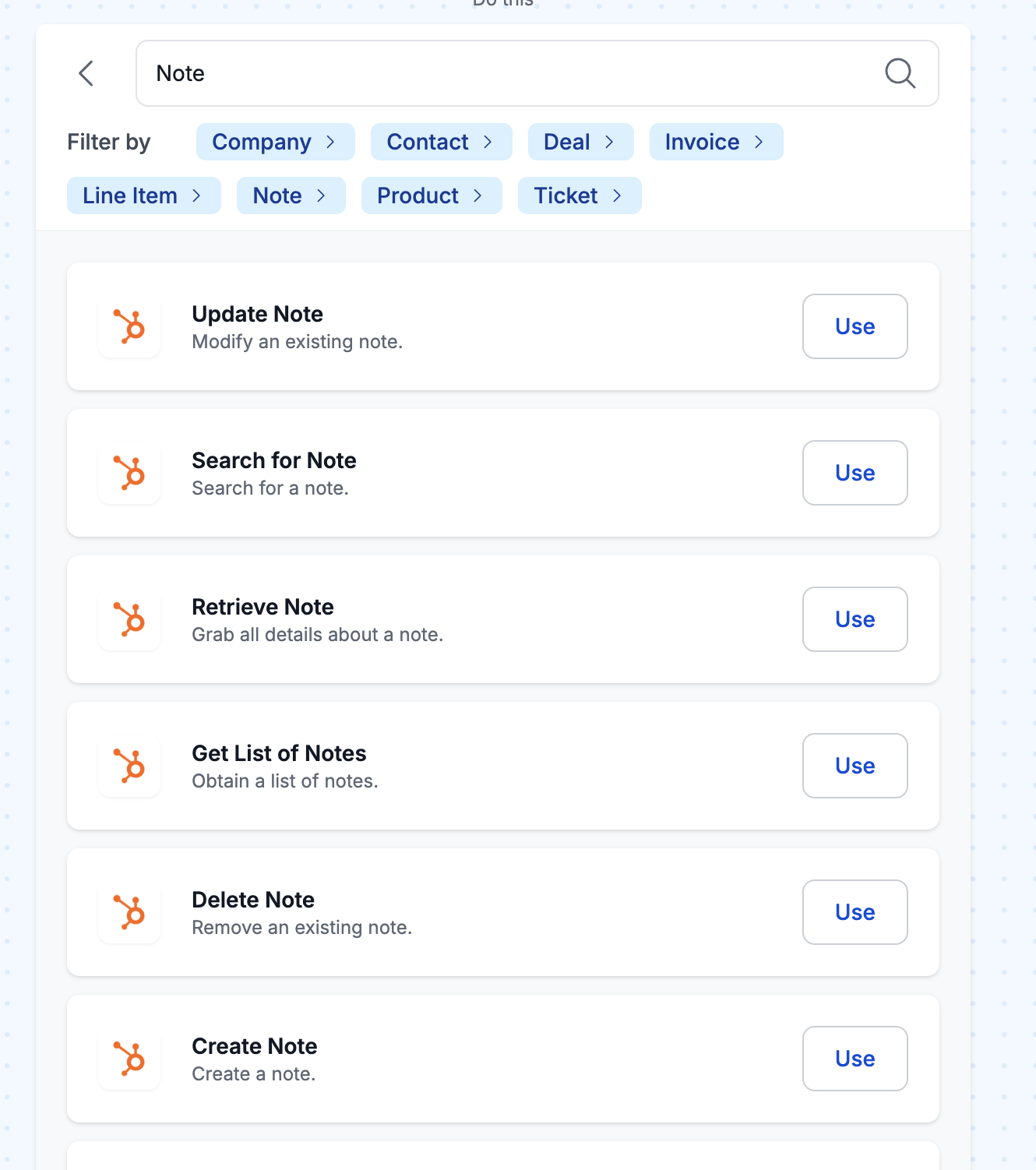
We expanded the HubSpot integration with new triggers and actions covering Invoices, Line Items, Notes, Products, and Tickets — so you can kick off workflows and update records across more of your HubSpot data than ever.
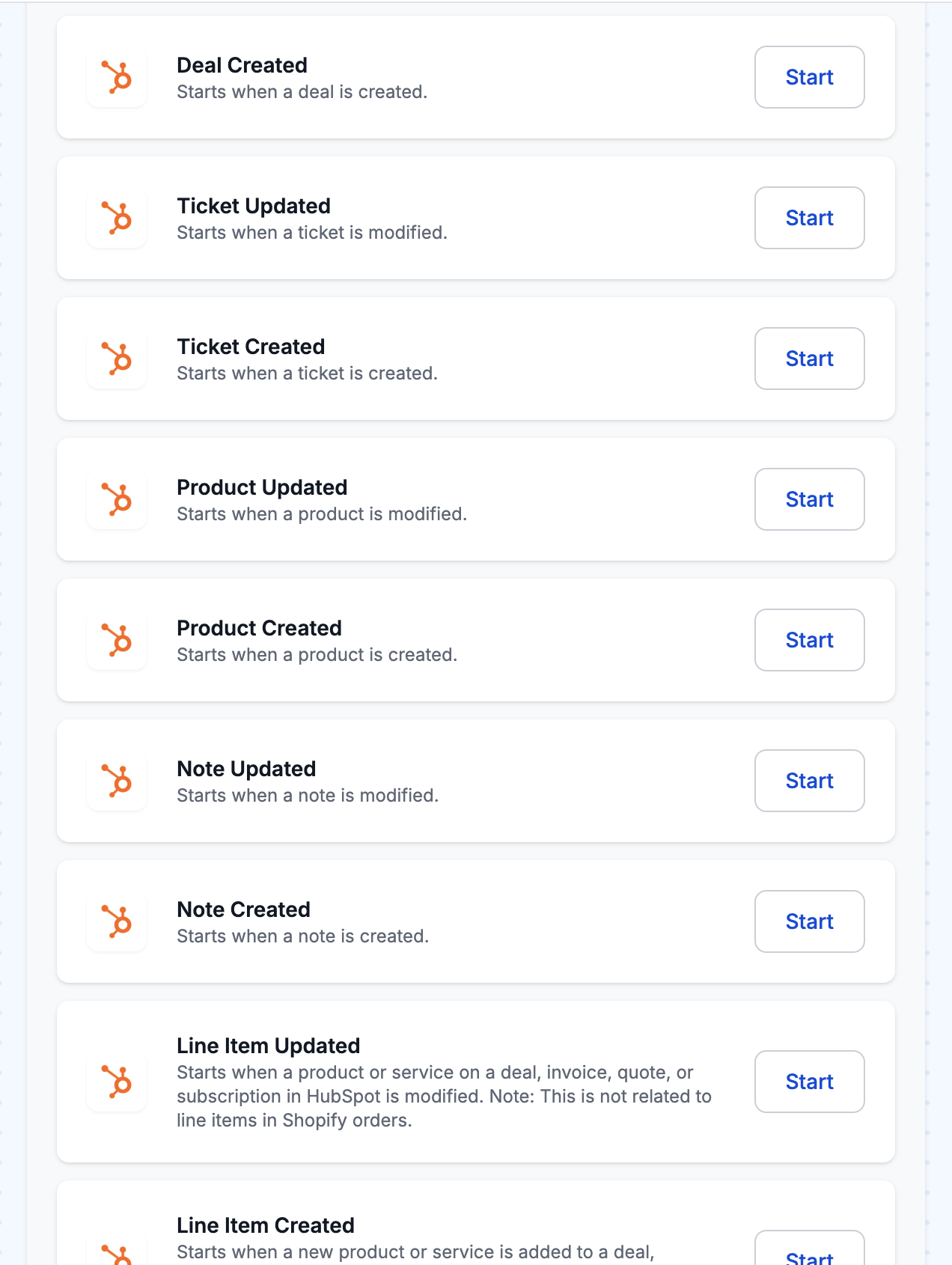
One thing worth knowing: in HubSpot, Line Items and Products are not the same. Line Items are the products or services on a deal, invoice, quote, or subscription, and they're unrelated to line items on Shopify orders. You can associate Line Items with deals, but not Products.
🧰 Quality-of-life upgrades
A few smaller improvements that make everyday building a little smoother.
Filter on “starts with” and “ends with”
We added a couple of new comparisons to Filters — available in Loops and Paths too — so you can easily check whether text starts with or ends with the value you're expecting.

Error notifications on by default
New workflows now have error notifications enabled by default, so you'll hear about failures without having to remember to switch anything on. You can manage the list of email addresses that receive them under Settings > Preferences, and anyone you add under Settings > Users is added to the list automatically.
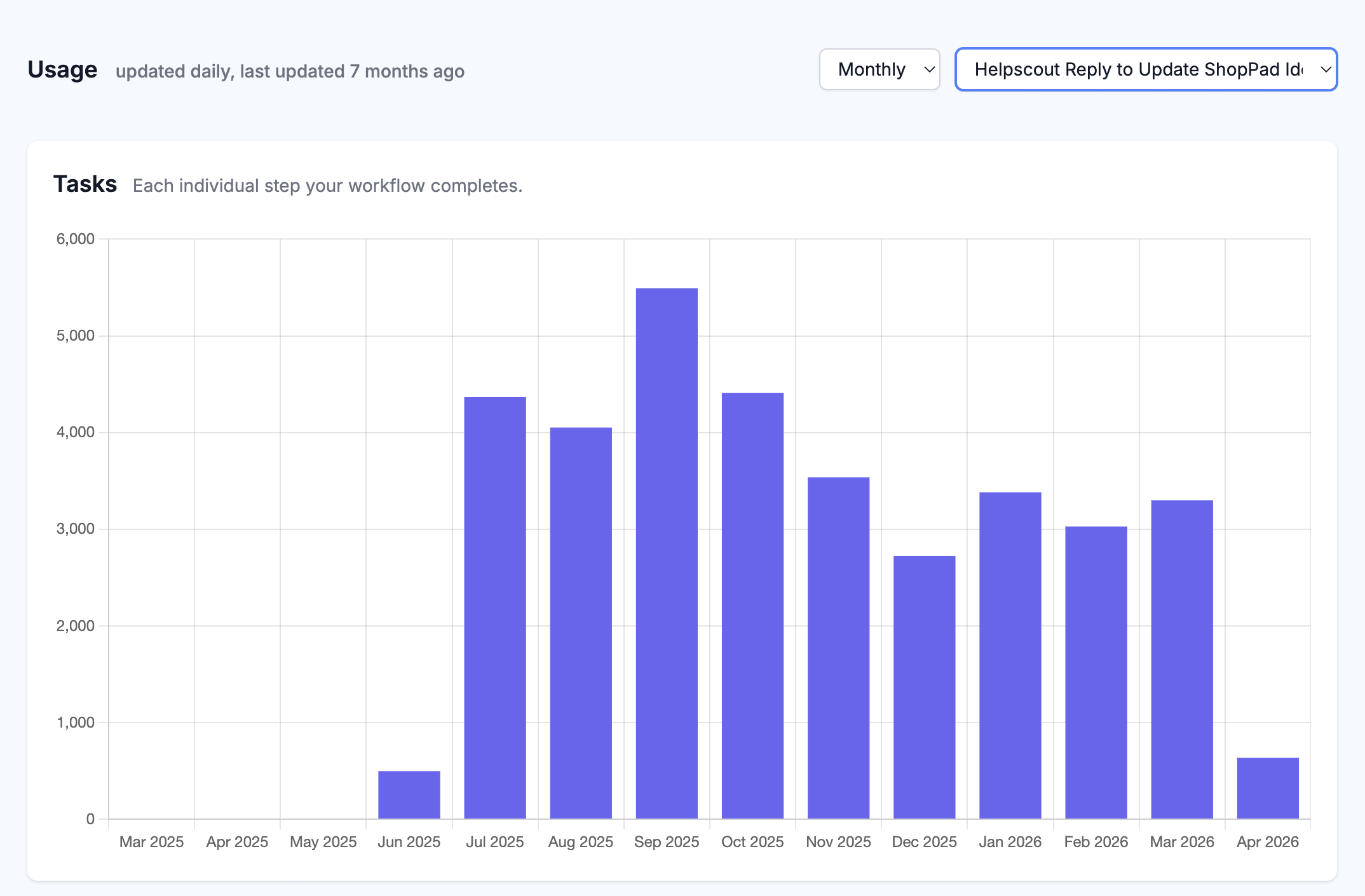
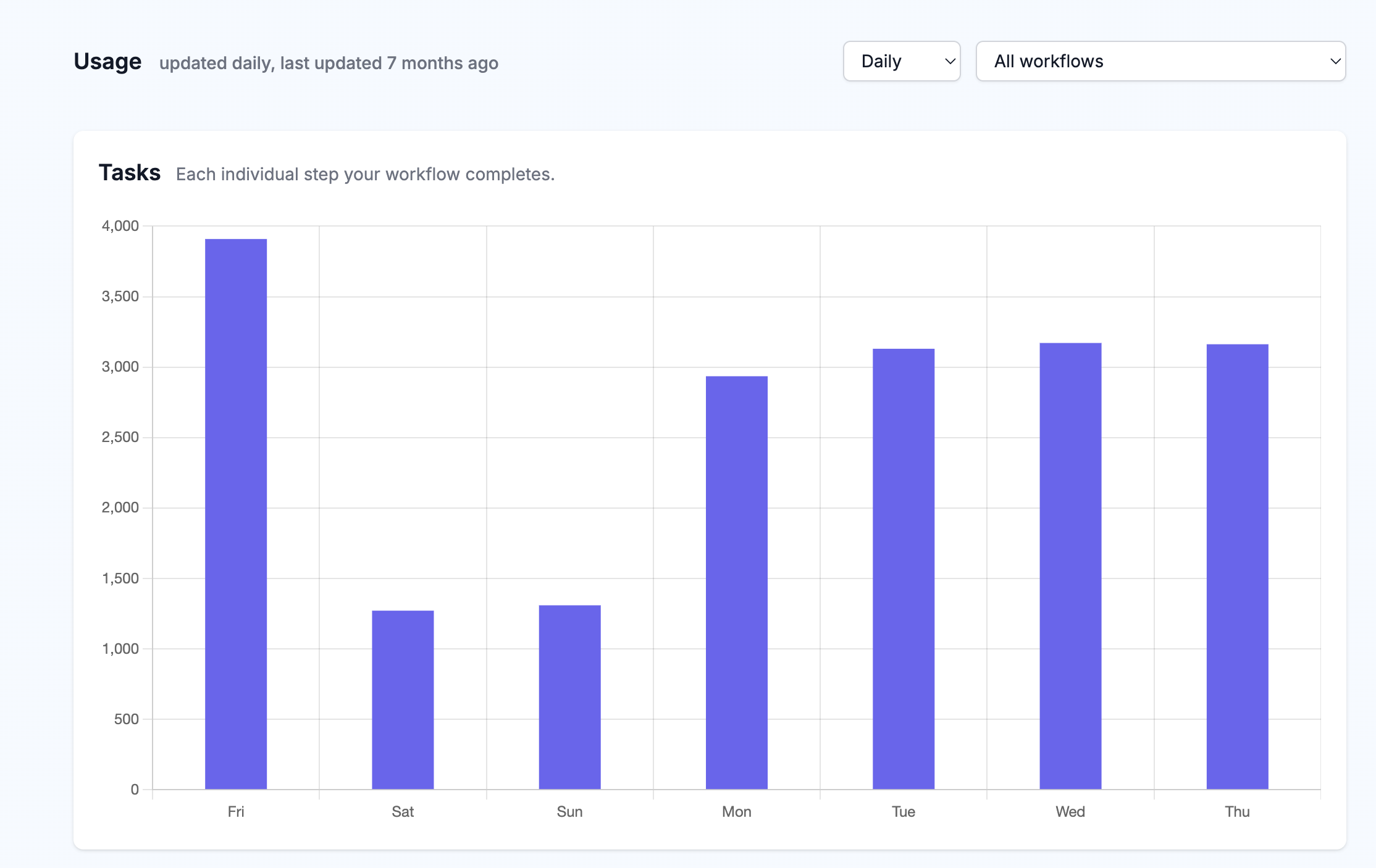
Sharper billing usage charts
The billing usage charts are more useful now, with Time range and Workflow filters that let you drill down into exactly where your task usage is going.
🧩 Five new templates
This month's new templates connect Shopify with Google Sheets and Trello to keep your orders, products, and refunds in sync:
🍹 Happy Hour playlist
Here is your "Happy Hour" playlist, ready ahead of schedule for your 5 pm celebration.