Shopify caps every product at three options and 2,048 variants. That covers sizes and colors, but not engraving text, gift messages, file uploads, or paid add-ons. A product options app fills the gap by adding custom fields to the product page and passing what the customer chose through to the order.
We compared ten of the most popular product options apps on the Shopify App Store, with current ratings, pricing, and standout features for each. Several of these apps have been renamed since this guide first ran, so the names below match their current listings.
Picking the app is half the job. The other half is getting those custom options out of the order and into the places your team works, like order notes, a production spreadsheet, or a fulfillment tool. Where a MESA template already does that for an app, you will find it right below that app's section.
TL;DR: there's a template for that
Infinite Options
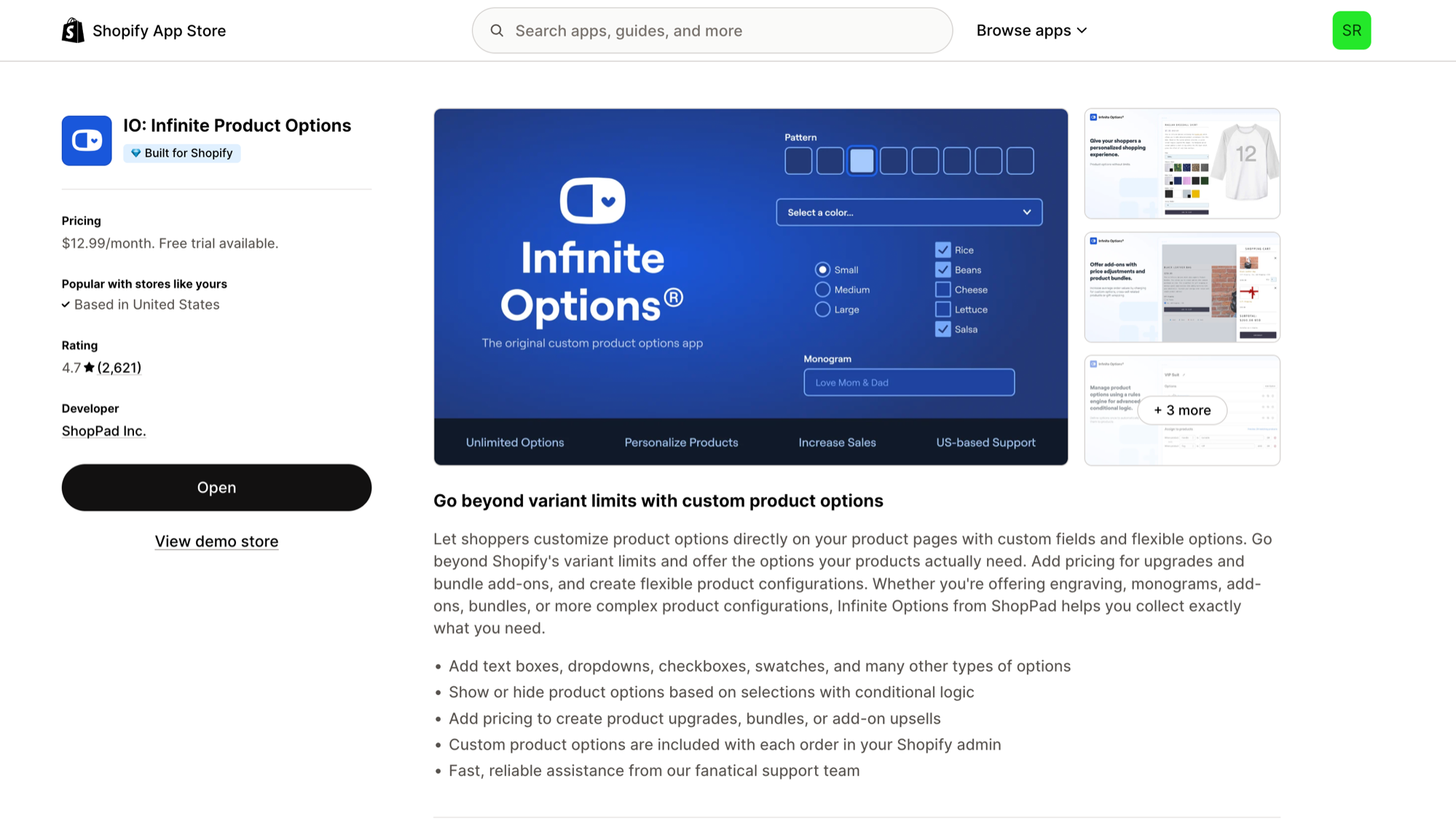
★★★★☆ (4.7, 2,621 reviews) Shopify App Store Rating
When it comes to product options for Shopify, Infinite Options gives merchants text boxes, dropdowns, checkboxes, color and image swatches, and more, with no limit on how many options a product can have.
Store owners can show or hide options with conditional logic and charge for upgrades or add-on products to raise average order value. Every choice the customer makes is saved with the order in Shopify admin, so nothing gets lost between checkout and fulfillment.
Pricing:
Essential plan: $12.99/month
14-day free trial
Feature Highlights:
Unlimited options: Text boxes, dropdowns, checkboxes, swatches, and other option types.
Conditional logic: Show or hide options based on earlier selections.
Add-on pricing: Charge for upgrades, bundles, or add-on upsells.
Infinite Options Templates:
Uploadery
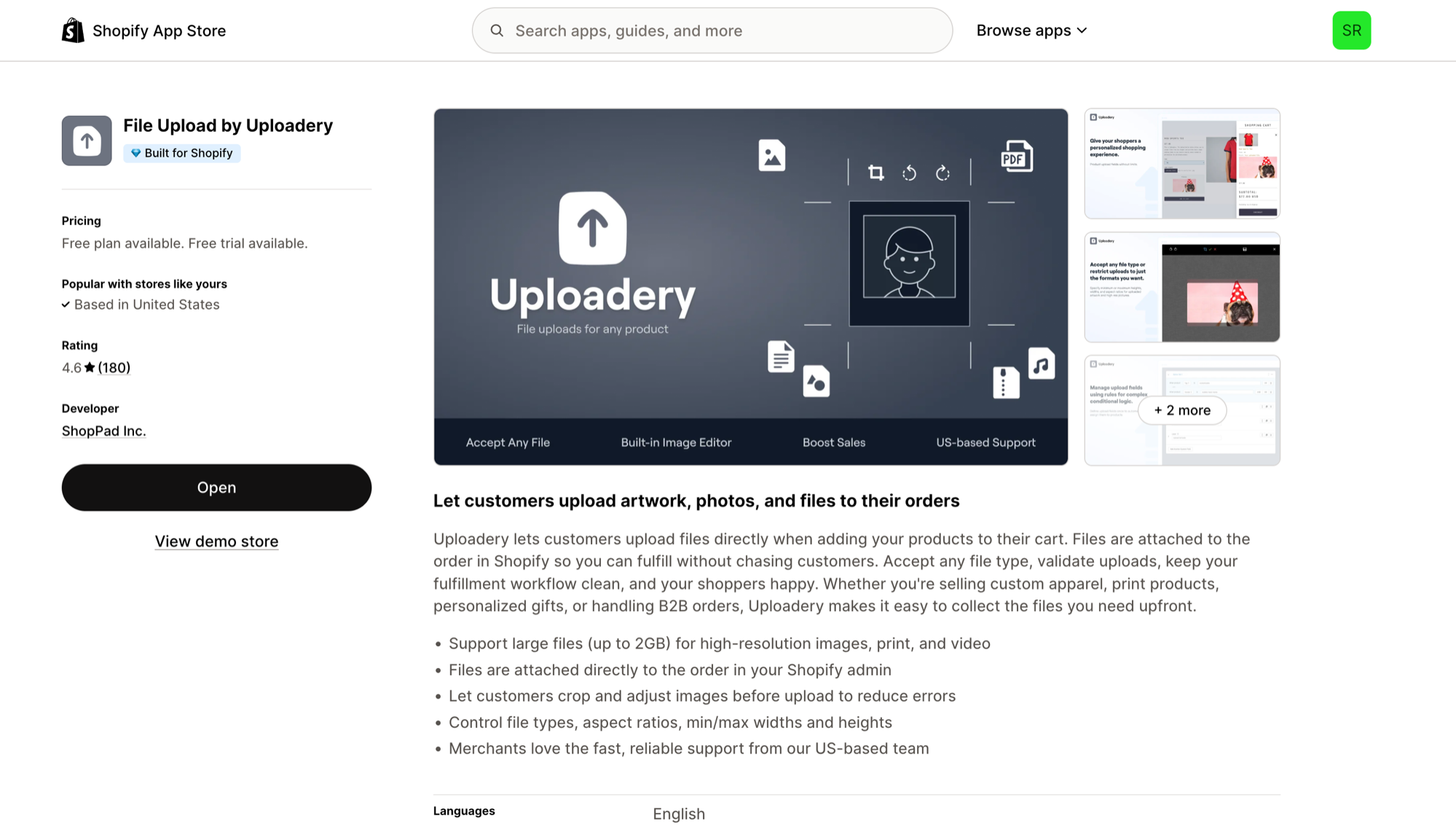
★★★★☆ (4.6, 180 reviews) Shopify App Store Rating
Streamline custom orders by letting buyers send files directly from the product page with Uploadery. It accepts every file type, and uploaded files are attached to the order in Shopify admin, so print files and reference photos arrive with the order instead of in a separate email thread.
Customers can crop and adjust images before uploading, and you control accepted file types, aspect ratios, and minimum and maximum dimensions. The free plan allows files up to 50MB each, and paid plans go up to 2GB per file for high-resolution print files and video.
Pricing:
Free plan available (up to 50MB per file)
Professional: $9.99/month (unlimited uploads, 100GB archive)
Larger file plans: $19.99/month (100MB per file) and $59.99/month (2GB per file)
14-day free trial on paid plans
Feature Highlights:
Accept files up to 2GB for high-resolution images, print files, and video.
Attach uploaded files directly to the order in Shopify admin.
Let customers crop images and enforce file types, dimensions, and aspect ratios.
Uploadery Templates:
SC Product Options (formerly Bold Product Options)
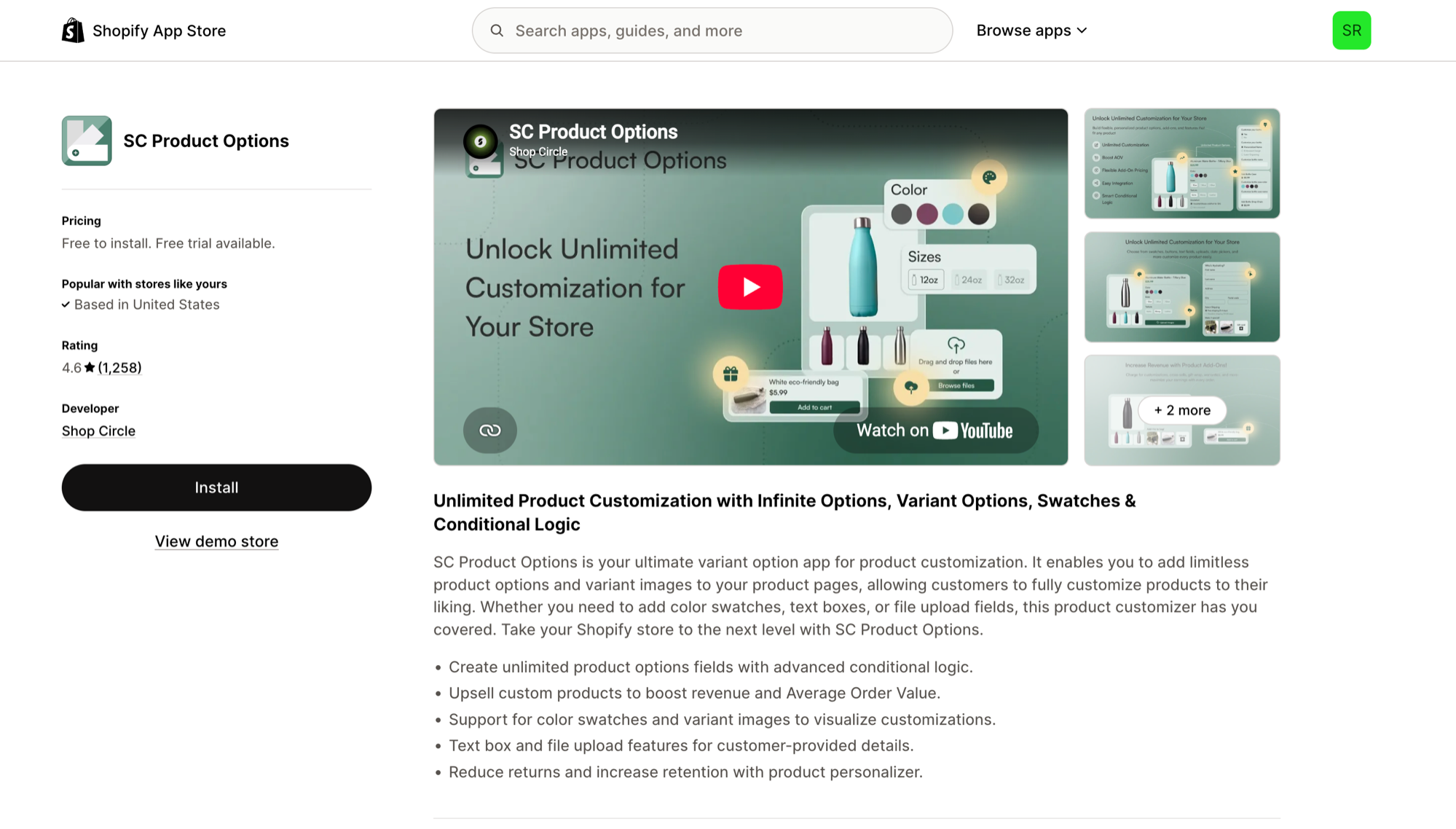
★★★★☆ (4.6, 1,258 reviews) Shopify App Store Rating
Bold Product Options is now SC Product Options, published by Shop Circle. It offers unlimited option fields with conditional logic, including color swatches, variant images, text boxes, and file upload fields.
Paid add-ons let you upsell upgrades right on the product page, and the app positions personalization as a way to reduce returns by letting customers specify exactly what they want before they buy.
Pricing:
Free on development stores
Basic: $14.99/month
Premium: $39.99/month
14-day free trial on paid plans
Feature Highlights:
Unlimited product option fields with conditional logic.
Paid add-ons to raise revenue and average order value.
Color swatches, variant images, text boxes, and file upload fields.
Hulk Product Options
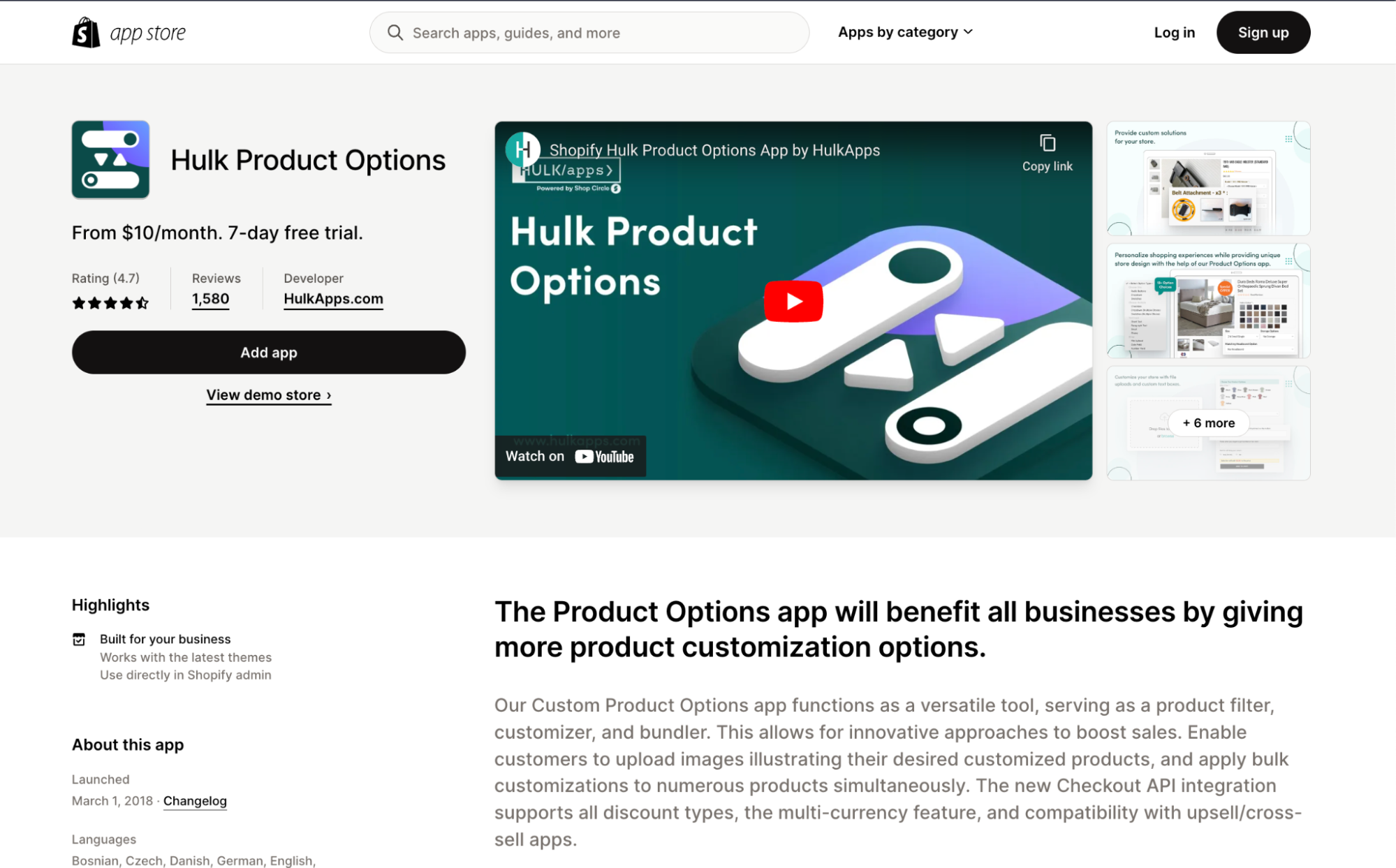
★★★★★ (4.8, 1,210 reviews) Shopify App Store Rating
Hulk Product Options from HulkApps adds unlimited options and variants beyond Shopify's limits. Its image customizer supports swatches, file uploads, and Google Font text, so customers can see their personalization as they build it.
Add-on pricing can be fixed, a percentage, or formula-based, and option sets can be applied in bulk by CSV, which helps stores with large catalogs. SKU tracking and Shopify POS support round it out.
Pricing:
Basic: $10/month
Advanced: $20/month
Enterprise: $49.90/month
Seven-day free trial
Feature Highlights:
Conditional logic that shows or hides options based on each choice.
Fixed, percentage, or formula-based add-on pricing.
Bulk option sets by CSV, with SKU tracking and POS support.
Hulk Product Options Templates:
Product Options & Customizer
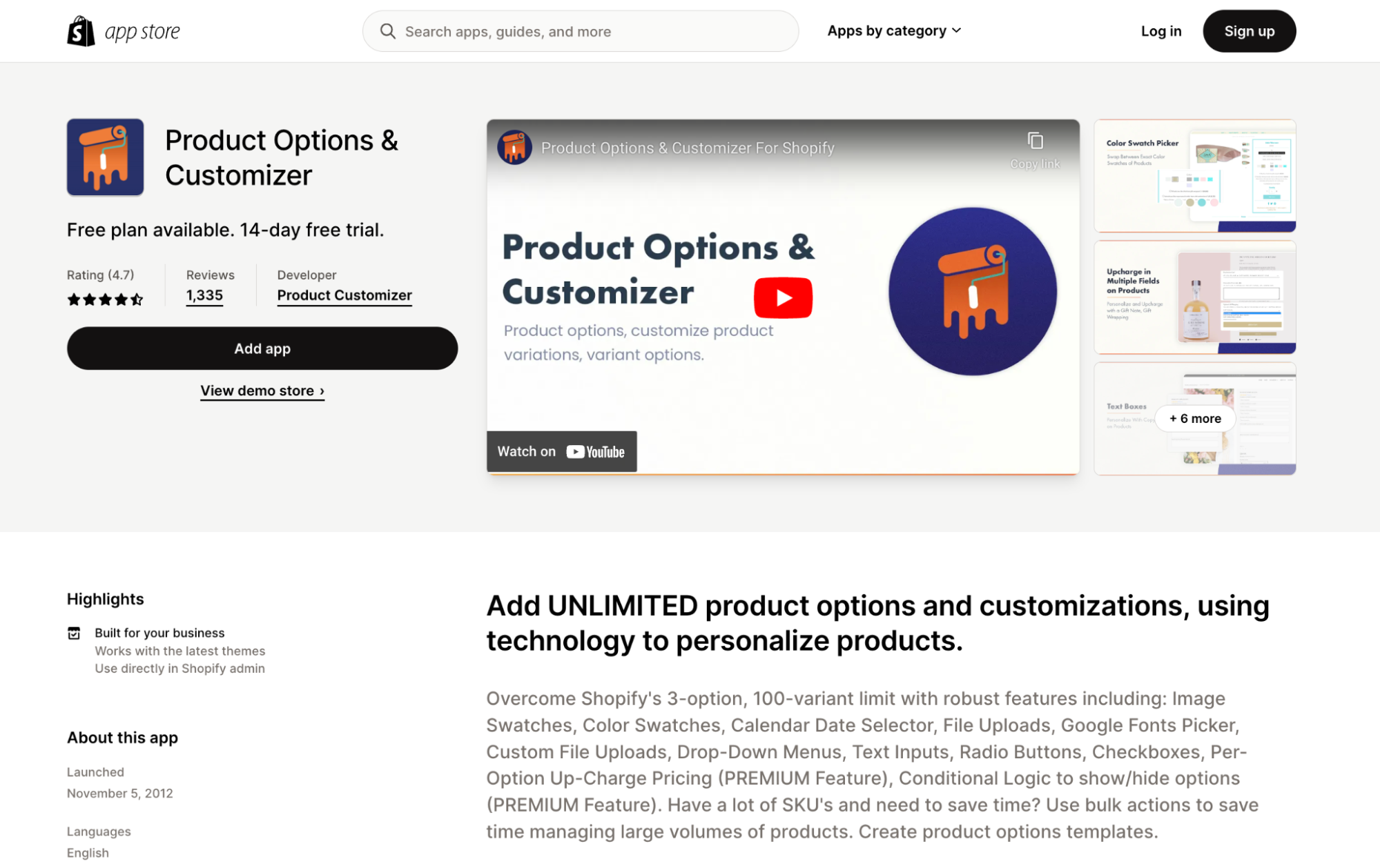
★★★★☆ (4.7, 1,181 reviews) Shopify App Store Rating
Say goodbye to Shopify's three-option limit with Product Options & Customizer. It offers unlimited option fields, upcharge pricing, and conditional logic for showing or hiding fields based on earlier selections.
Premium field types include file uploads and color or image swatches, and one-click option templates make it quick to apply the same setup across many products.
Pricing:
Free plan available
Basic Customizer: $8.90/month
Premium Customizer: $18.90/month
14-day free trial on paid plans
Feature Highlights:
Upcharge: Custom option pricing to increase revenue per product.
Conditional logic: Show or hide fields based on prior selections.
One-click option templates to set up products faster.
Globo Product Options
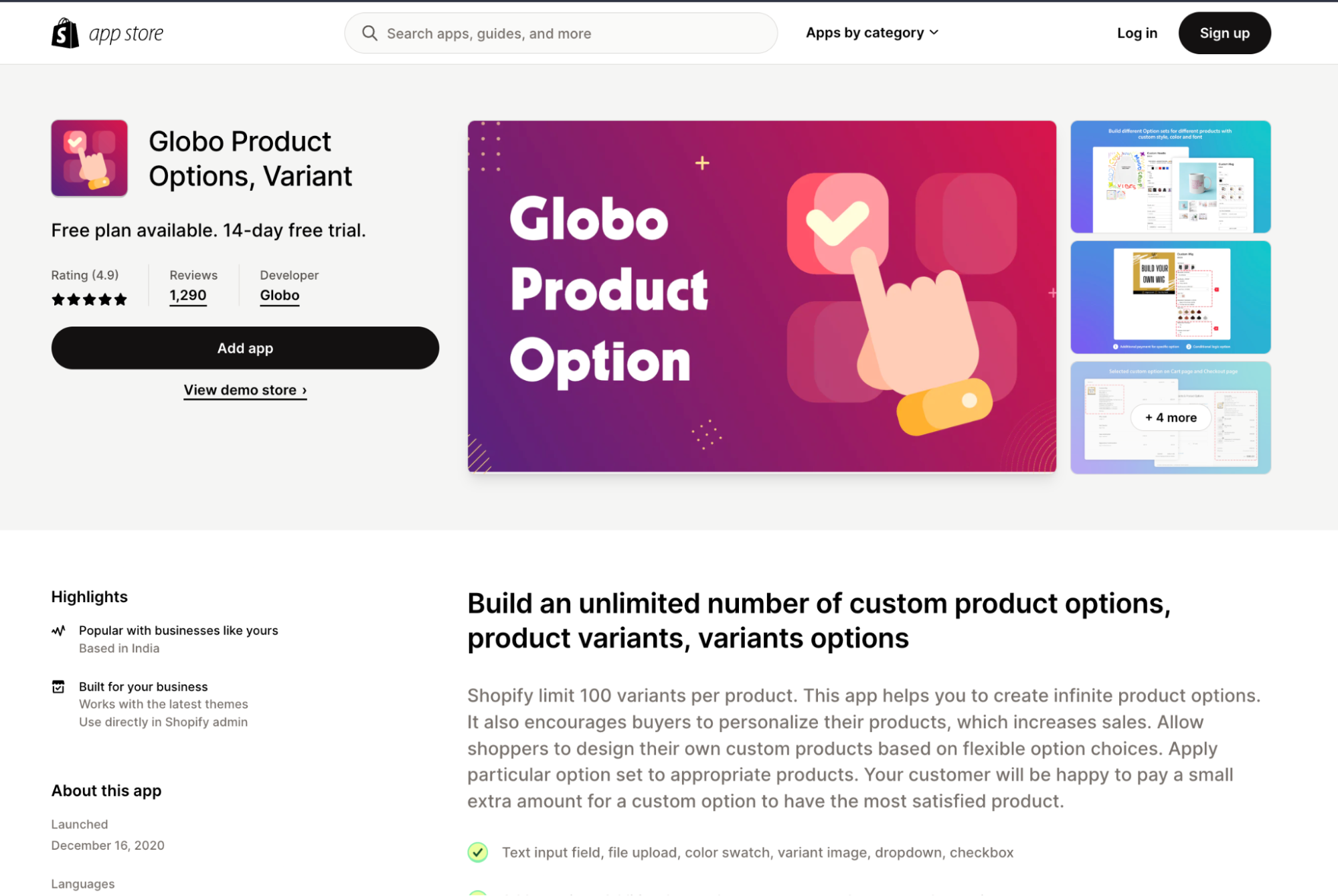
★★★★★ (4.9, 5,134 reviews) Shopify App Store Rating
Globo Product Options has the most reviews of any app on this list. Its free plan includes unlimited option sets, products, and orders, which makes it an easy place to start.
Price add-ons run on Shopify Functions, so discount codes and taxes still apply correctly. The Advanced plan adds 30+ option types, including dates and dimensions, plus a product personalizer with live preview.
Pricing:
Free plan available
Premium: $9.90/month ($39.90/month on Shopify Plus)
Advanced: $19.90/month ($59.90/month on Shopify Plus)
14-day free trial on paid plans
Feature Highlights:
Unlimited option sets, products, and orders on the free plan.
Conditional logic based on earlier choices or Shopify variants.
Price add-ons built on Shopify Functions, so discounts and taxes still apply.
Globo Product Options Templates:
Aris Product Options (formerly Avis)
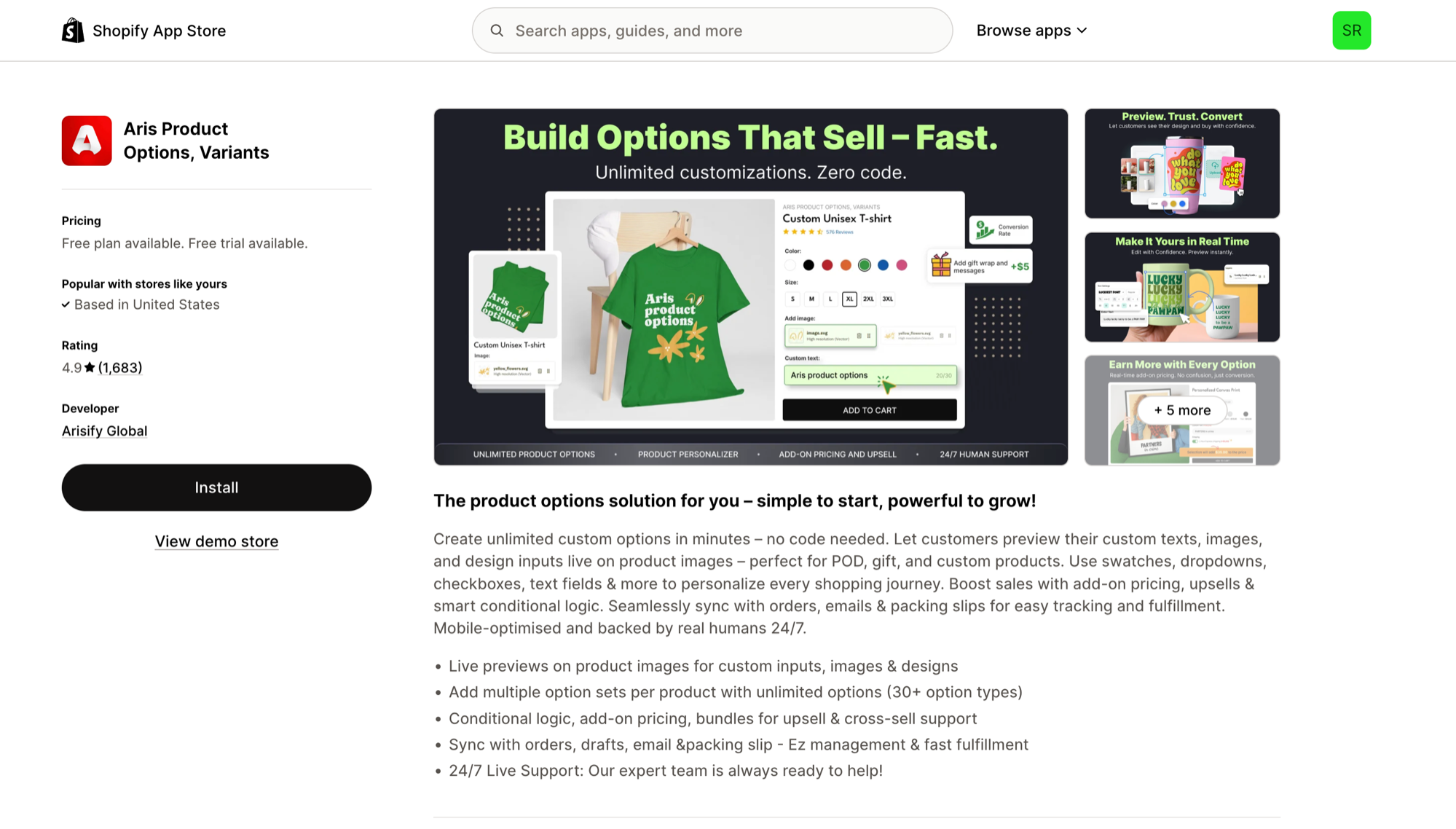
★★★★★ (4.9, 1,683 reviews) Shopify App Store Rating
Avis Product Options is now Aris Product Options, from Arisify Global. It offers unlimited options per product, with 30+ option types on paid plans, plus live previews of custom text, images, and designs on the product image.
Conditional logic, add-on pricing, and bundles help with upsells and cross-sells, and chosen options sync to orders, draft orders, emails, and packing slips.
Pricing:
Free plan available
Pro: $12/month
Advanced: $24/month
Premium: $59/month, plus usage fees for API calls
14-day free trial on paid plans
Feature Highlights:
Live previews of custom text, images, and designs on product images.
Conditional logic, add-on pricing, and bundles.
Options synced to orders, draft orders, emails, and packing slips.
Aris Product Options Templates:
OPTIS Product Options
★★★★★ (4.9, 2,364 reviews) Shopify App Store Rating
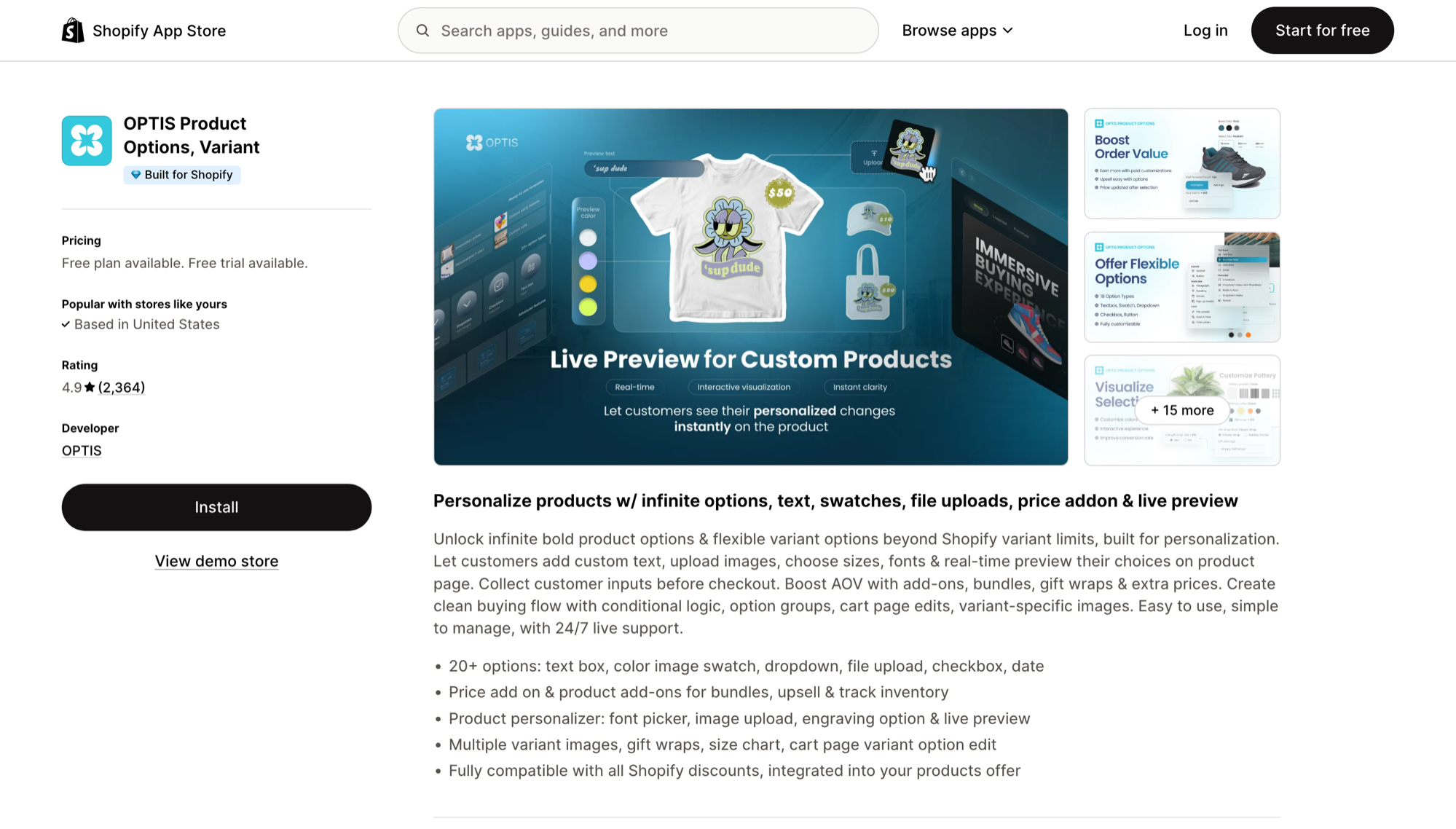
OPTIS Product Options offers 20+ option types, including text boxes, color and image swatches, dropdowns, file uploads, checkboxes, and date pickers. Its product personalizer adds a font picker, image upload, engraving options, and a live preview.
Price add-ons and product add-ons support bundles and upsells, and extras like gift wrap, size charts, multiple variant images, and cart page variant editing make it a good fit for made-to-order and gift products. It is compatible with Shopify discounts.
Pricing:
Free plan available
Advanced: $9.99/month
Platinum: $19.99/month
Unlimited: $49.99/month (for Shopify Plus)
14-day free trial on paid plans
Feature Highlights:
20+ option types, including file upload and date pickers.
Product personalizer with font picker, engraving, and live preview.
Price add-ons, gift wrap, and cart page variant editing.
OPTIS Product Options Templates:
Easify Product Options
★★★★★ (4.9, 3,120 reviews) Shopify App Store Rating
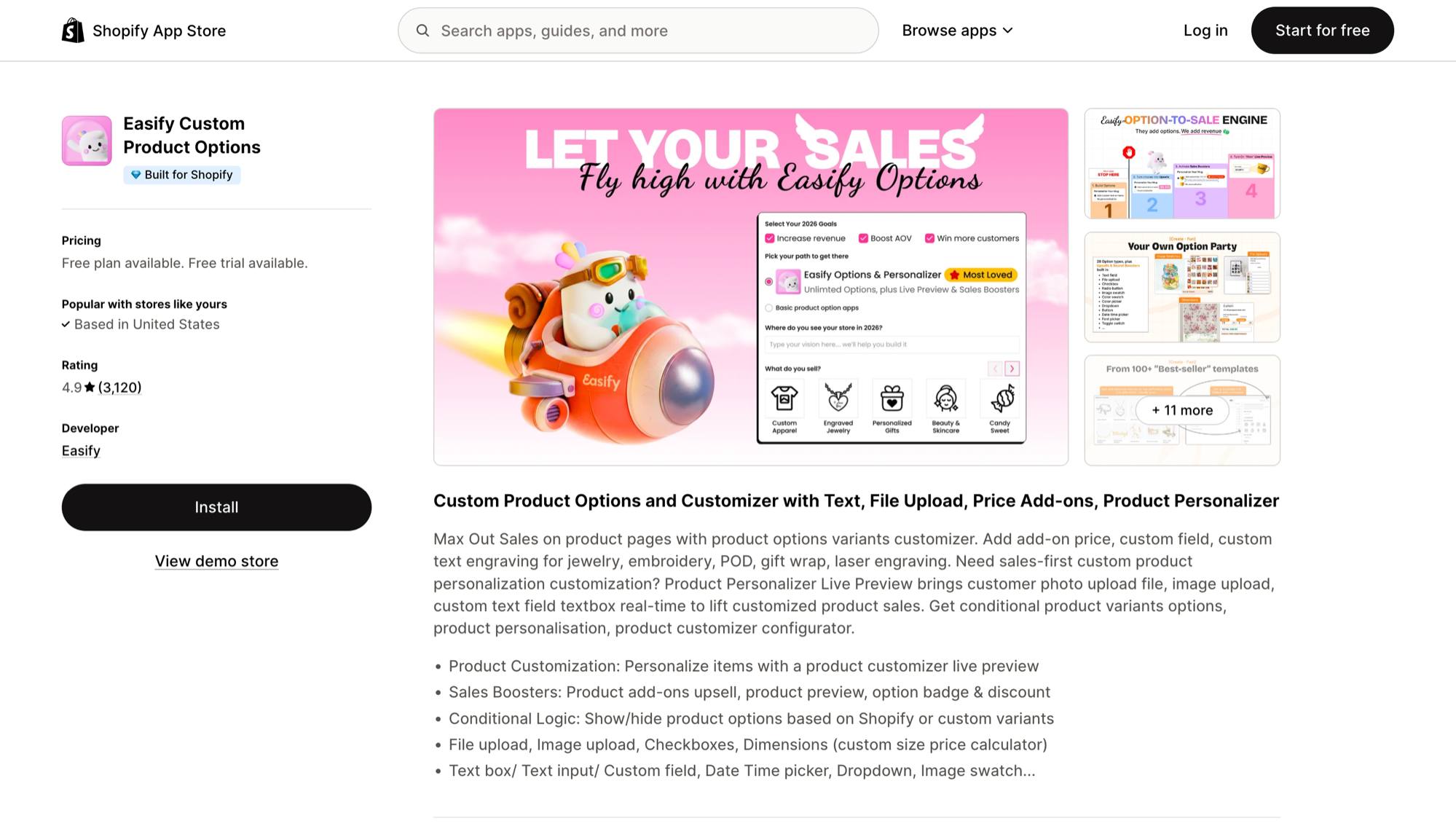
Easify Custom Product Options includes 15 option types on its free plan and 28 on Pro, from text boxes and date and time pickers to image swatches and file uploads. A dimensions-based price calculator helps stores that sell made-to-measure products.
Conditional logic can show or hide options based on Shopify variants or custom options, add-on pricing charges for upgrades, and the Premium plan adds a product customizer with live preview.
Pricing:
Free plan available
Pro: $9.99/month
Premium: $19.99/month
Enterprise: $99.99/month
14-day free trial on paid plans
Feature Highlights:
Up to 28 option types, including file and image upload.
Dimensions-based price calculator and add-on pricing.
Conditional logic based on Shopify or custom variants.
Easify Product Options Templates:
Qikify Product Options
★★★★★ (4.9, 943 reviews) Shopify App Store Rating
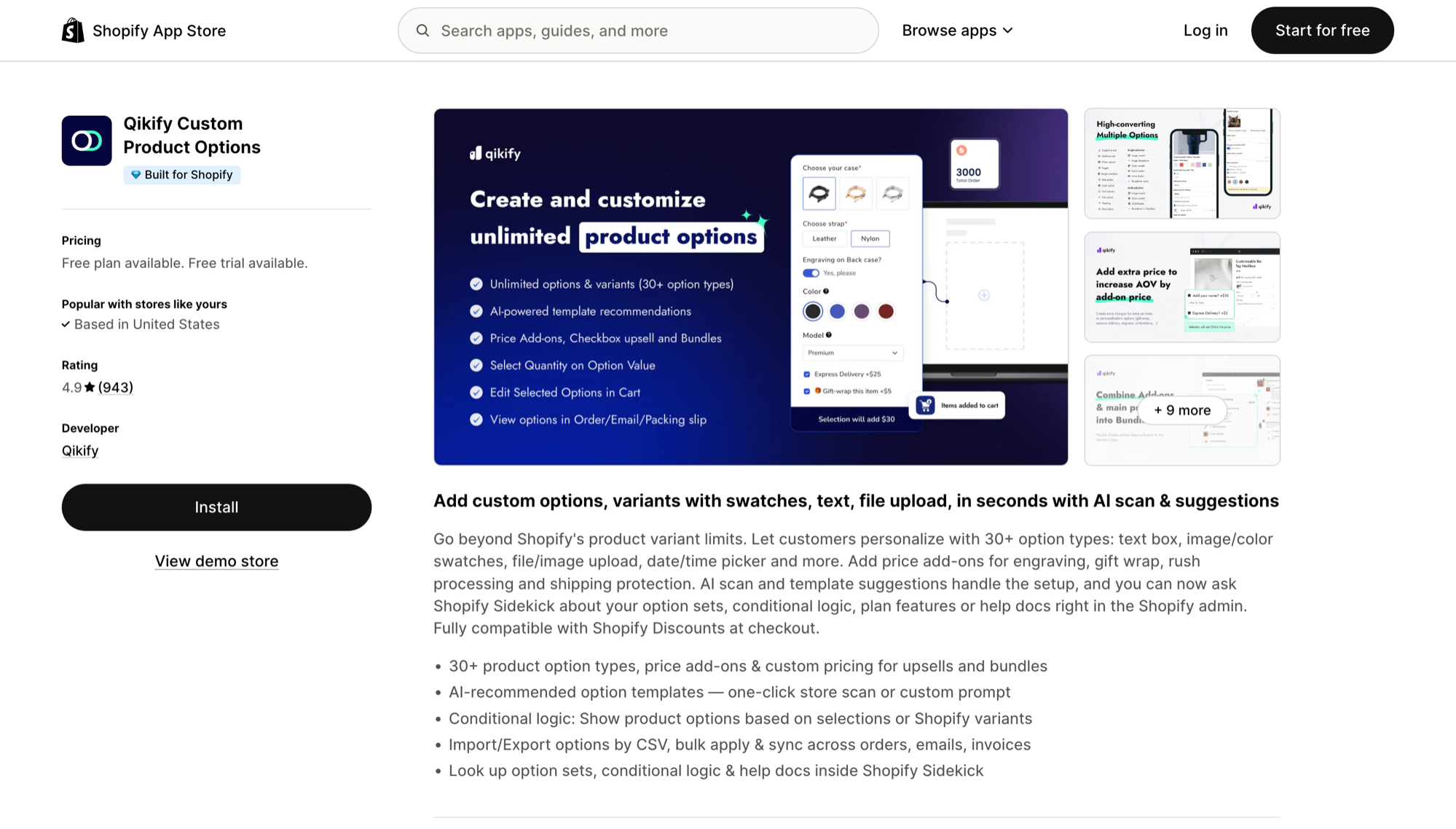
Qikify Custom Product Options offers 30+ option types, including swatches, text boxes, file uploads, and date pickers. Its free plan already includes unlimited option sets, products, and orders, plus 10+ ready-made templates.
It can recommend option templates with AI from a one-click store scan or a custom prompt, and it supports conditional logic, bulk apply by CSV import and export, and lookups inside Shopify Sidekick.
Pricing:
Free plan available
Unlimited: $19.99/month
Shopify Plus: $49.99/month
Seven-day free trial on paid plans
Feature Highlights:
30+ option types with unlimited option sets on the free plan.
AI-recommended option templates.
CSV import and export with bulk apply.
Qikify Product Options Templates:
Why product option apps are important for Shopify stores
Product options allow sellers to provide their customers with a diverse range of choices they can apply to tailor any purchase. This kind of personalization leads to higher sales and conversions, as people are more likely to buy something when they can fit it to their needs exactly.
Product option apps also give businesses a competitive advantage. They offer valuable insights into customer preferences and trends, so future product lines can accommodate more popular colors, sizes, materials, and styles.
This data informs product development and marketing strategies to help meet customer demands and stay on trend. Embracing product options is a clever way to enhance a Shopify store's performance and thrive in a competitive marketplace.
Paid add-ons and personalization lift order value, which feeds straight into gross merchandise value. See what GMV means and how to increase it for the formula and other ways to grow it.
How to choose the right product options app
Start by making sure the app is compatible with your current Shopify theme and other installed apps. Look for apps with user-friendly interfaces, intuitive controls, and reliable customer support. Reading through the app's pricing model and user reviews can also help you gauge its reliability in case you have more questions or issues.
Another thing to consider is the range of customization features it offers to cater to a wide variety of customers' preferences. Finally, look at scalability, because growing businesses need apps that can keep up with their needs.
Do more with Shopify product option apps
Running a successful ecommerce store is challenging, but managing business operations shouldn’t be hard. Custom options only help if the people making and shipping the order can see them, which is why so many stores copy product options into Shopify order notes or a shared spreadsheet automatically.
MESA templates handle those handoffs for each app above, from order notes to Google Sheets and Airtable. Pick the one that matches your options app, connect your store, and every new order carries its customizations to the right place without manual copying.
You can also act on the options themselves, for example by tagging Shopify orders based on line item properties so customized orders are easy to filter and route.
Manufacturers can take the options all the way to production: here's how to turn product options into Odoo manufacturing orders and bills of materials, with each configuration checked against your own rules first.
