Automated Workflow Systems for Smarter Teams
-
- •
- Jun. 17, 2026
- •
- 10 min read

If your Shopify team is still routing orders in Slack, copying line items into spreadsheets, chasing fulfillment exceptions, and manually checking inventory across apps, you do not have a people problem. You have a workflow problem.
Automated workflow systems help ecommerce teams move routine operational work out of inboxes and into reliable, repeatable processes. Instead of relying on memory and manual follow-up, the system watches for events, applies rules, updates the right tools, and alerts the right people automatically. For growing merchants, that means fewer errors, faster response times, and more time for actual decision-making.
In plain English: automated workflow systems are software-driven processes that complete repetitive business tasks automatically based on triggers, logic, and actions. In a Shopify environment, that can mean tagging risky orders, syncing inventory between apps, notifying your warehouse, updating a CRM, or sending post-purchase follow-ups without anyone touching the task manually.
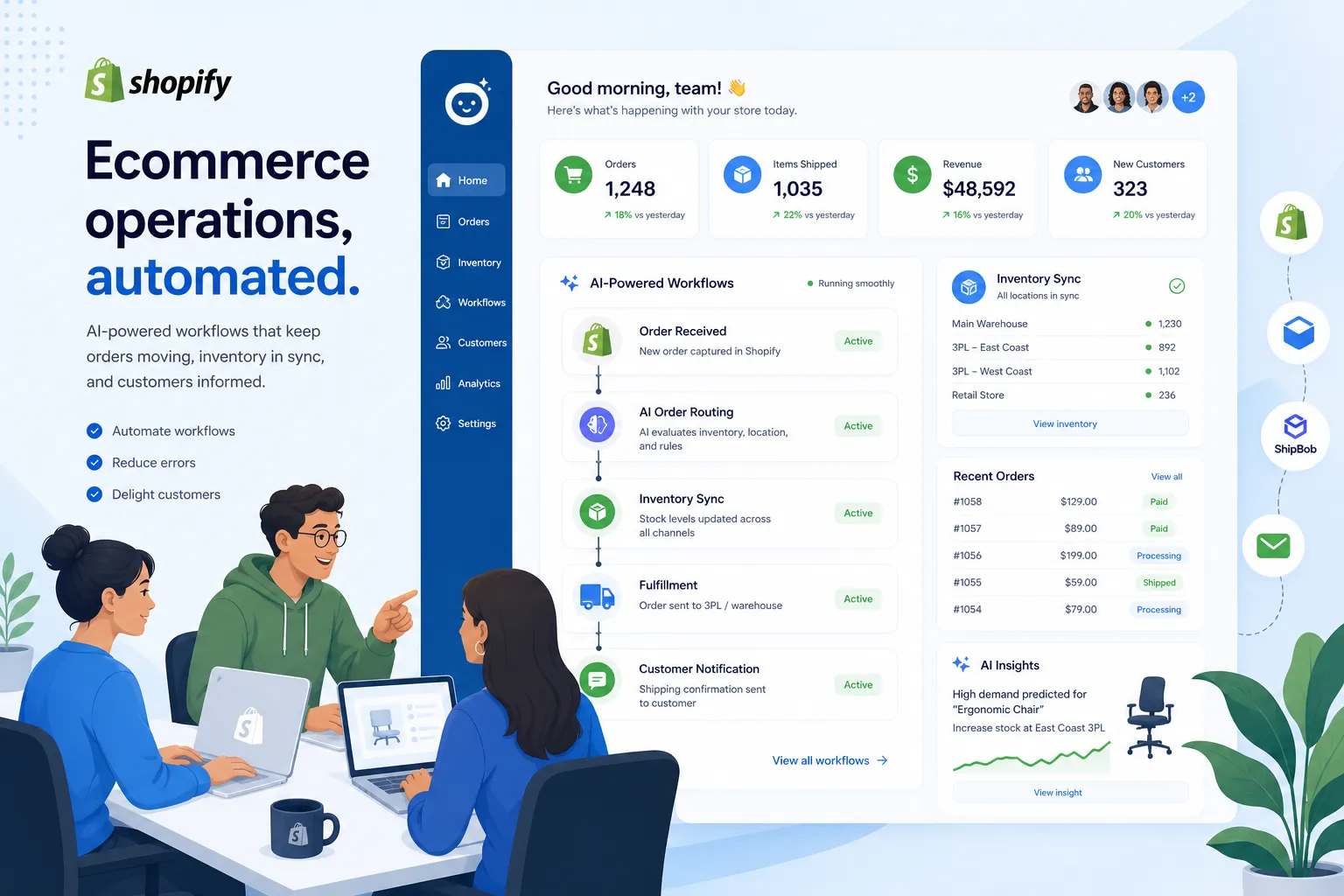
Table of Contents:
Why smarter teams are rethinking manual operations
Most teams do not notice workflow debt until growth exposes it.
At first, manual work feels manageable:
-
export orders every morning
-
message the support team when a VIP customer buys
-
check low inventory before the weekend
-
update finance when a refund crosses a threshold
-
remind fulfillment when a subscription order needs special handling
Then order volume rises, more apps get added, and exceptions multiply. Suddenly, the same team is spending hours every week just keeping systems aligned.
According to Agiled’s business automation statistics roundup, employees using automation save an average of 3.6 hours per week on manual tasks.
“Employees using automation save an average of 3.6 hours per week on manual tasks.” – Agiled
That number matters in ecommerce because operational work compounds. Saving a few minutes on every order exception, stock sync, or customer follow-up quickly turns into meaningful capacity.
What an automated workflow system actually does
A good workflow system is more than a connector between two apps. It acts like an operational layer across your store.
The three parts of a workflow
Every workflow has three core pieces:
|
Component |
What it does |
Shopify example |
|---|---|---|
|
Trigger |
Starts the workflow |
A new order is created |
|
Logic |
Decides what should happen |
If the order value is over $500 or contains a preorder item |
|
Action |
Completes the work |
Tag the order, alert Slack, update Google Sheets, notify 3PL |
That sounds simple, but in real stores, workflows usually involve multiple steps, branching logic, and app-specific actions. That is why merchants often outgrow basic automations and start looking for systems that can handle operational complexity without developer help.
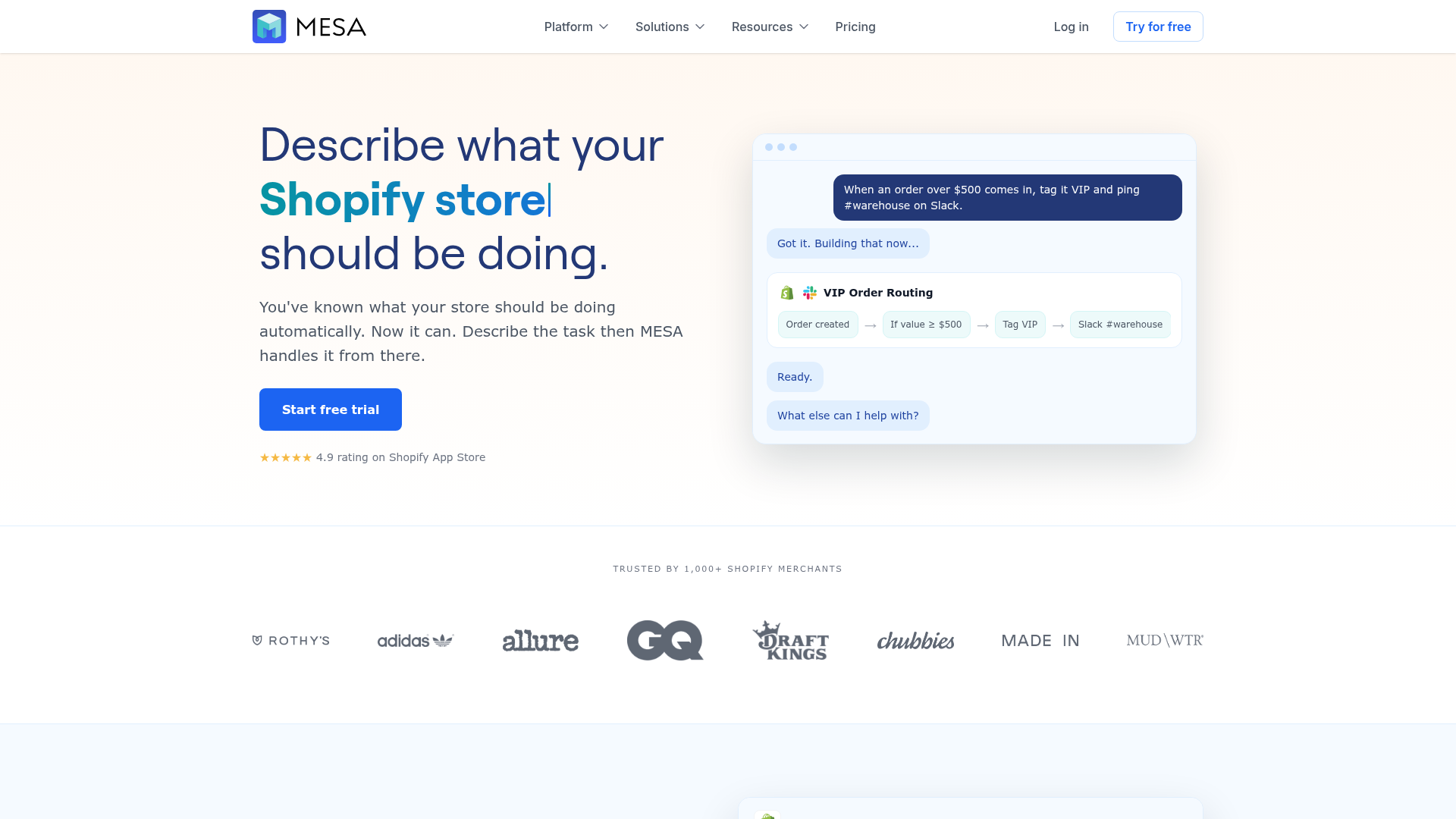
With MESA, teams can simply describe what they need accomplished and turn that request into a live workflow faster, instead of piecing logic together from scratch.
The biggest benefits for Shopify merchants
Competitor articles generally focus on generic productivity gains. That is useful, but it misses what ecommerce operators actually care about: order accuracy, inventory trust, faster fulfillment, cleaner reporting, and fewer fire drills.
1. Less manual work across the order lifecycle
The most immediate gain is operational relief.
Automated workflow systems can:
-
tag orders based on SKU, shipping method, or risk profile
-
route special orders to the right internal team
-
send alerts when fulfillment is delayed
-
update spreadsheets or ERPs automatically
-
trigger customer emails after shipment, delay, or return events
This is especially valuable for brands managing flash sales, bundles, subscriptions, preorders, or multiple fulfillment partners.
2. Fewer costly errors
Manual processes do not just consume time. They create preventable mistakes.
According to Parsli’s review of manual data entry error rates, manual data entry typically carries an error rate of 1% for highly skilled operators and up to 4% for average operators per field entered.
“Manual data entry typically carries an error rate of 1% for highly skilled operators and up to 4% for average operators per field entered.” – Parsli
In ecommerce, those errors show up as:
-
wrong tags on orders
-
missed warehouse instructions
-
unsynced customer records
-
broken reporting
-
overselling because stock was not updated in time
Automation helps prevent these issues by making the process consistent every time.
3. Better inventory confidence
Inventory issues are rarely just inventory issues. They are workflow issues.
When stock data lives in several tools, teams often rely on manual exports, delayed syncs, or app-by-app checks. That is how overselling happens, especially during promotions or when products are shared across channels.
A well-designed workflow can monitor stock changes, update connected systems, alert the team before thresholds are crossed, and support more resilient inventory management automation across your store stack.
4. Faster internal response times
The right workflow system removes waiting.
Instead of:
-
someone noticing an issue
-
sending a message
-
waiting for a reply
-
manually updating another tool
the workflow can detect the condition and act immediately.
That matters for:
-
failed payments
-
fraud-review orders
-
shipping exceptions
-
backorder requests
-
high-value customers needing white-glove treatment
5. More scalable operations without hiring at the same pace
Growth should not require proportional headcount just to keep operations functioning. Smart teams use automation to absorb repeatable work so people can focus on exceptions, customer care, planning, and optimization.
Real ecommerce use cases that justify automation fast
The most useful automated workflow systems solve concrete operational problems. Here are the workflows merchants usually prioritize first.
Order routing and tagging
When a new order comes in, the workflow can:
-
inspect products, tags, destination, or value
-
assign internal priority
-
tag the order for finance, support, or warehouse review
-
notify the right team in Slack or email
This is one of the fastest wins because it reduces manual triage immediately.
Inventory sync across apps
If a product changes in Shopify, the workflow can:
-
push updates to a spreadsheet, ERP, or 3PL
-
alert the team when available stock drops below a threshold
-
create a restock task
-
prevent channels from selling unavailable items
Post-purchase customer follow-up
After fulfillment or delivery, a workflow can:
-
send personalized follow-ups
-
request reviews after a defined delay
-
trigger loyalty actions
-
create a support task if tracking stalls
Returns and refund operations
When a return is initiated, the workflow can:
-
log it in a tracking sheet or CRM
-
notify support
-
update internal statuses
-
trigger finance review if refund conditions apply
Reporting and exception alerts
Operations leaders often waste time hunting for status updates across apps. A workflow can automatically:
-
compile daily order summaries
-
flag delayed fulfillments
-
identify orders missing required data
-
notify teams when integrations fail or inputs do not match expected values
MESA is particularly strong here because it supports complex multi-step logic and integrates with 100+ apps and ecommerce tools, making it practical to automate not only the obvious tasks but also the messy operational handoffs between systems.
What competitors get wrong about workflow automation
After reviewing leading content on workflow automation, a pattern shows up: most articles stay too broad.
They talk about productivity, collaboration, and digital transformation, but gloss over the realities of ecommerce operations:
-
app sprawl
-
edge cases
-
inventory timing
-
post-purchase handoffs
-
store-specific exceptions
-
the cost of broken data flows
That creates a content gap.
The missing point: workflows are only valuable if they match real operations
A generic automation tool may connect apps. That does not mean it understands the pace and quirks of Shopify operations.
Merchants need systems that can handle:
-
conditional order logic
-
product-specific behavior
-
warehouse alerts
-
customer segmentation triggers
-
finance and support handoffs
-
edge cases during promos, launches, and subscription renewals
This is where Shopify-first automation matters. MESA is built for merchants who have outgrown lightweight app-to-app automations but do not want to fund custom development for every process.
What to evaluate before choosing a workflow system
Not every automation platform is a fit for ecommerce teams. Here is what actually matters when comparing options.
1. Can non-developers build and maintain workflows?
If every change requires technical help, automation becomes another backlog item.
Look for a platform that lets operators and team leads explain what they want, test it quickly, and adjust it without opening engineering tickets.
2. Does it support multi-step logic, not just simple triggers?
Many tools are fine for one trigger and one action. Real operations are rarely that neat.
You need support for:
-
if/then branches
-
delays and schedules
-
filters
-
data transformation
-
retries and fallback paths
-
alerts when something fails
3. Is it built for your app ecosystem?
The real value of automation is in how well it fits your current stack. If you are in Shopify, your workflow system should play nicely with ecommerce tools, not just generic business apps.
MESA’s Shopify automation platform is built around this exact need, helping merchants coordinate Shopify with tools like Google Sheets, Slack, Odoo, HubSpot, and other operational systems without forcing custom integration work.
4. Are templates available for fast starts?
A blank canvas sounds flexible, but busy teams benefit from starting points.
A strong template library reduces setup time and helps merchants launch proven workflows for:
-
order alerts
-
inventory sync
-
customer notifications
-
fulfillment coordination
-
reporting automation
MESA offers 300+ ready-made templates, which is a major advantage for time-constrained teams that want results quickly.
5. Is there real support when workflows get complicated?
This is one of the most overlooked buying criteria.
Teams do not just need software. They need confidence that someone can help when a workflow touches several apps or business rules change.
MESA stands out here because merchants can get real human support for workflow setup and optimization, which is especially valuable when scaling operational automations.
A practical comparison: simple tools vs smarter workflow systems
|
Capability |
Basic automation tools |
Smarter ecommerce workflow systems |
|---|---|---|
|
Easy to start |
Yes |
Yes |
|
Handles Shopify-specific operational logic |
Limited |
Strong |
|
Supports multi-step workflows |
Sometimes |
Yes |
|
Inventory and fulfillment use cases |
Partial |
Strong |
|
Plain-English workflow creation |
Rare |
Available with MESA |
|
Ready-made ecommerce templates |
Varies |
Extensive |
|
Human setup help |
Limited |
Available |
|
Designed to reduce operational backlog |
Not always |
Yes |
This is why many merchants do not replace simpler tools because they were bad. They replace them because their operations became more complex.
How to roll out automation without creating chaos
The best implementations are not the most ambitious on day one. They are the ones that remove friction first.
Start with repetitive, high-volume work
Good first workflows include:
-
order tagging
-
stock alerts
-
customer notification triggers
-
daily reporting summaries
-
fulfillment exception alerts
Standardize before you automate
If your team handles the same issue three different ways, fix the process first. Automation works best when the underlying decision logic is clear.
Make failures visible
A workflow should not fail silently. Your system needs logging, notifications, and easy troubleshooting so broken automations do not create bigger downstream issues.
Expand in layers
Once the first workflows are stable, move into more strategic automation:
-
advanced order automation for Shopify
-
inventory coordination
-
support escalations
-
finance reporting
-
post-purchase retention flows
This layered rollout reduces risk and builds trust internally.
A realistic example: what smarter operations look like
Imagine a growing Shopify brand running subscriptions, limited drops, and wholesale orders from one backend.
Without automation:
-
wholesale orders are tagged manually
-
low-stock items are checked in spreadsheets
-
delayed shipments are found reactively
-
support has to ask operations for updates
-
finance gets refund context late
With the right workflow system:
-
wholesale or VIP orders are identified instantly
-
stock thresholds trigger alerts and sync updates automatically
-
delayed fulfillments create support notifications
-
returns and refunds update shared systems without re-entry
-
daily operational summaries are delivered automatically
That is what smarter teams actually want: not more software to manage, but fewer moving pieces to babysit.
Why MESA is a logical next step for growing Shopify teams
For merchants who feel stuck between basic automations and expensive custom development, MESA fits the middle beautifully.
It is built to help Shopify teams:
-
automate repetitive operational work without a developer
-
describe what they need accomplished in plain English
-
launch multi-step workflows quickly
-
reduce manual backlog across orders, fulfillment, support, and reporting
-
connect Shopify to the tools already running the business
-
prevent mistakes caused by manual updates and broken handoffs
-
scale operations with more confidence
That matters because the best automated workflow systems do not just save time. They make the business more dependable.
Final verdict
If your team is still relying on manual coordination to keep Shopify operations moving, automation is no longer a nice-to-have. It is the operating leverage that lets you grow without drowning in repetitive work.
The best automated workflow systems reduce manual tasks, improve data accuracy, speed up cross-team coordination, and make scaling far less fragile. For Shopify merchants, the key is choosing a platform that understands ecommerce operations deeply enough to automate real-world workflows, not just basic app connections.
MESA is that next step. It helps merchants turn plain-English requests into live workflows, supports complex operational logic, offers hundreds of ready-made templates, and gives teams real support when the workflow matters.
If you are ready to reduce manual work and build more reliable store operations, explore MESA’s solutions and start with a workflow your team wishes it never had to do by hand again.