In ecommerce, data is everything. Shopify merchants aim to optimize, streamline, and deliver fantastic customer experiences.
One feature that can help with that is Shopify’s order metafields. When used with orders, these custom fields allow merchants to use extra information that open up a whole world of possibilities for customization and automation.
In this article, we’ll go into what Shopify order metafields are, how they can be used, and the benefits they bring to merchants looking to take their online store to the next level.
TL;DR: there's a template for that
How to send order notification emails to include metafield values
Time needed: 5 minutes.
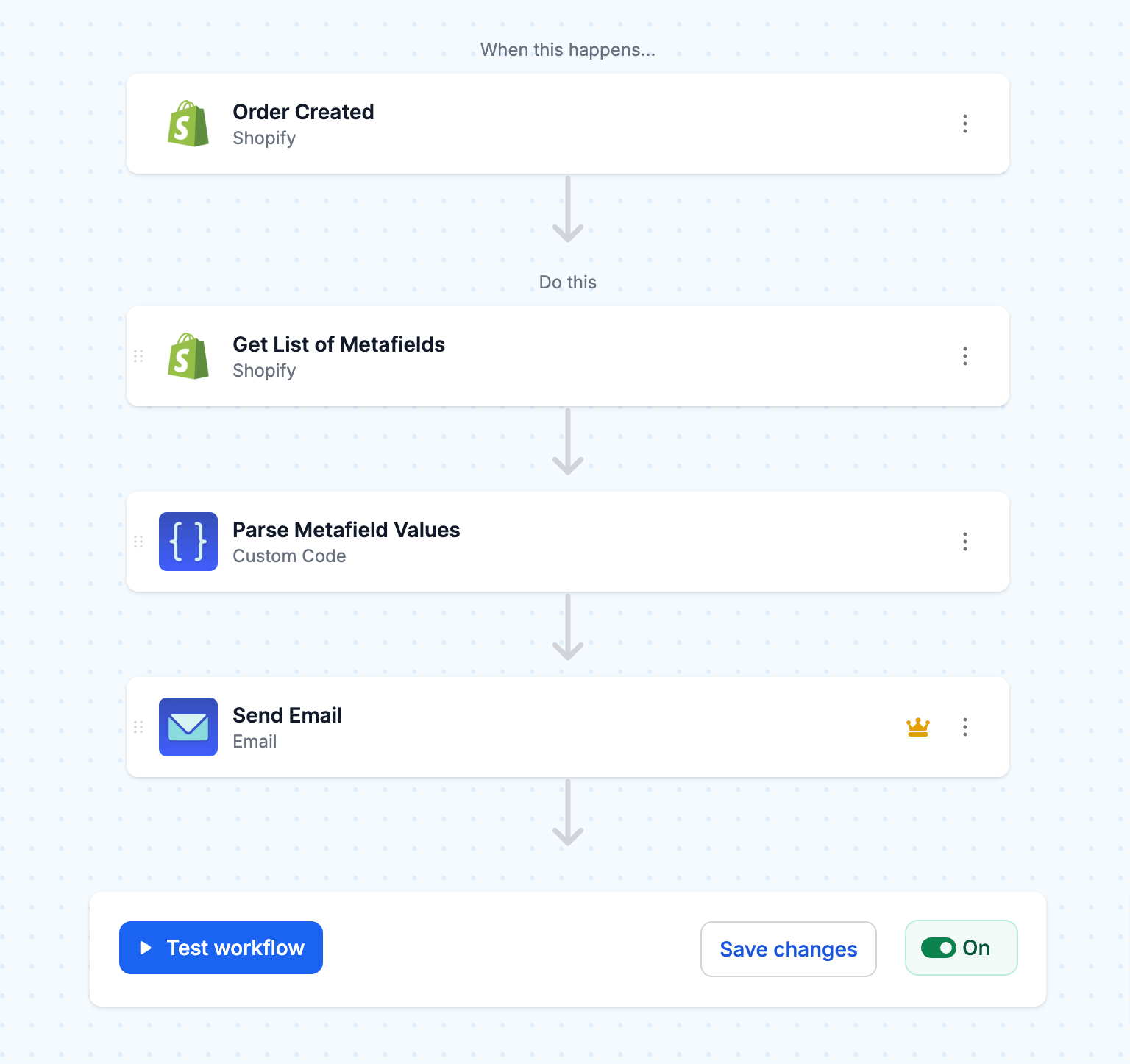
This workflow sends a notification email with metafield values when a new order is created in Shopify.
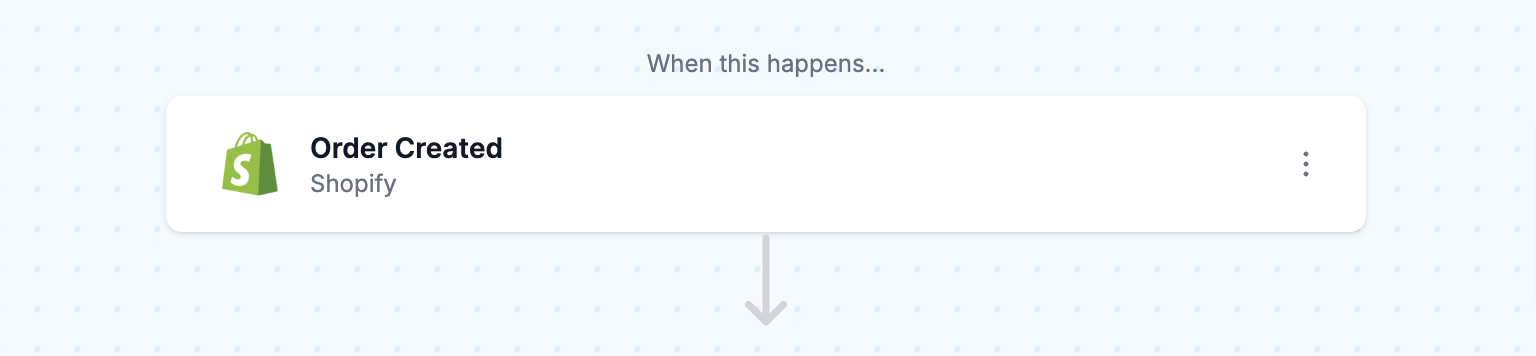
- Trigger on Shopify order creation
The workflow starts with a trigger that fires when a new order is created in Shopify. This step is essential as it sets everything in motion, and all subsequent actions will run on each new order.
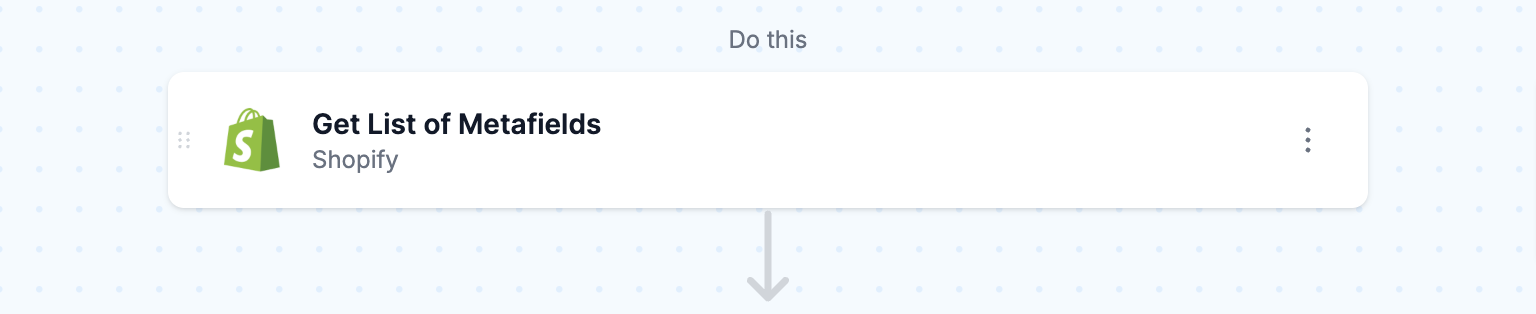
- Get a list of the order metafields
Next, this step gets the list of metafields for the order that will be included in the email.
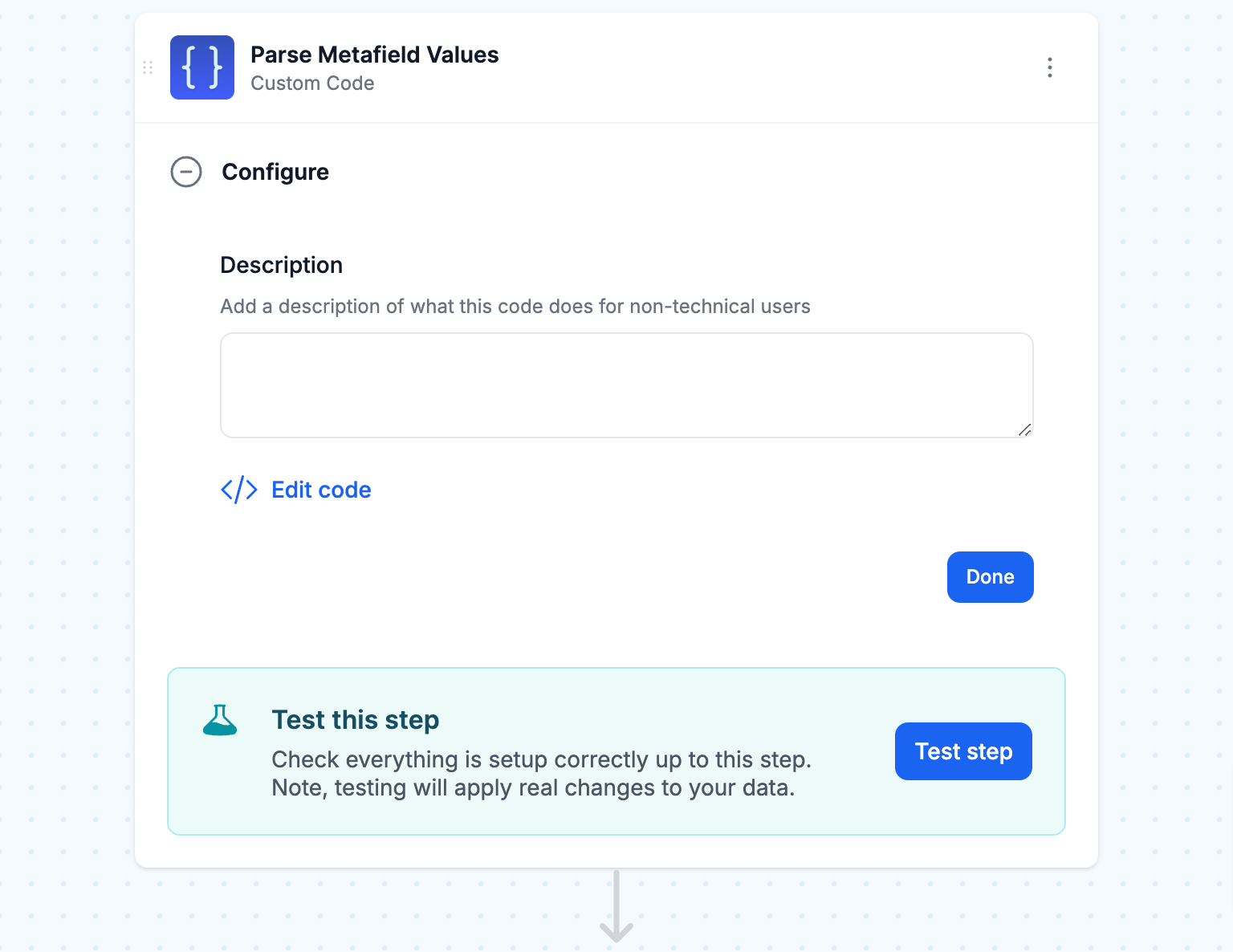
- Parse metafield values
The retrieved metafields are then processed using the Code built-in tool, which formats the data so it’s easy to include in an email. This step ensures that each piece of information is correctly formatted for the Email step, making the details clear and well-organized. Paste the following snippet into the code editor:
const Mesa = require('vendor/Mesa.js');
module.exports = new class {
  script = (payload, context) => {
    const vars = context.steps;
    let variables = {};
    for (let metaobject of vars.shopify_1) {
      let value = null;
      Mesa.log.info("key: ", metaobject.key);
      try {
        value = JSON.parse(metaobject.value);
      } catch (error) {
        value = metaobject.value;
      }
      Mesa.log.info("value: ", value);
      variables[metaobject.namespace + "-" + metaobject.key] = value;
    }
    Mesa.log.info("variables", variables);
    Mesa.output.next(variables);
  }
}
- Send an email notification
Finally, the workflow sends an email to a recipient. The email contains the metafield information formatted from the previous step. Paste the following snippet to get started but you can customize the message as needed.
Metafields:
Personalized Text: {{ metafields.custom-personalized_text }}
Item Costs: {{ metafields.custom-item_costs.amount }} {{ metafields.custom-item_costs.currency_code }}
File: {{ metafields.custom-file }}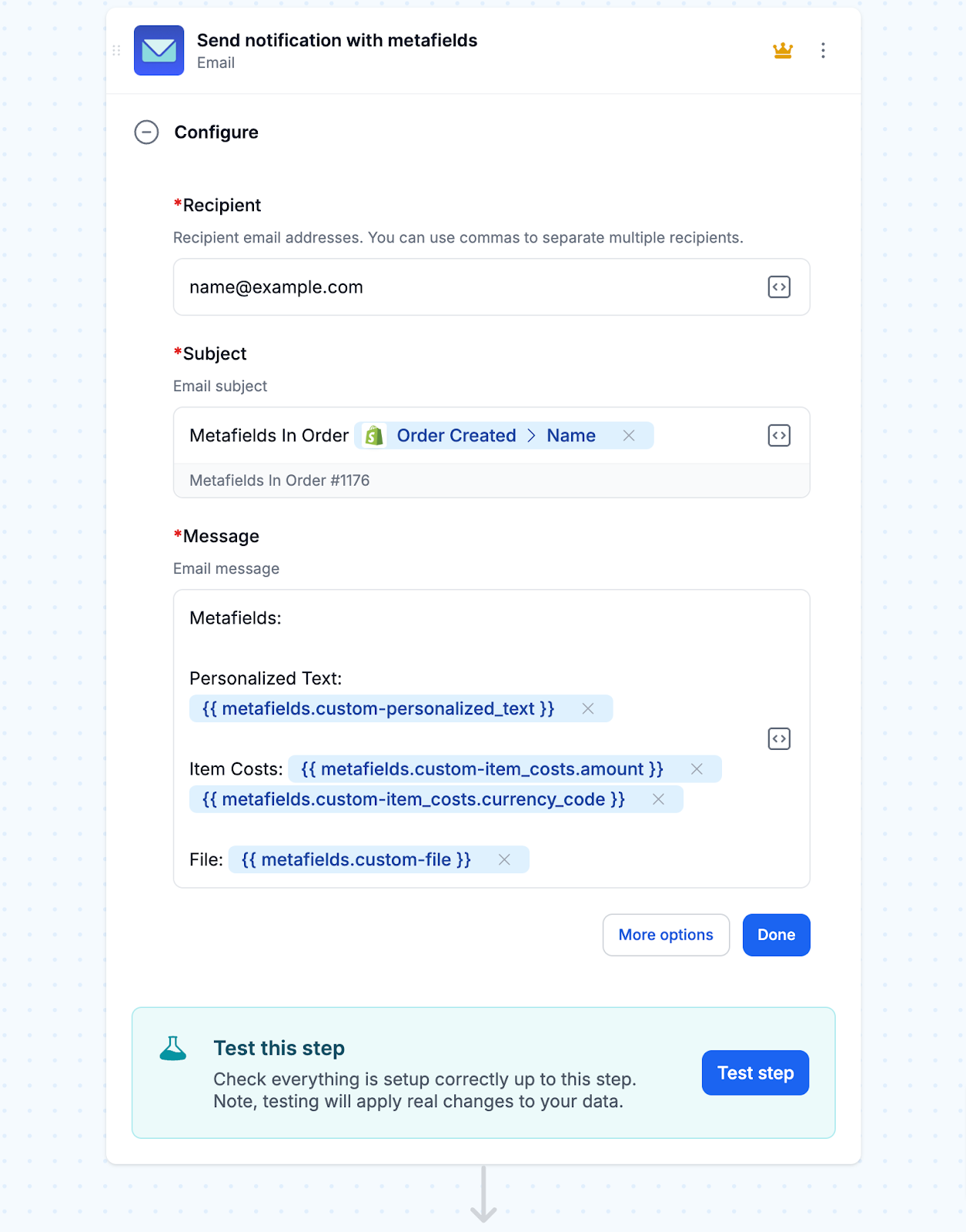
- Turn “On” this workflow
Be sure to run your workflow once to make sure it’s capturing and sending the order metafields properly. Then, turn “On” this workflow to have it run automatically any time a new order is created in Shopify.
Related workflow templates using metafields
With MESA, getting workflows setup from a template is fast and easy. Try these today:
What are Shopify order metafields?
Send Shopify order metafields to extend the platform’s functionality, allowing merchants to store and display extra data beyond default fields like product title, order number, and customer email. Metafields can be attached to various Shopify resources, such as products, collections, customers, and orders.
Shopify order metafields let merchants store extra order details beyond standard properties. This extra data can be anything from personalization details provided by the customer to internal notes for staff handling the order.
Order metafields are one type among several. For product, customer and variant metafields and the apps that bulk edit them, see our complete guide to Shopify metafields.
Why metafields for orders?
Having the ability to add metafields to orders opens up a lot of possibilities to enhance the overall e-commerce experience. Merchants can use order metafields to:
Capture personalization details: Save customer-provided details for custom products, such as engraved initials or color choices.
Track order source: Record information about where the order came from, such as the marketing campaign, referral link, or physical store that led to the sale.
Include special fulfillment instructions: Attach special handling or packaging requirements to an order so the warehouse team has all the info.
Flag orders for review: Add internal notes to flag certain orders for manual review, such as those that are high-risk or potential fraud.
Store customer attributes: Link customer-specific data points, such as loyalty program tiers or subscription IDs, to an order for post-purchase experiences.
Order metafields help automate workflows, integrate with third-party systems, and enhance customer experience with custom order data.
Personalized products are where this data matters most. Here is how to email your production team about orders with customizable products.