
🚀 August was all about getting more people off the starting line. MESA now has a free Starter plan, MESA's AI assistant learned to test the workflows it builds instead of handing you an untested draft, and five new templates landed in the library.
Here's everything new with MESA this month:
🆓 MESA now has a free Starter plan
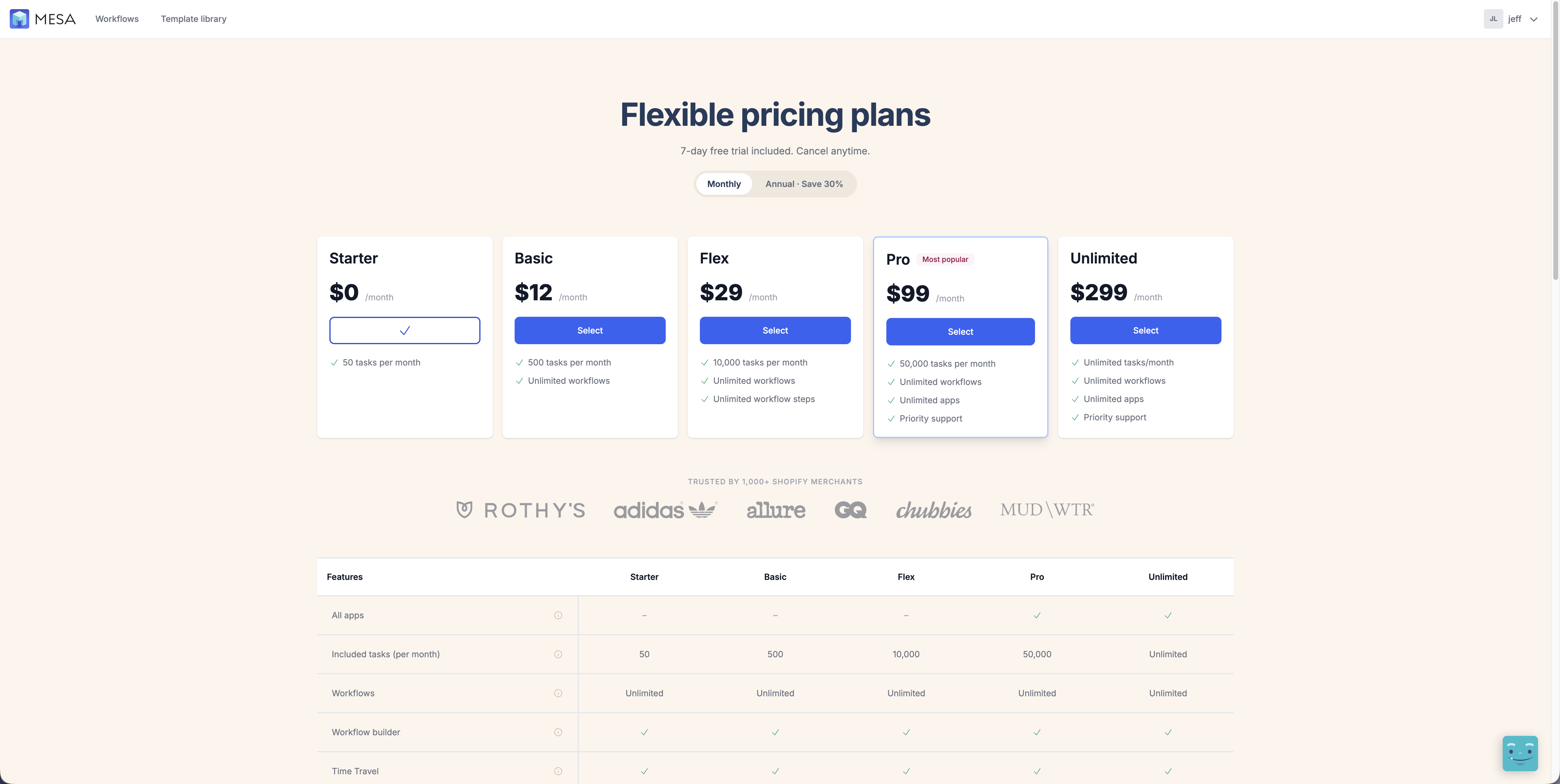
MESA now has a free Starter plan that includes 50 tasks per month. It isn't a trial with a countdown on it — if 50 tasks a month covers what you need, that's a plan you can sit on indefinitely while you get a feel for how automation fits your store.
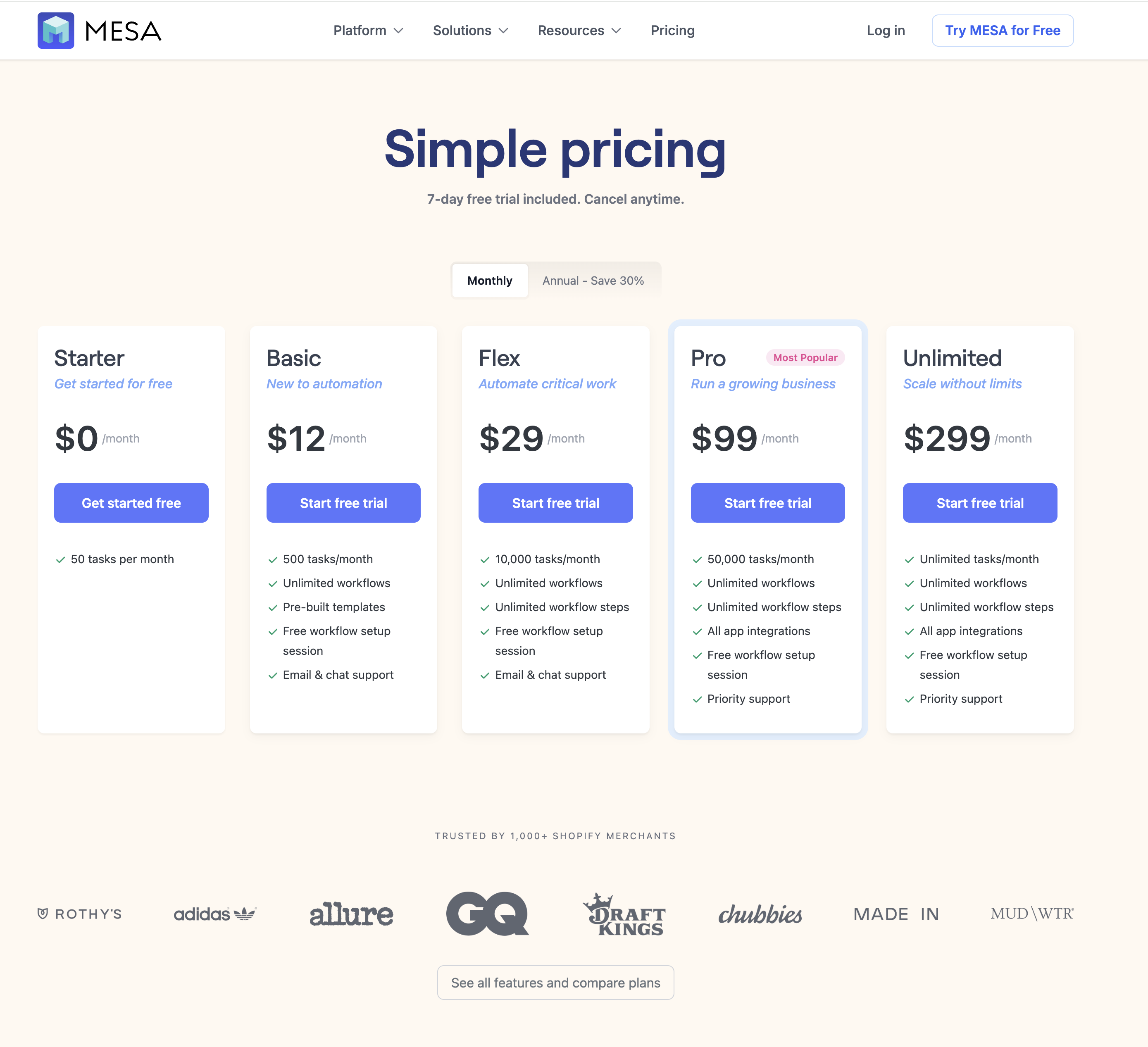
Signing up works the same way it always has, with one step worth knowing about: you'll be asked to accept a Shopify billing charge on the way in, even though the Starter plan itself is free. On a standalone install (outside the Shopify admin), you'll enter a credit card after picking the free plan instead.
That's there so growth doesn't turn into a dead stop. Once you run your 51st task in a month, MESA moves you onto the Basic plan automatically and your workflows keep running — no interruption, and nothing to go re-approve mid-month.
🧪 Yedric can now test the workflows it builds
Building a workflow with MESA's AI assistant used to end with a draft and a suggestion that you go try it. Now Yedric can run the whole loop itself — build, edit, test, check the results, edit again, enable — so what you get back is a workflow that has actually been exercised, not one that merely looks right on the canvas.
When it finishes building, it asks how you'd like to handle testing. Pick Test and fix it for me and it runs the checks, reads the results, and repairs whatever it finds; pick I'll run the tests myself and it opens the test panel and hands you the wheel.
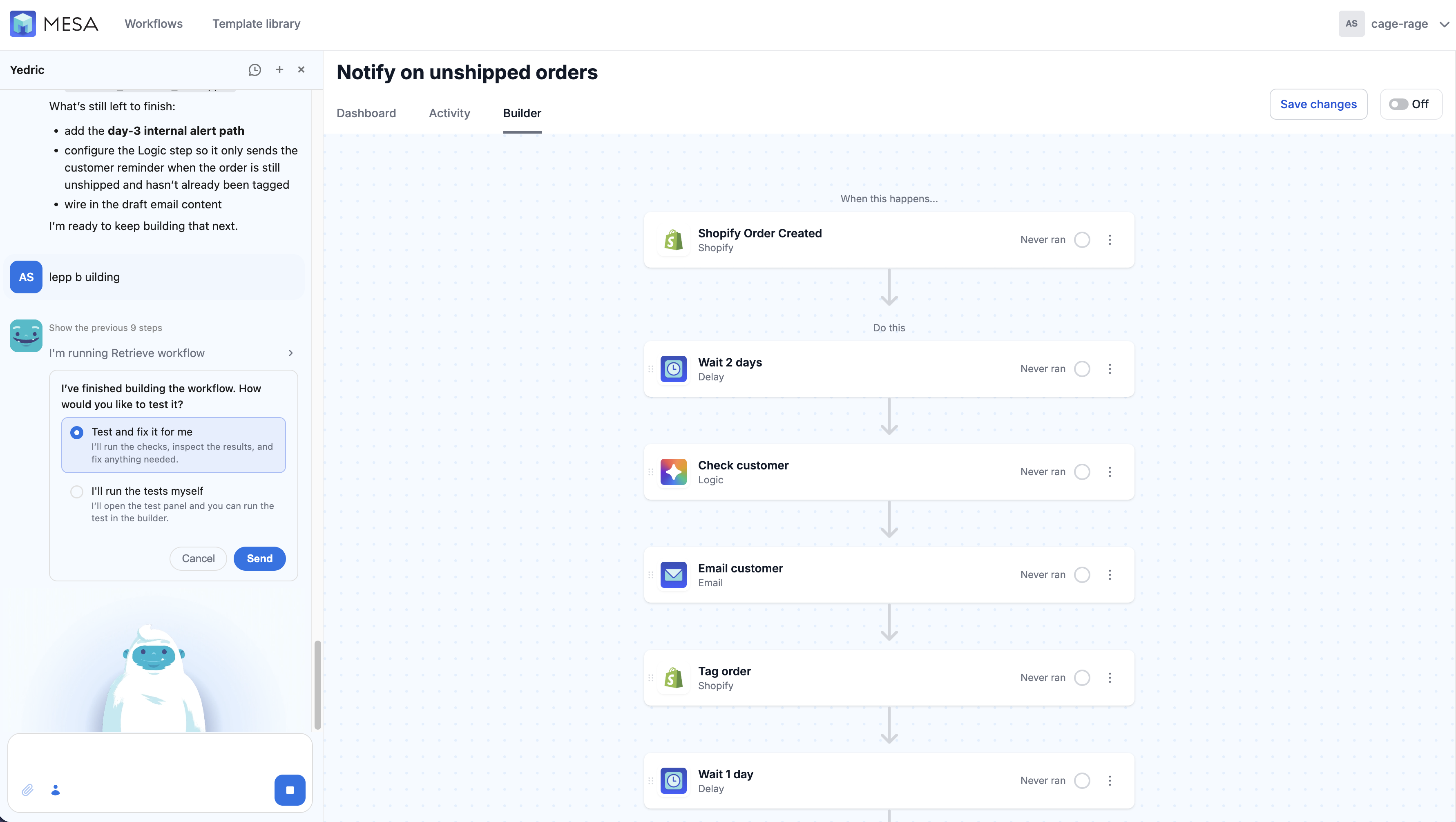
Autonomous doesn't mean unsupervised. Before any step that would touch live data — sending an email, updating a tag — the run pauses and asks you to allow it or skip it, with Yedric's own recommendation for which makes more sense given what it's trying to verify. Delays are skipped during a test, so a workflow with a two-day wait in it still finishes in seconds.
When the run finishes, you get a plain-language summary of exactly what was verified, step by step, plus an offer to turn the workflow on or tweak the copy before you go live.
📋 Five new templates
This month's template drop leans on a wide mix of apps and built-in tools — AI, Approval, Filter, Google Sheets, Gmail, Loop, Paths, Perplexity, Salesforce, Shopify, Transform, and QuickBooks — and covers everything from watching competitor pricing to getting invoices paid: